All Articles
Here you’ll find practical guides, quick wins, and workflow ideas for office workers who want to save time on Windows, without installing complex tools or needing admin rights.
-
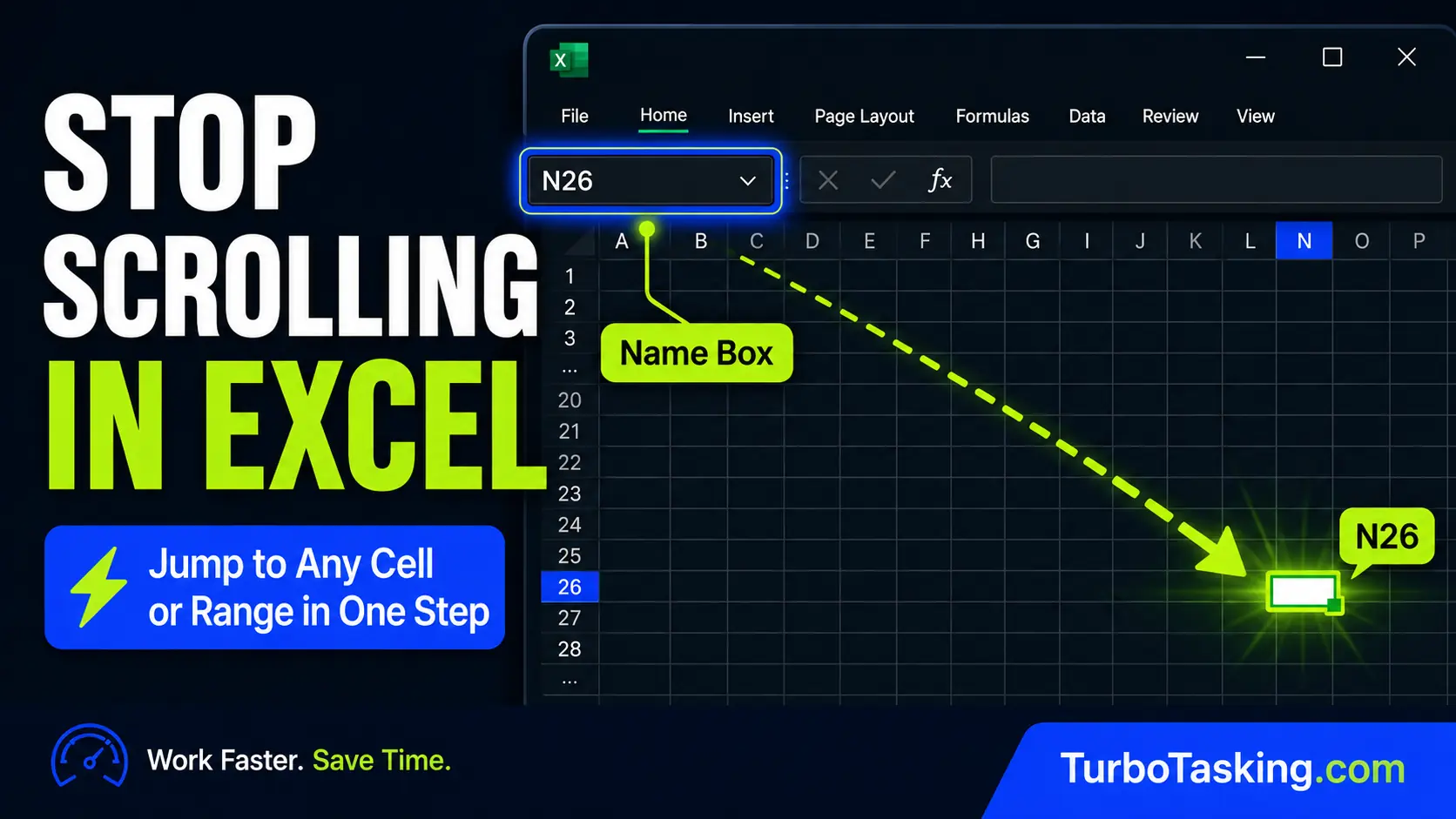
Stop Scrolling in Excel: Use the Name Box to Jump to Any Cell or Range
Stop wasting time scrolling through large Excel sheets. Learn how the Name Box helps you jump to cells, select ranges, and turn key areas into named range bookmarks.
-
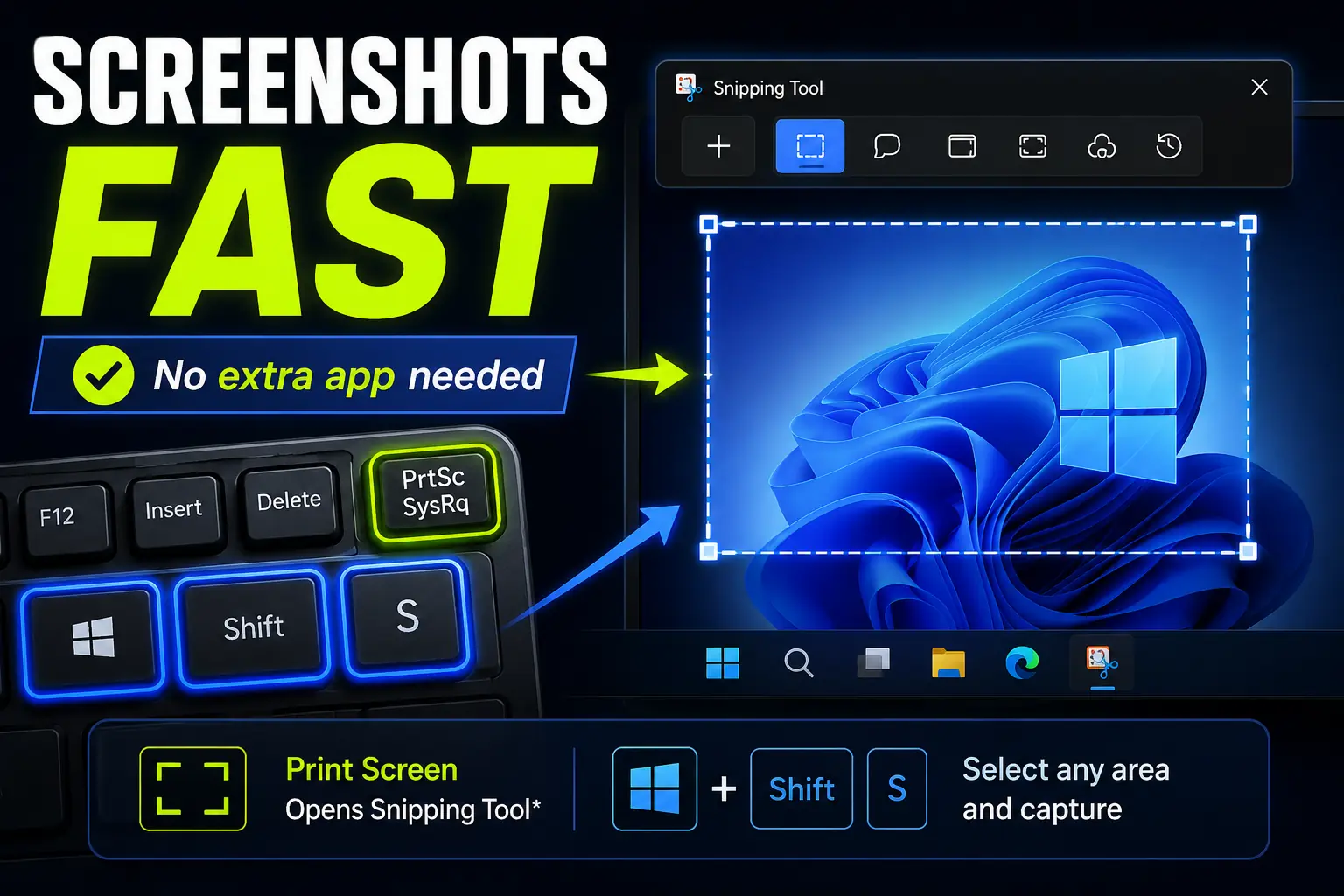
How to Take Screenshots Faster in Windows Without Installing Anything
Windows already includes fast screenshot shortcuts, so you may not need to install another capture app. Here’s how Print Screen, Win+Shift+S, and Snipping Tool can help you capture exactly what you need.
-
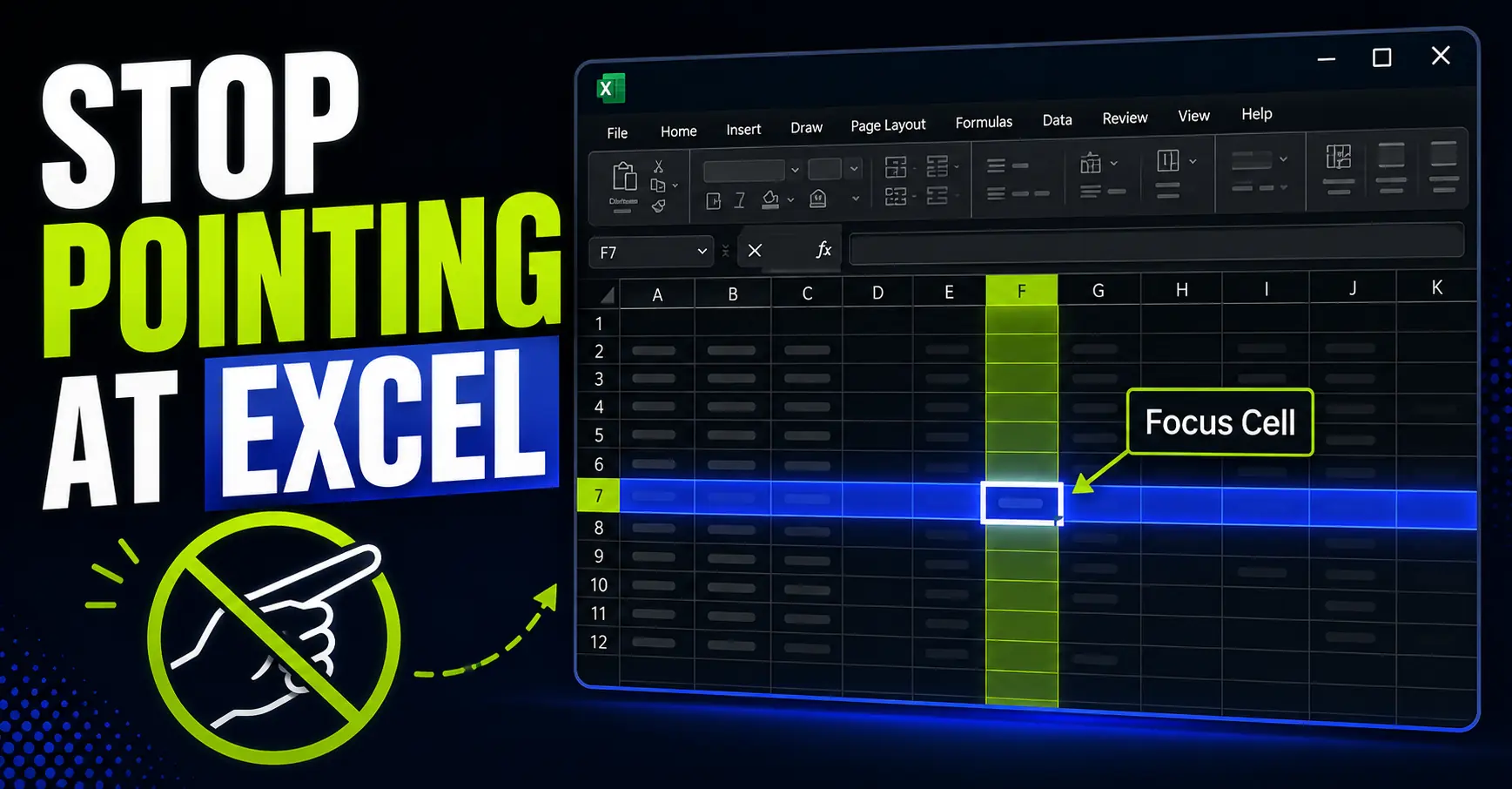
Stop Using Your Finger to Track Excel Rows and Columns
Excel Focus Cell highlights the active row and column, making it easier to read wide spreadsheets without pointing at the screen.
-
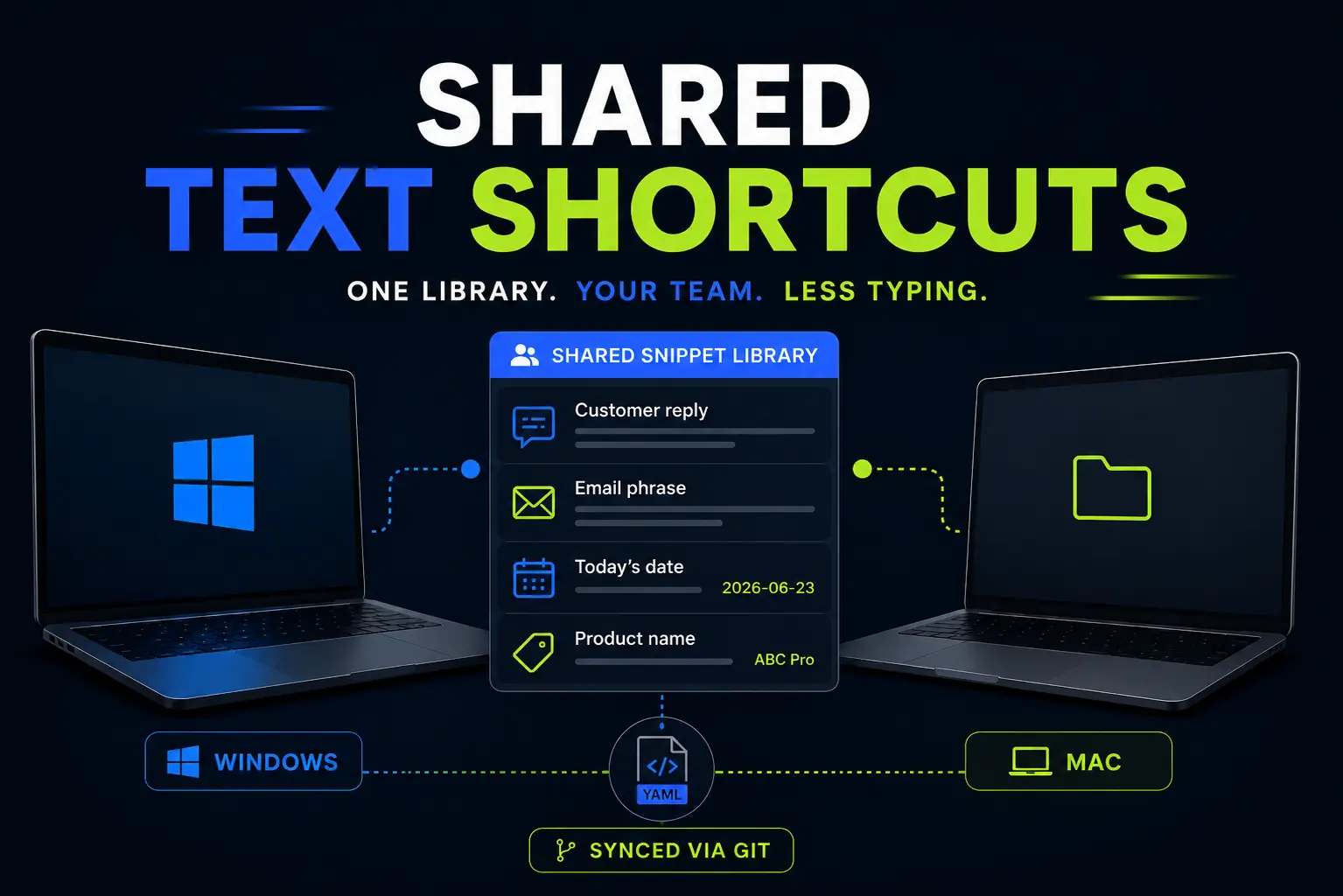
Espanso Text Expander: How I Use It to Share Team Snippets Across Windows and Mac
Espanso is more than a personal text expander. Here is how I use it to share reusable snippets across a team, keep repeated answers consistent, and save time on Windows and Mac.
-
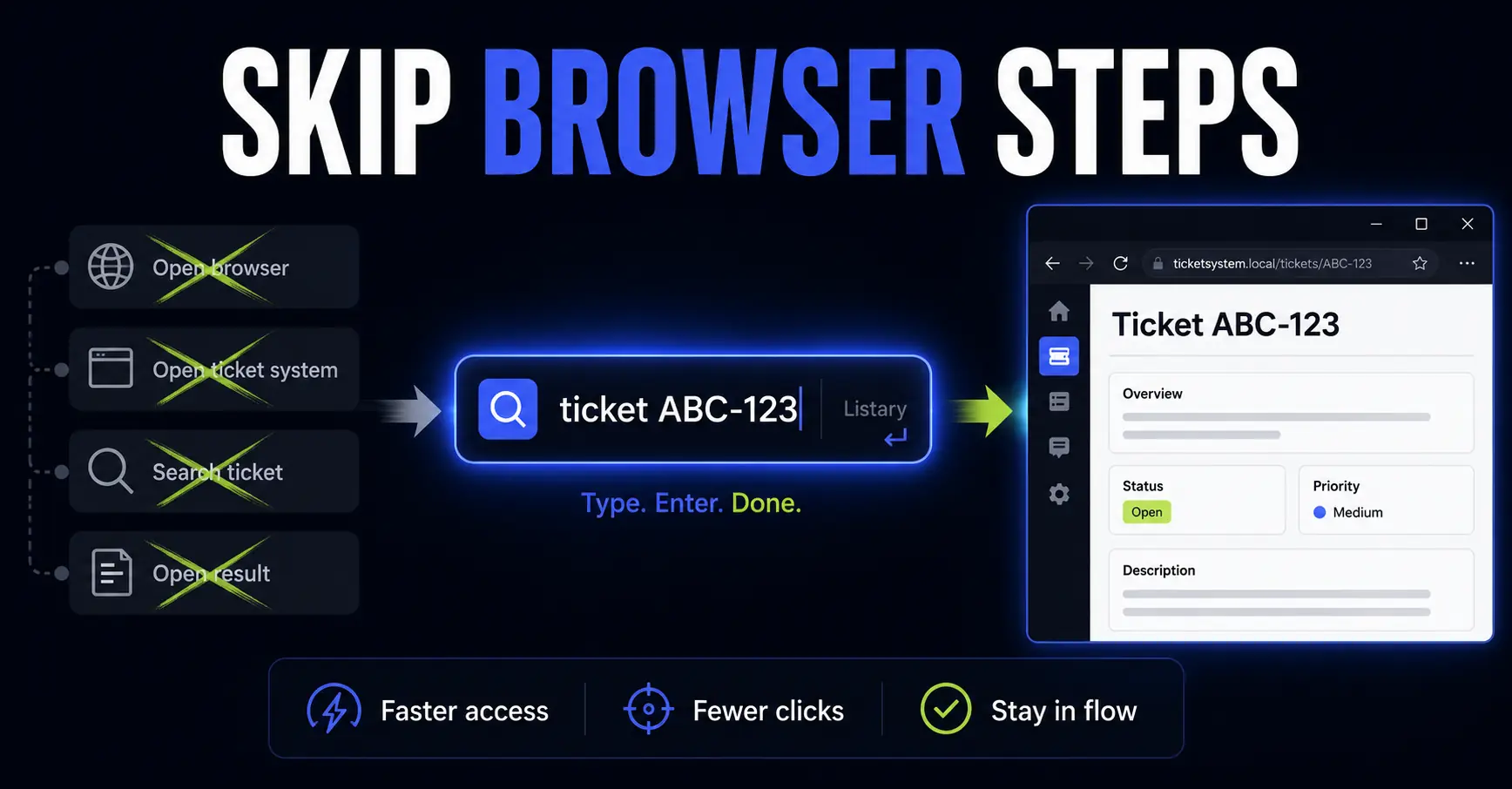
How I Use Listary Web Search to Skip Repetitive Browser Navigation
Listary is not only for finding files. With Web Search, you can turn it into a small command bar for repeated browser tasks, from tickets and documentation to maps, dictionaries and YouTube searches.
-
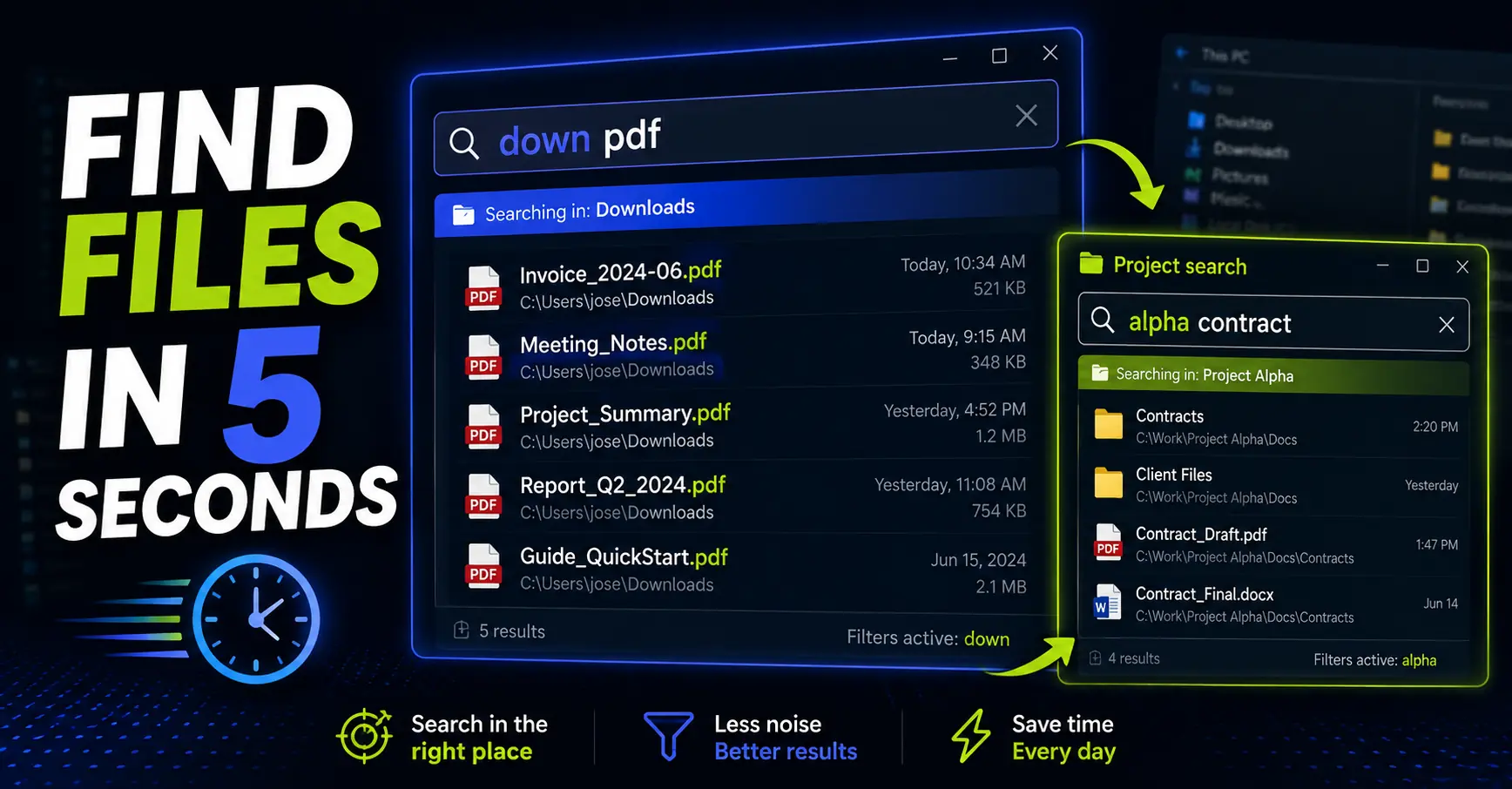
Listary Filters: Find Any File in 5 Seconds
Listary filters let you narrow your file search before you start typing. Learn how to use it to find the right file faster.
-
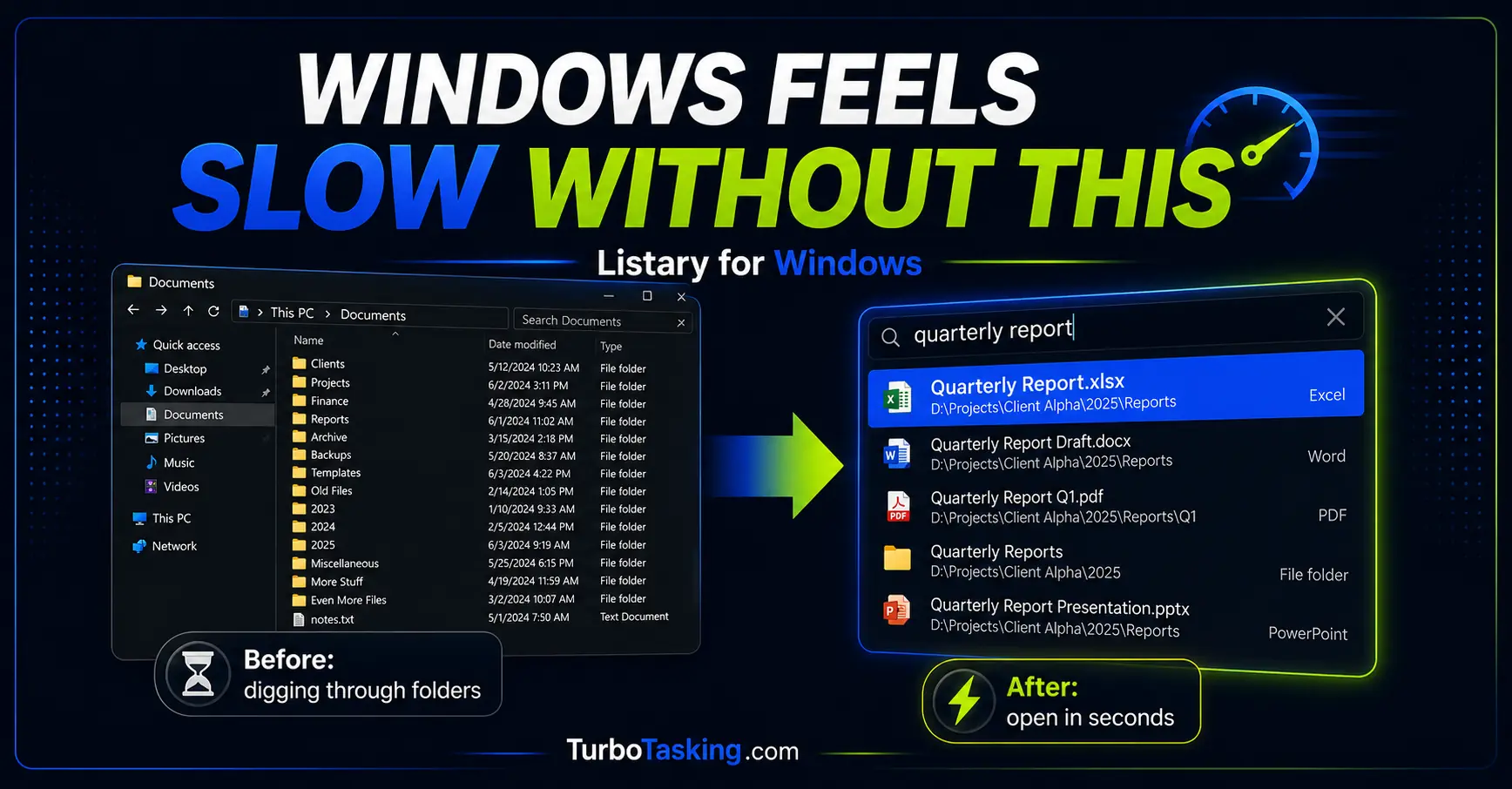
Listary for Windows: The Tool That Makes Every Other PC Feel Slow
Listary is one of those Windows tools you only fully appreciate when it is missing. Here is how I use it to find files faster, jump to the right folder when saving documents, act on files without opening File Explorer,…
-
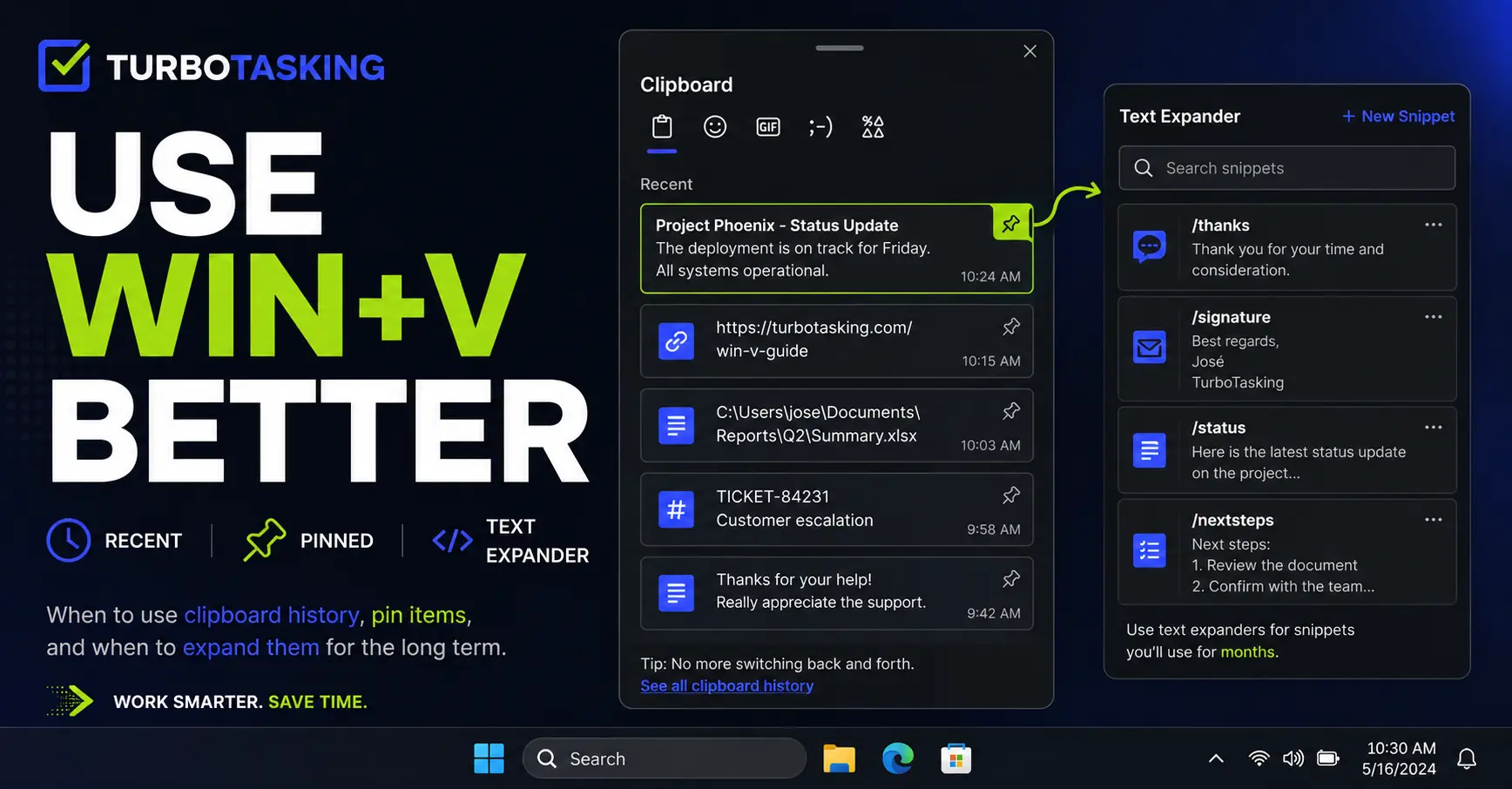
You Know Win+V. Here’s How to Actually Use It Well
Win+V is more useful than most people think. Learn a simple workflow for clipboard history, pinned items, screenshots, and text expanders.
-
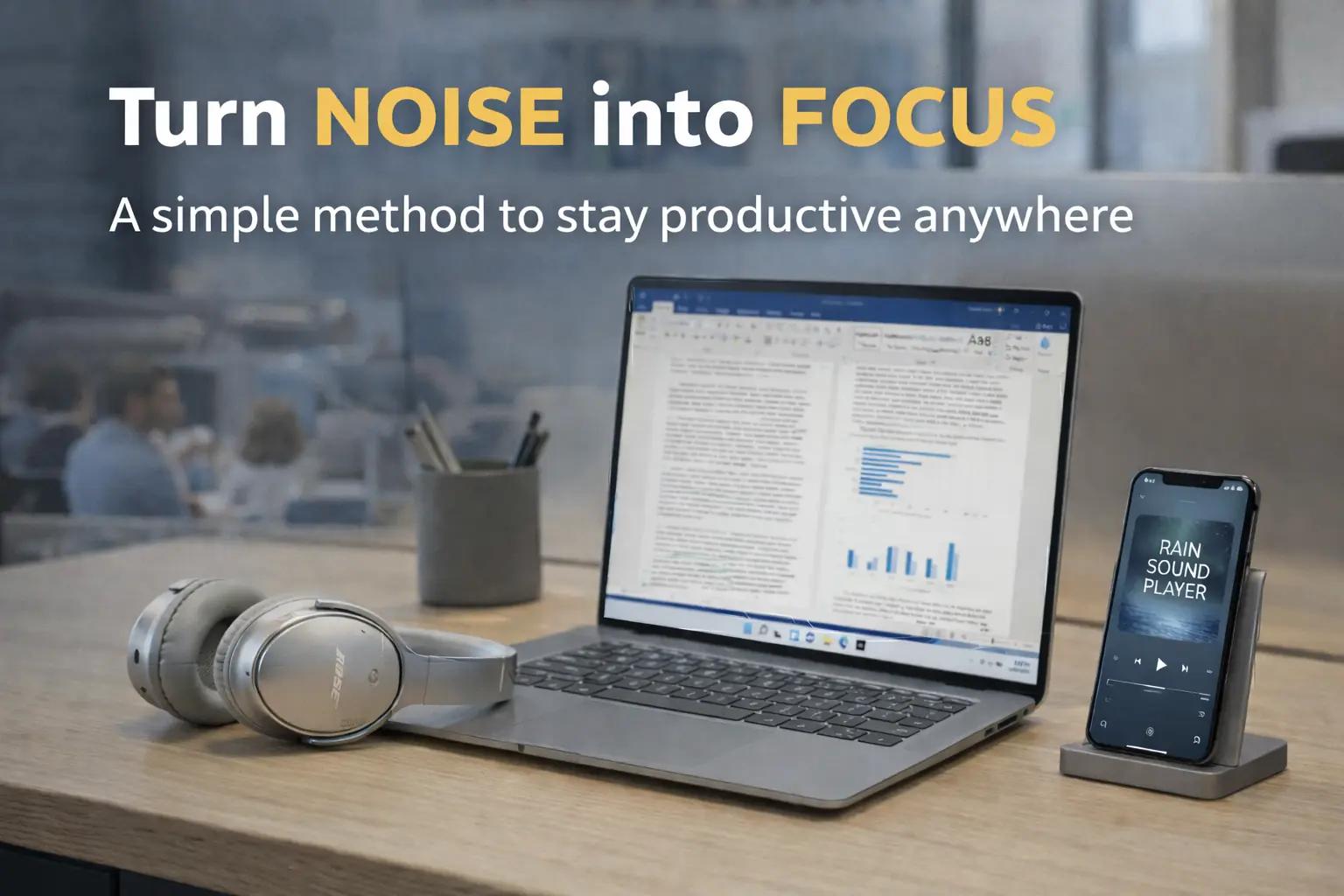
Too Much Noise at Work or at Home? The Simple Setup That Finally Let Me Focus
A practical setup for reducing noise, protecting focus, and making deep work easier without overcomplicating your workspace.