Receive a practical tip once a week.

Windows Productivity
Windows Productivity is where you’ll find faster ways to work inside Windows itself. The focus is on practical shortcuts, hidden features, PowerToys, file management, clipboard workflows, search tricks, and all the small improvements that save time every day.
Most office workers spend hours inside Windows without using even a fraction of what the system can do. This category helps you fix that. Some articles show built-in features you may have ignored for years. Others cover tools like PowerToys or workflow upgrades that remove friction from repetitive tasks.
If you work on Windows every day and want to move faster with less effort, this is one of the most useful sections of the site.
-
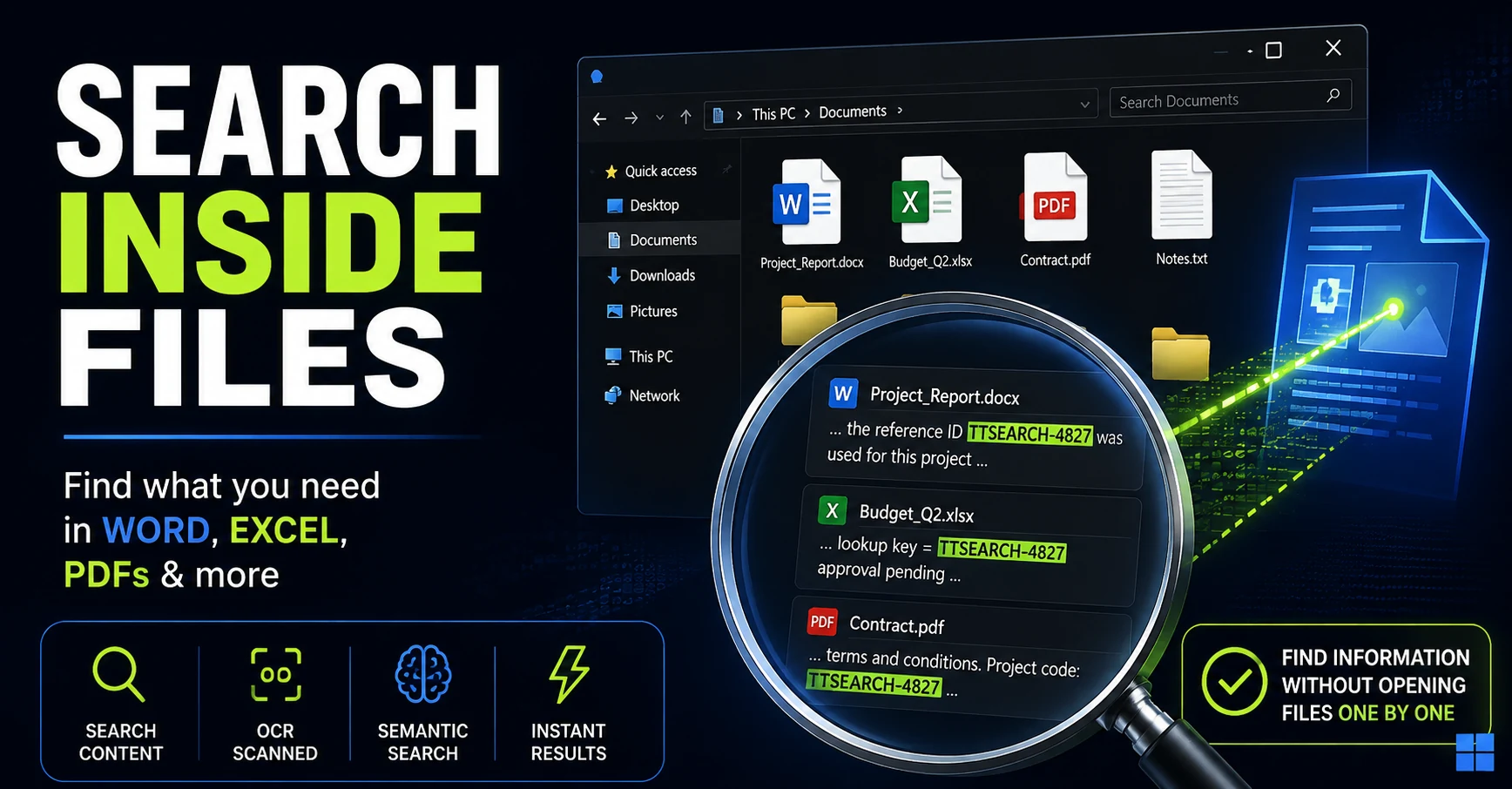
How to Search Inside Files on Windows Without Opening Them One by One
Remember the text but not the filename? Here are the Windows search methods I tested for finding words, numbers, and even ideas buried inside Office documents and PDFs.
-
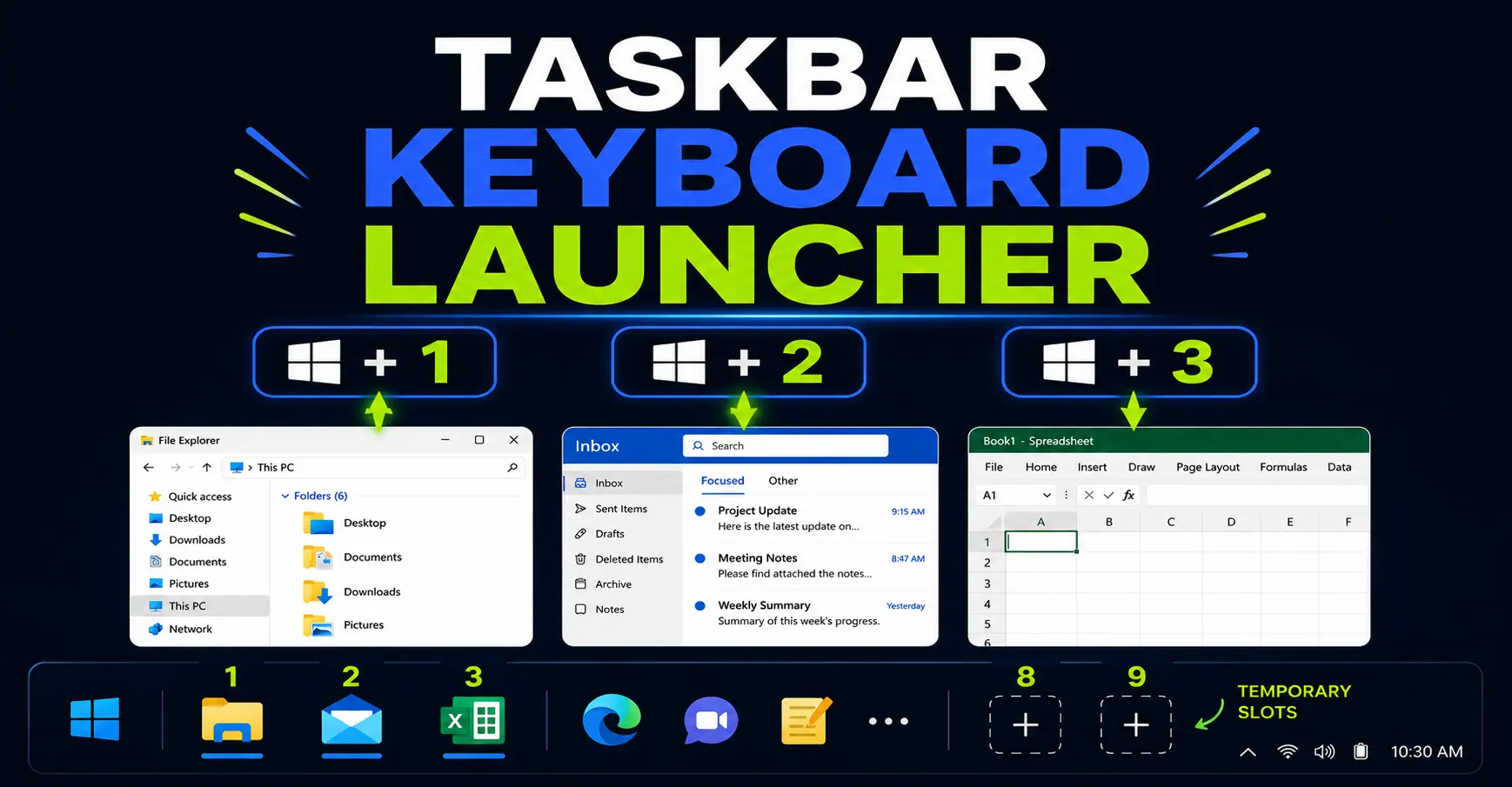
Turn Your Windows Taskbar Into a Keyboard Launcher
Your Windows taskbar can work like a keyboard launcher. Learn how Win+1, Win+2, Win+Shift+number, Win+Alt+number and Win+T help you open and switch between office apps faster.
-
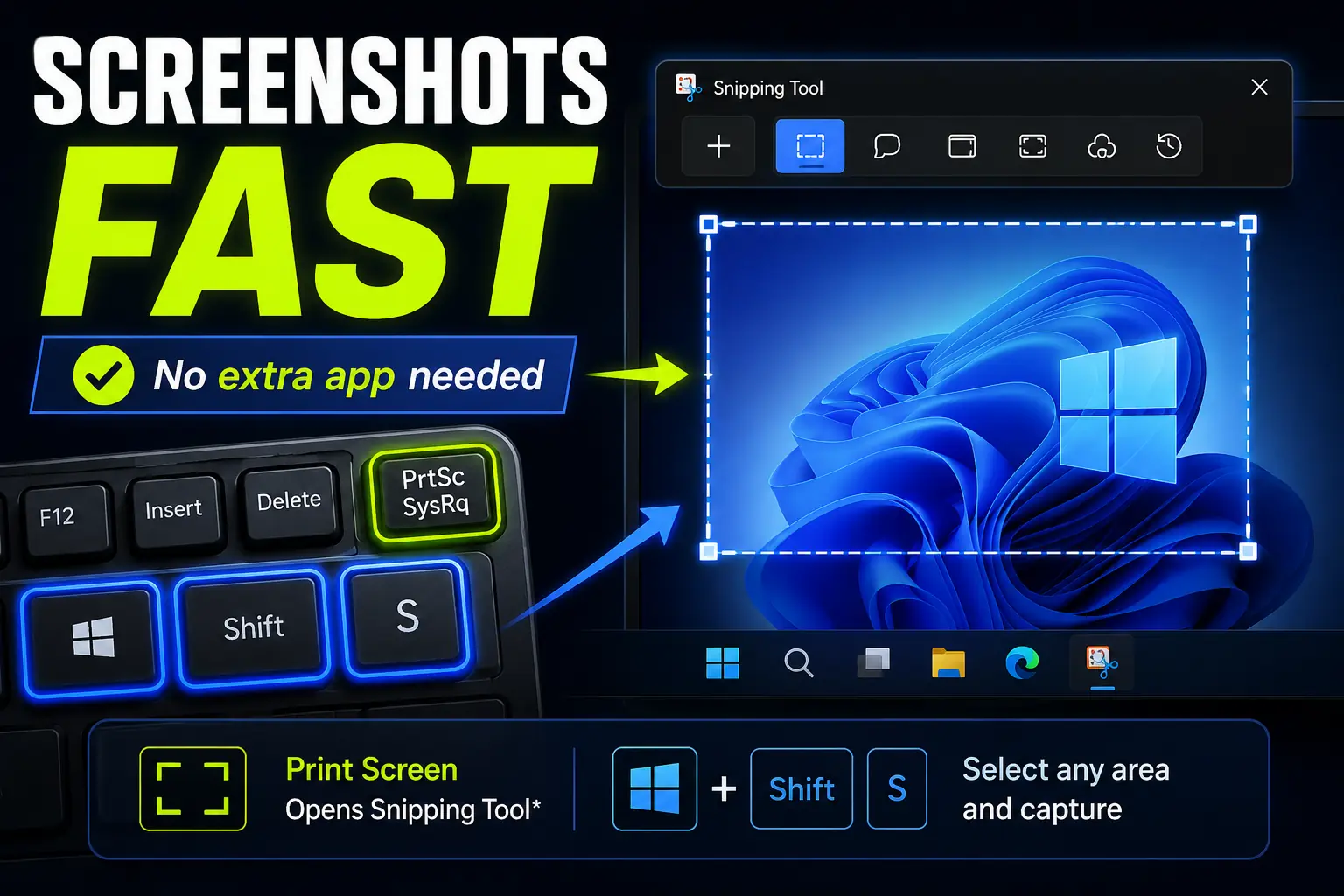
How to Take Screenshots Faster in Windows Without Installing Anything
Windows already includes fast screenshot shortcuts, so you may not need to install another capture app. Here’s how Print Screen, Win+Shift+S, and Snipping Tool can help you capture exactly what you need.
-
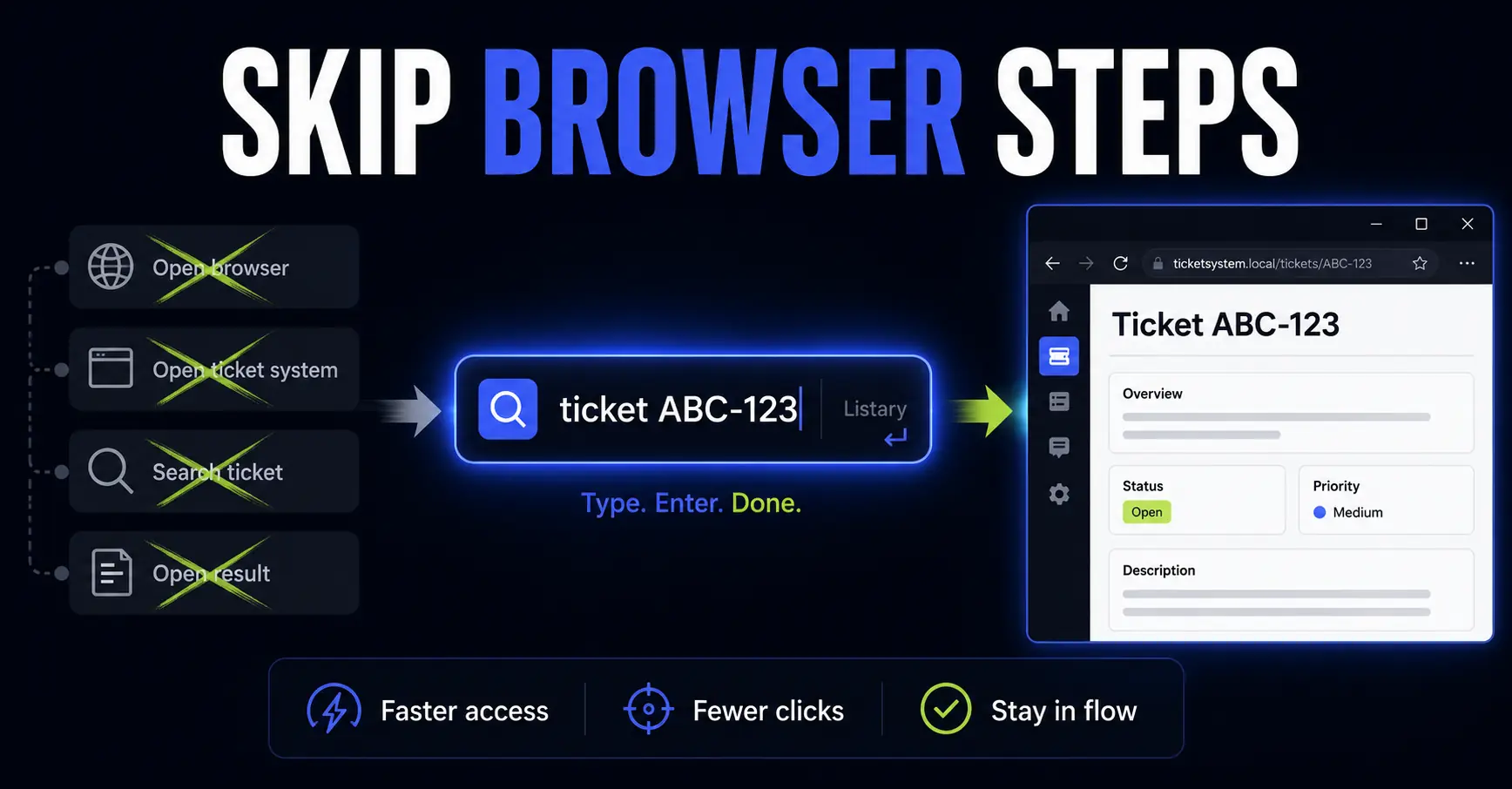
How I Use Listary Web Search to Skip Repetitive Browser Navigation
Listary is not only for finding files. With Web Search, you can turn it into a small command bar for repeated browser tasks, from tickets and documentation to maps, dictionaries and YouTube searches.
-
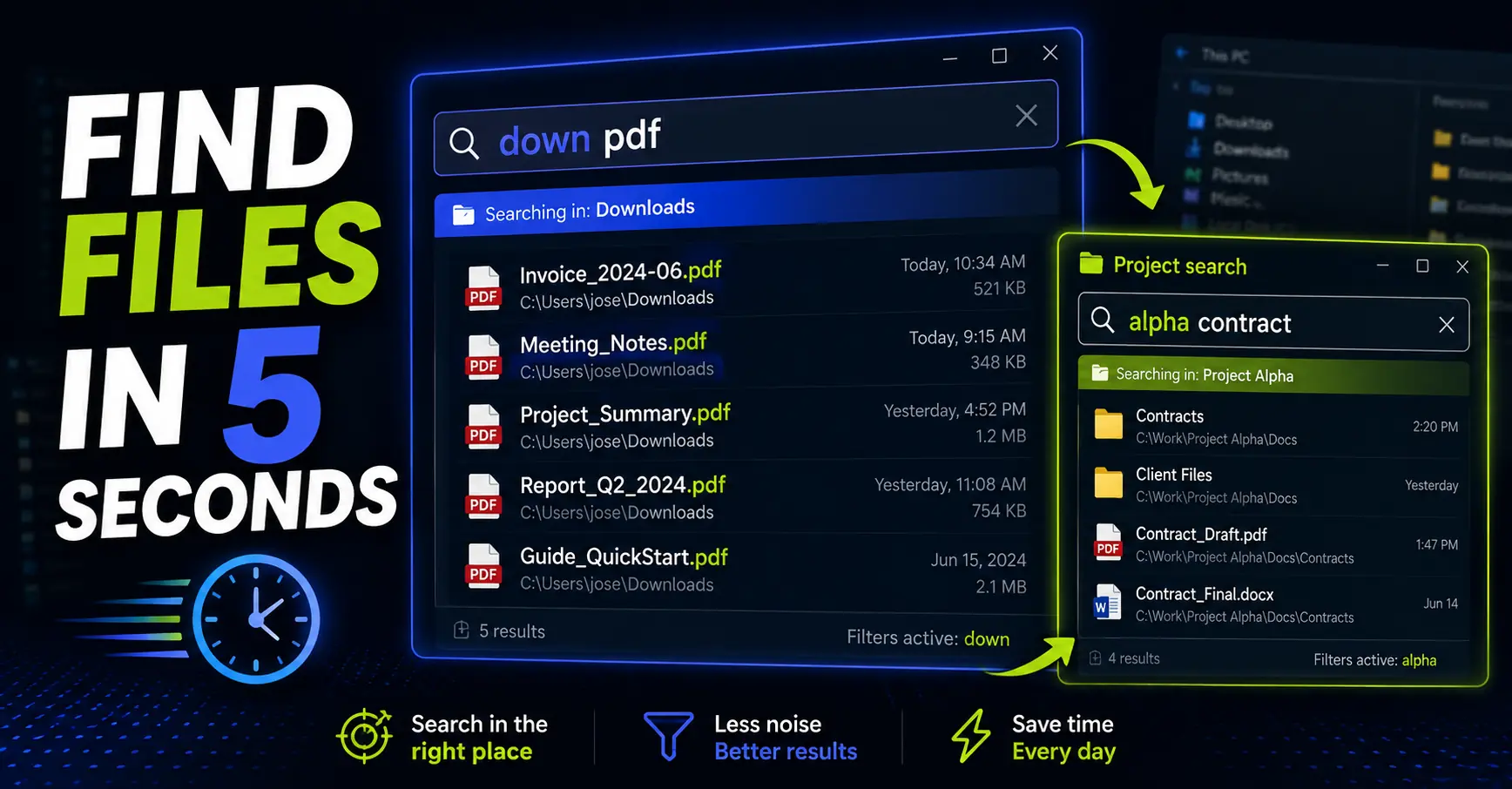
Listary Filters: Find Any File in 5 Seconds
Listary filters let you narrow your file search before you start typing. Learn how to use it to find the right file faster.
-
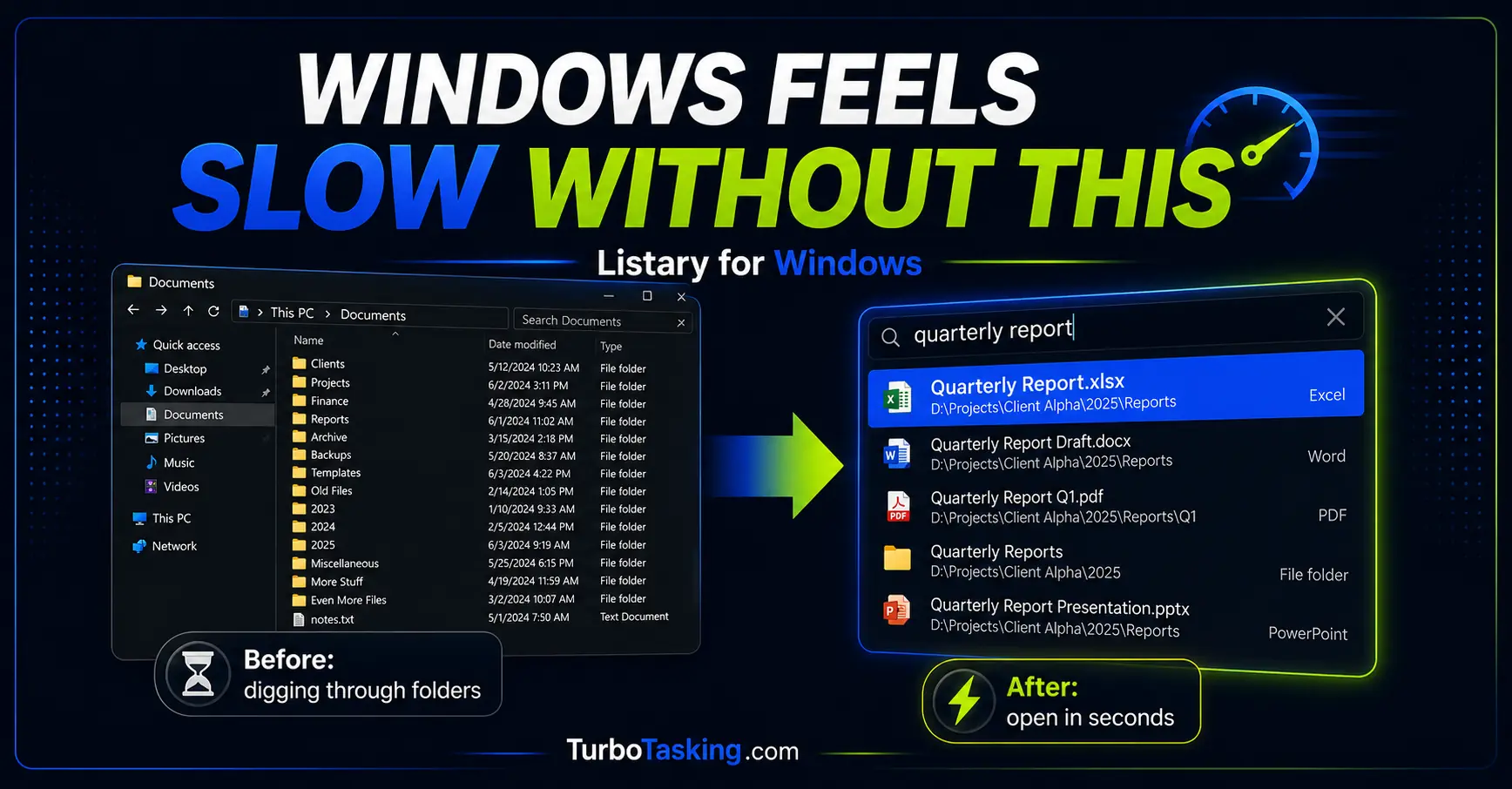
Listary for Windows: The Tool That Makes Every Other PC Feel Slow
Listary is one of those Windows tools you only fully appreciate when it is missing. Here is how I use it to find files faster, jump to the right folder when saving documents, act on files without opening File Explorer,…
-
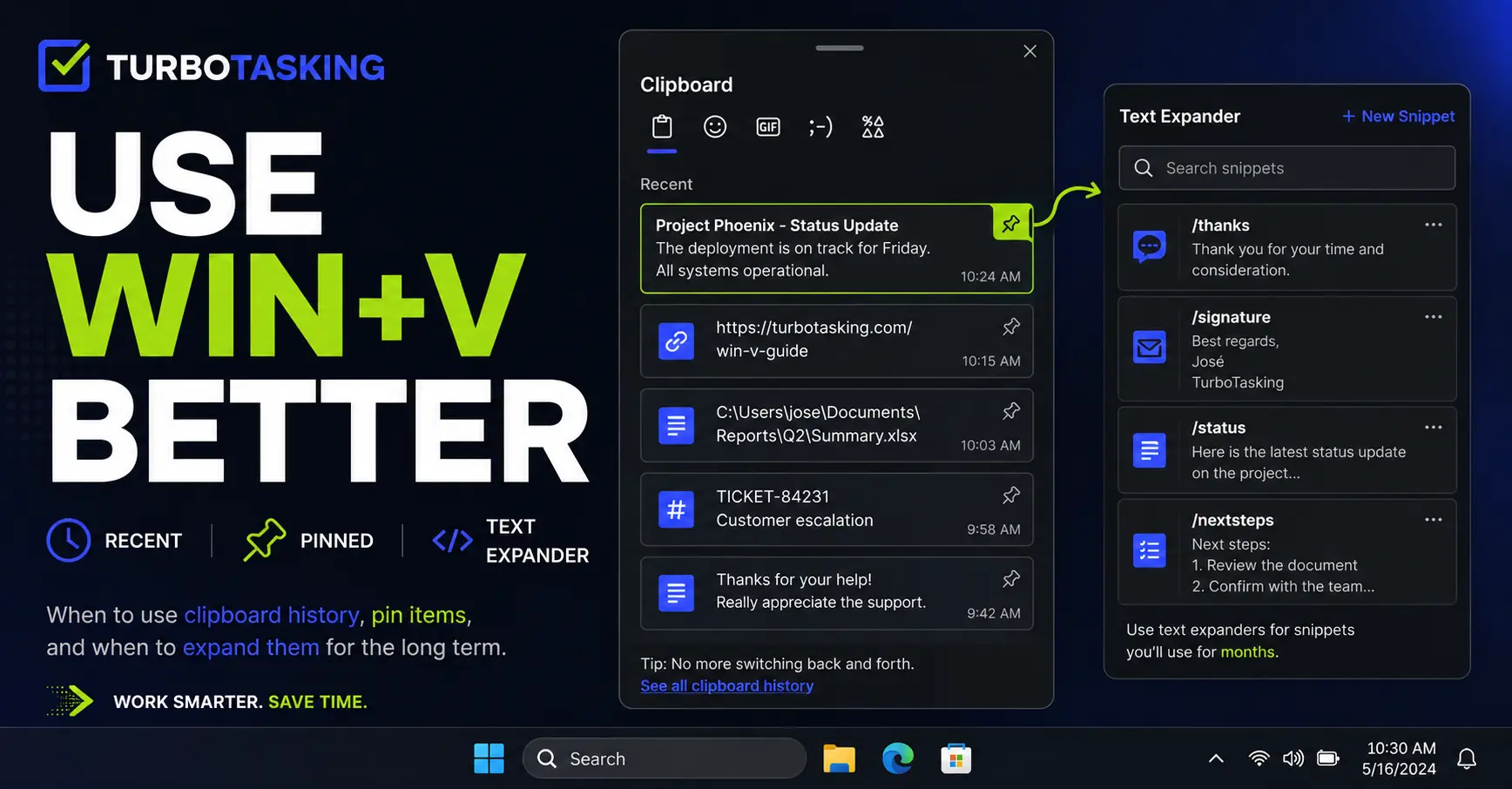
You Know Win+V. Here’s How to Actually Use It Well
Win+V is more useful than most people think. Learn a simple workflow for clipboard history, pinned items, screenshots, and text expanders.
-
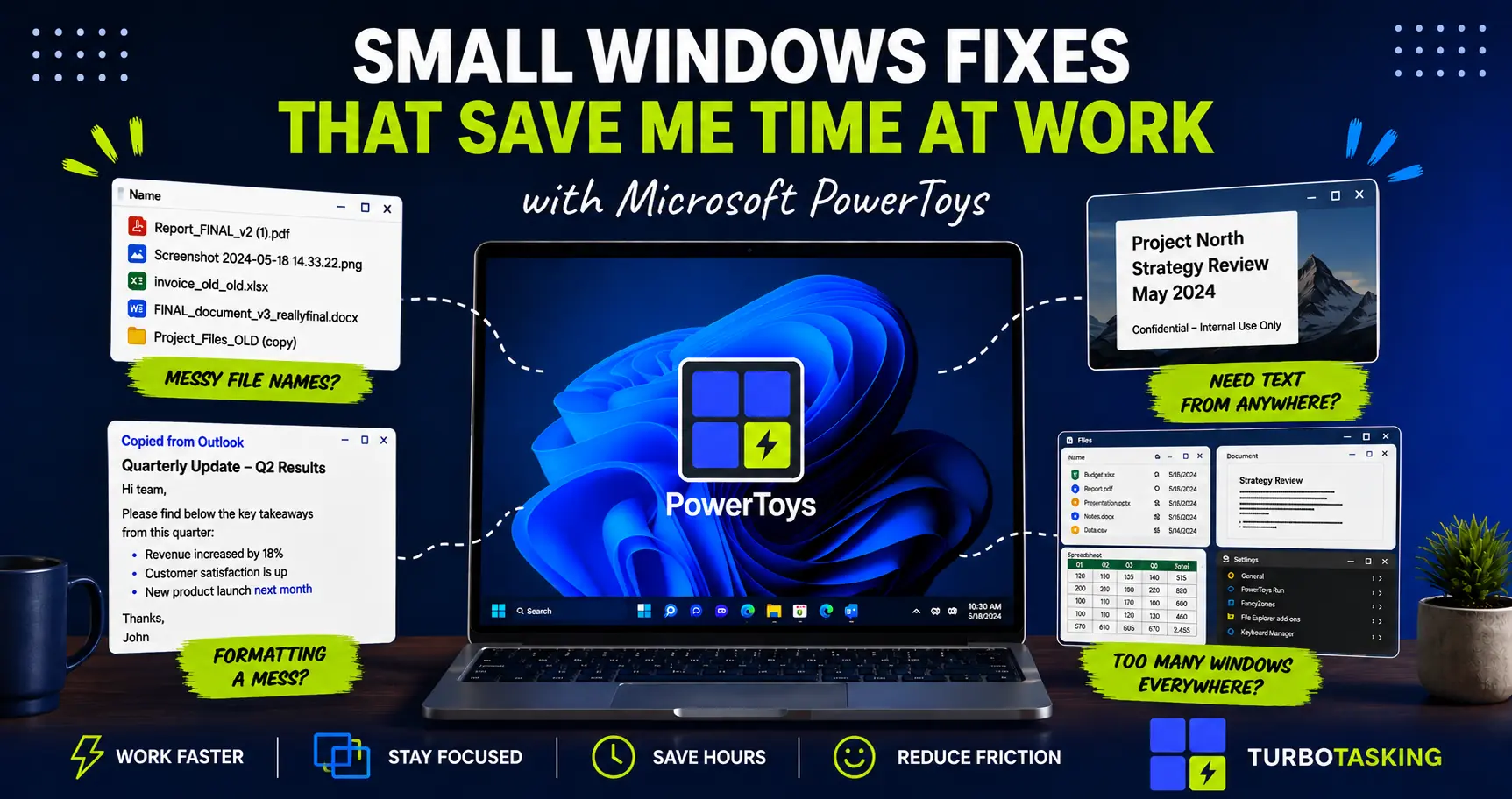
Microsoft PowerToys: Small Windows Fixes That Quietly Save Me Hours
A practical introduction to Microsoft PowerToys for office workers who want small, corporate-safe Windows upgrades that save time every day.
-
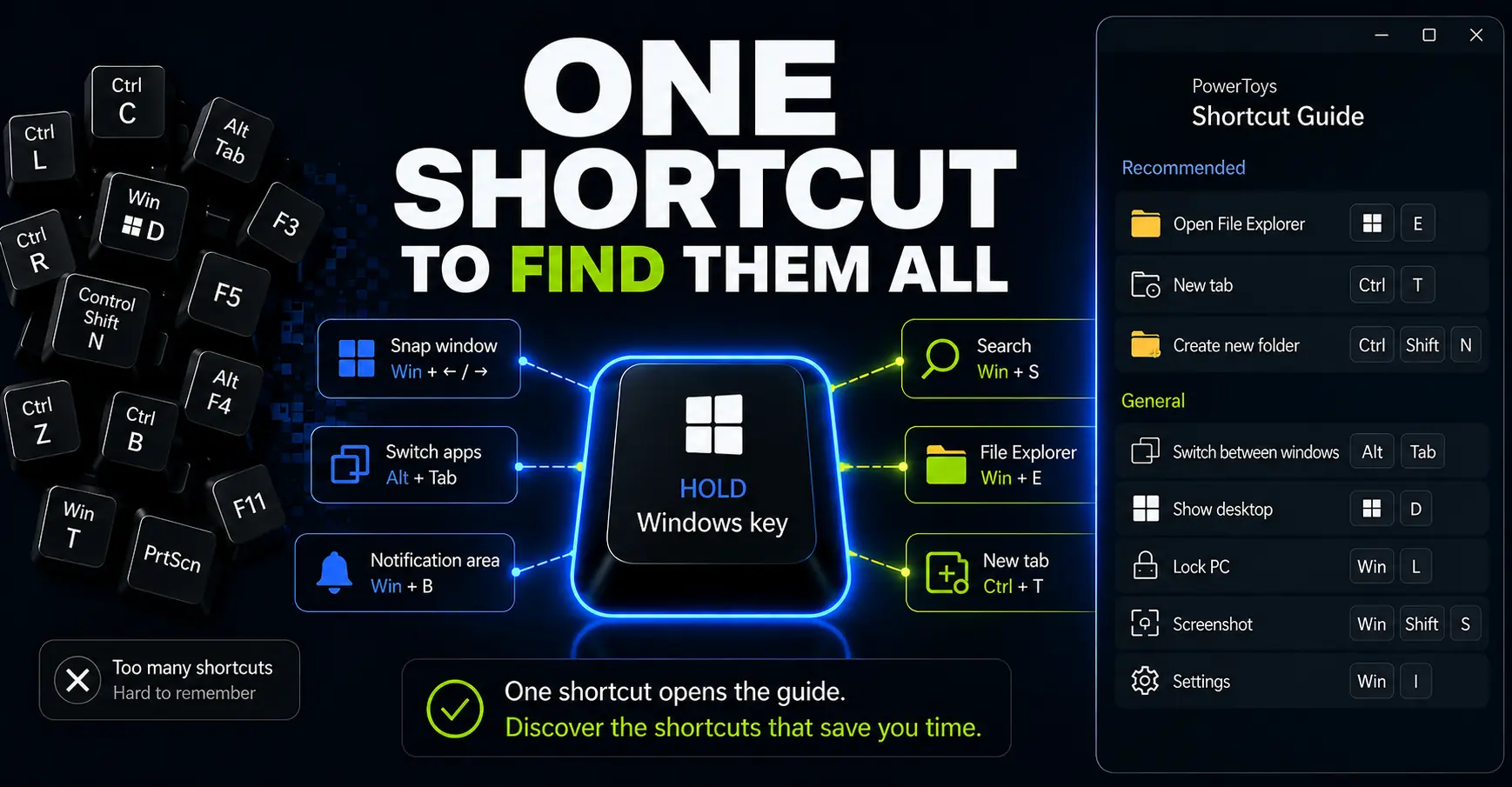
How to Use PowerToys Shortcut Guide to Work Faster on Windows
Shortcut Guide turns Windows shortcuts into an on-demand reminder you can open while you work. Here’s how to use it to discover, pin, and practice shortcuts without memorizing a huge list.
-
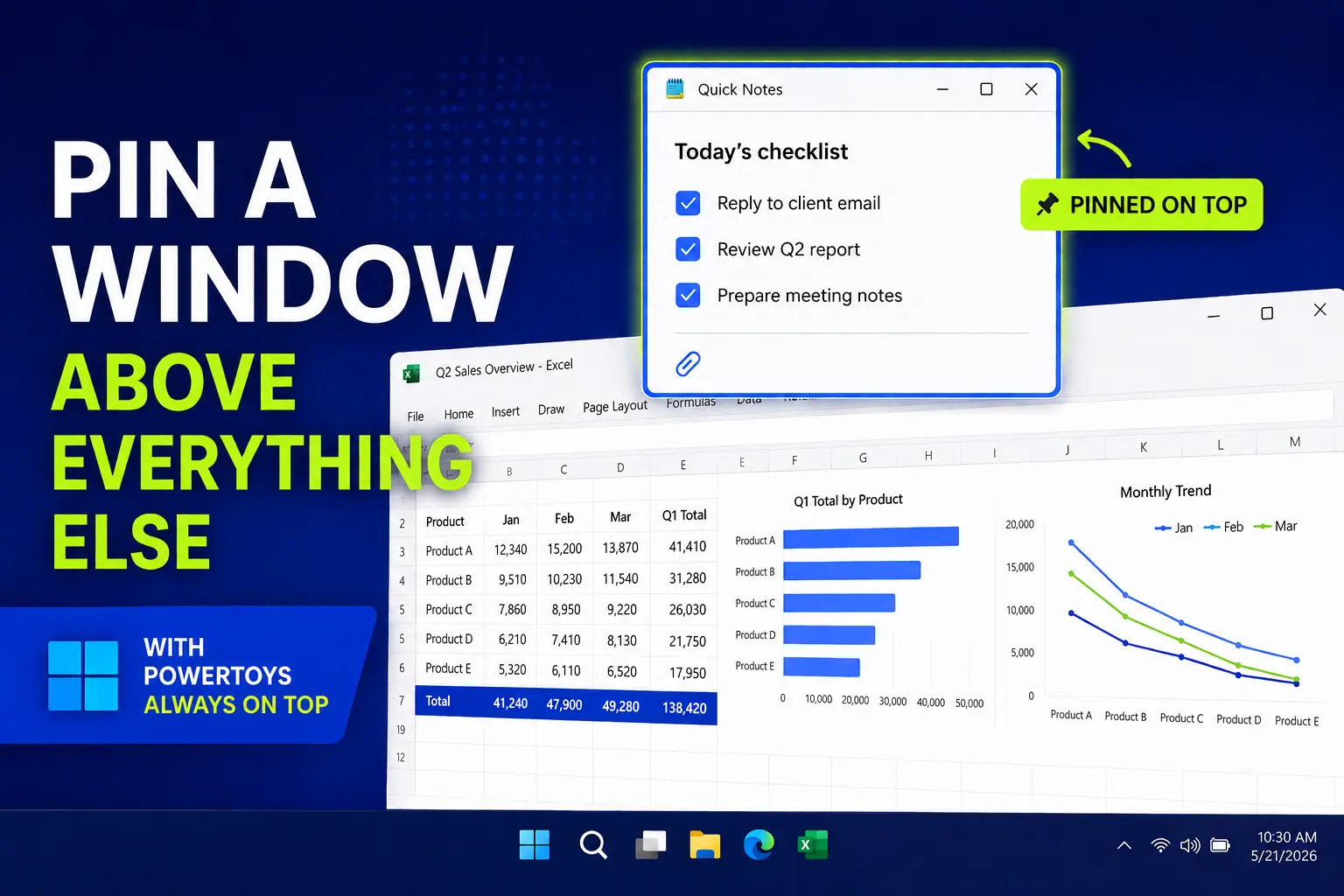
PowerToys Always On Top: Pin a Window Above Everything Else
A simple PowerToys trick for pinning a reference window above everything else, useful for notes, calculators, chats, checklists, and forms.