Receive a practical tip once a week.

Windows Productivity
Windows Productivity is where you’ll find faster ways to work inside Windows itself. The focus is on practical shortcuts, hidden features, PowerToys, file management, clipboard workflows, search tricks, and all the small improvements that save time every day.
Most office workers spend hours inside Windows without using even a fraction of what the system can do. This category helps you fix that. Some articles show built-in features you may have ignored for years. Others cover tools like PowerToys or workflow upgrades that remove friction from repetitive tasks.
If you work on Windows every day and want to move faster with less effort, this is one of the most useful sections of the site.
-
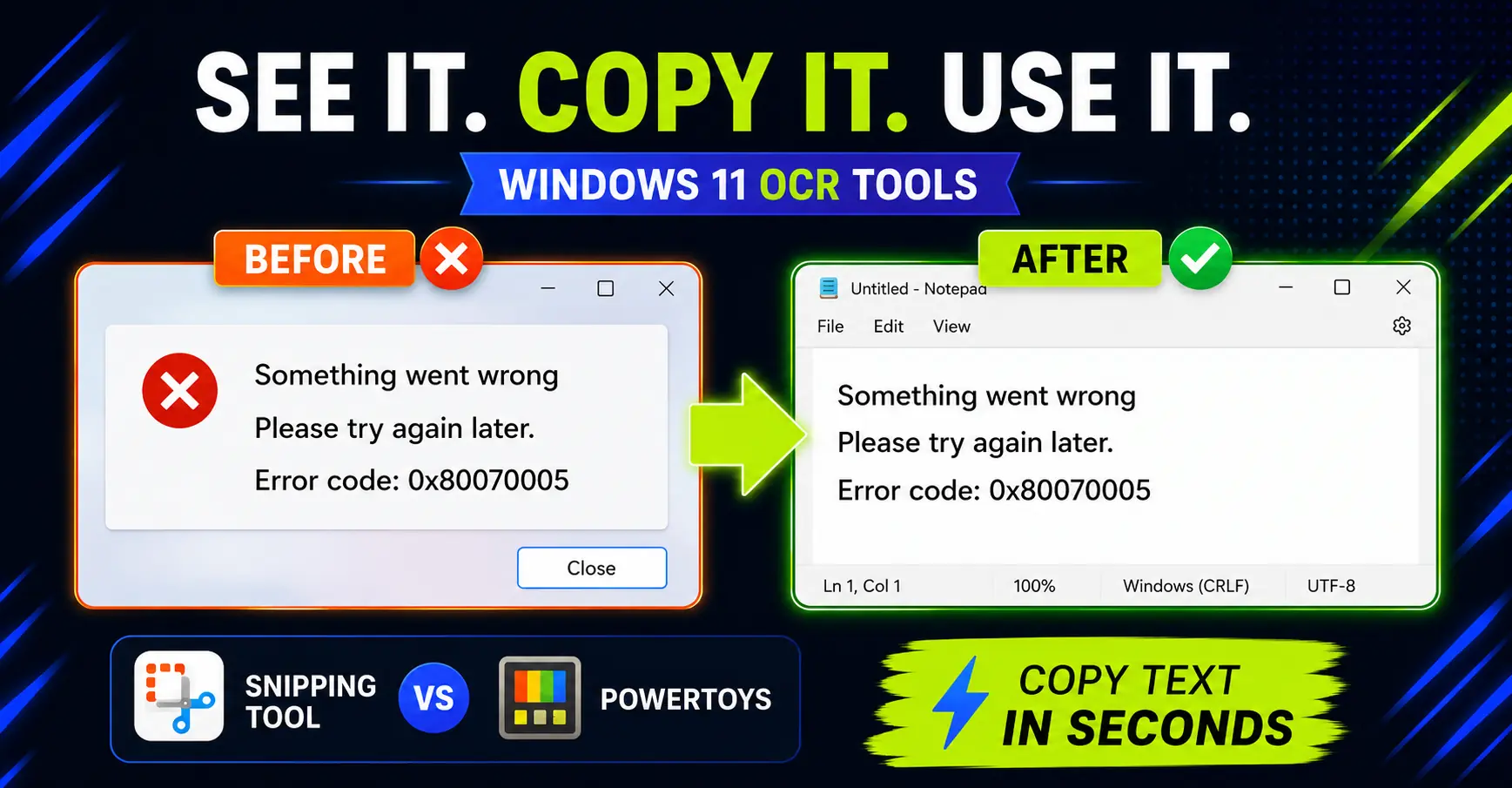
How to Copy Text from Images on Windows: Snipping Tool vs PowerToys
Need text from a screenshot or image? Compare the fastest built-in Windows options and avoid retyping what is already on screen.
-
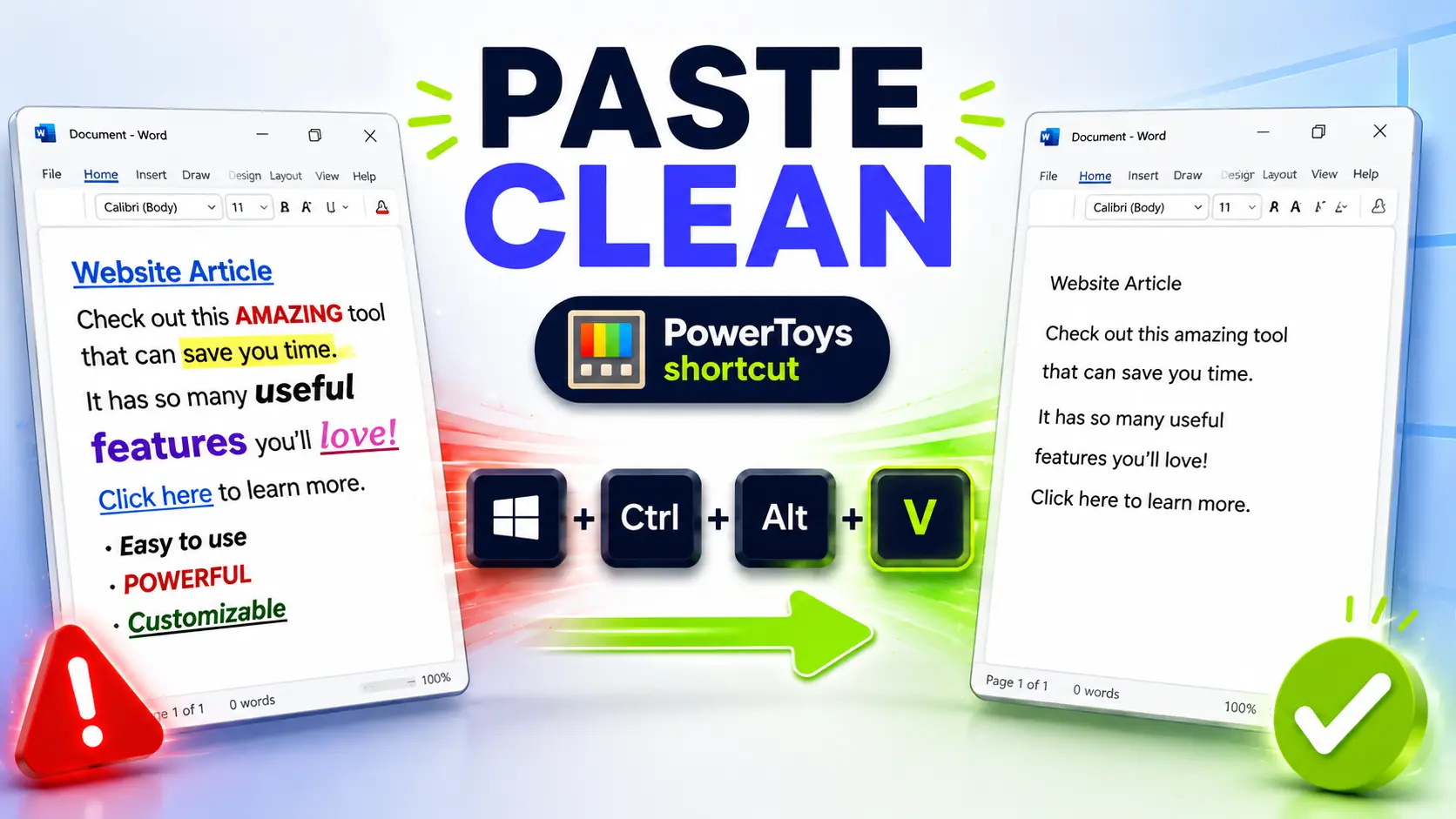
Paste as Plain Text on Windows: The PowerToys Shortcut I Use Every Day
Copied text ruining your documents? Set up this PowerToys shortcut to paste clean text anywhere on Windows.
-
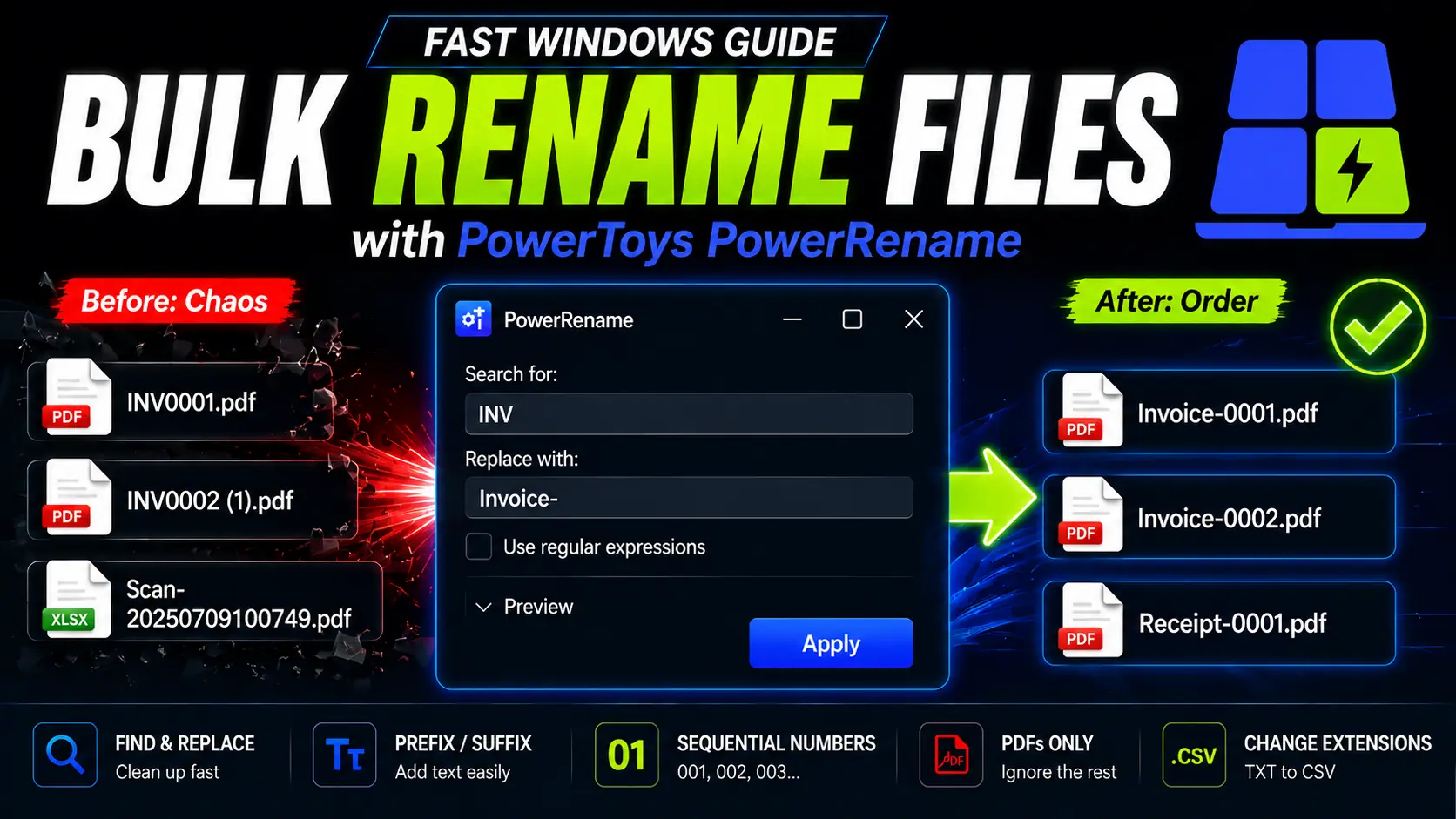
How to Rename Multiple Files at Once on Windows (Free): PowerToys PowerRename
Stop renaming files manually. Learn how PowerToys PowerRename can batch rename files on Windows with preview, Find and Replace, prefixes, optional regex, and sequential numbering.