Receive a practical tip once a week.

Outlook
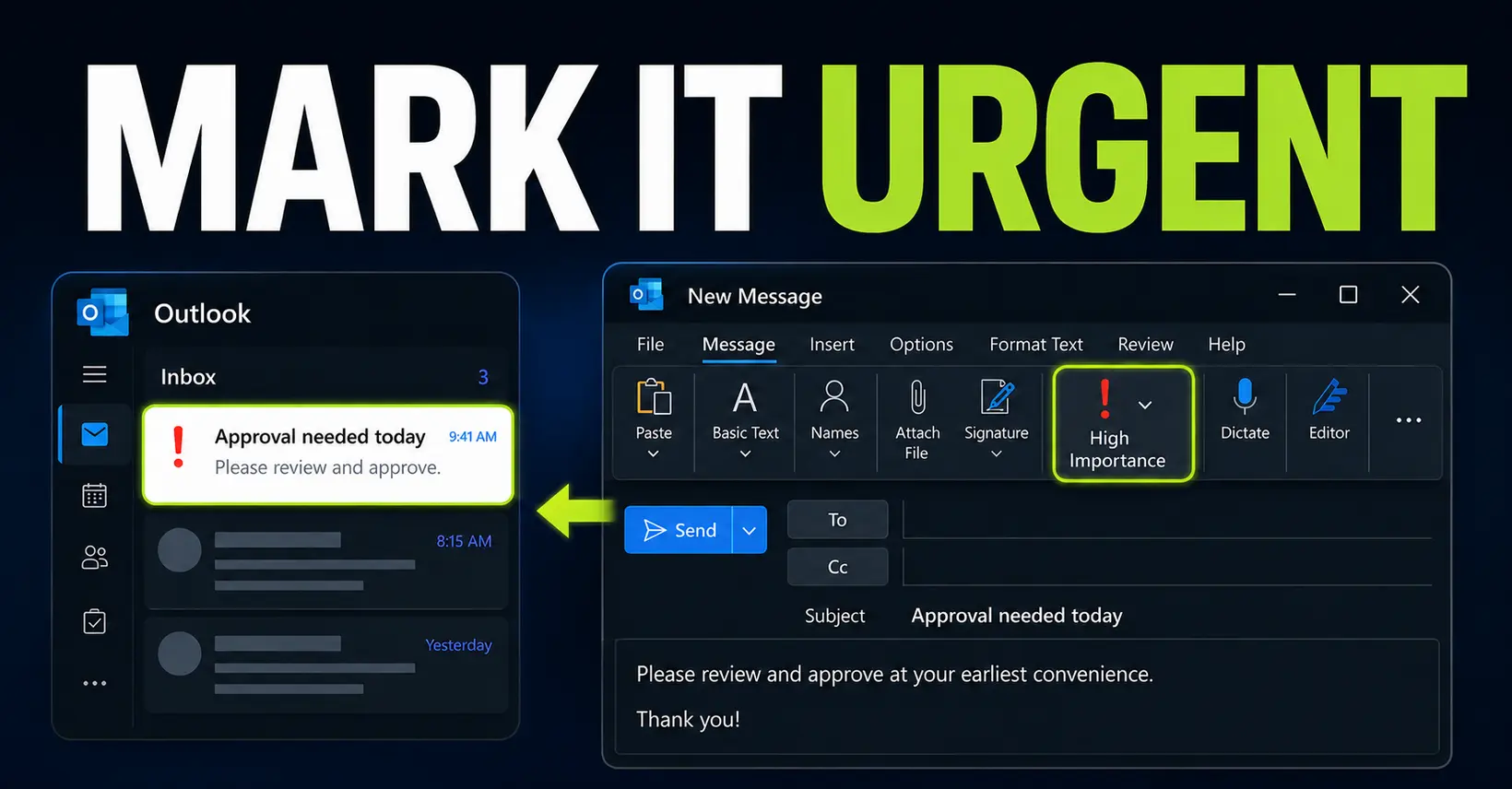
How to Mark an Email as Urgent in Outlook
Mark an Outlook email as High Importance so it stands out in the recipient’s inbox. This guide covers new Outlook, classic Outlook, the web version and Outlook mobile limitations.
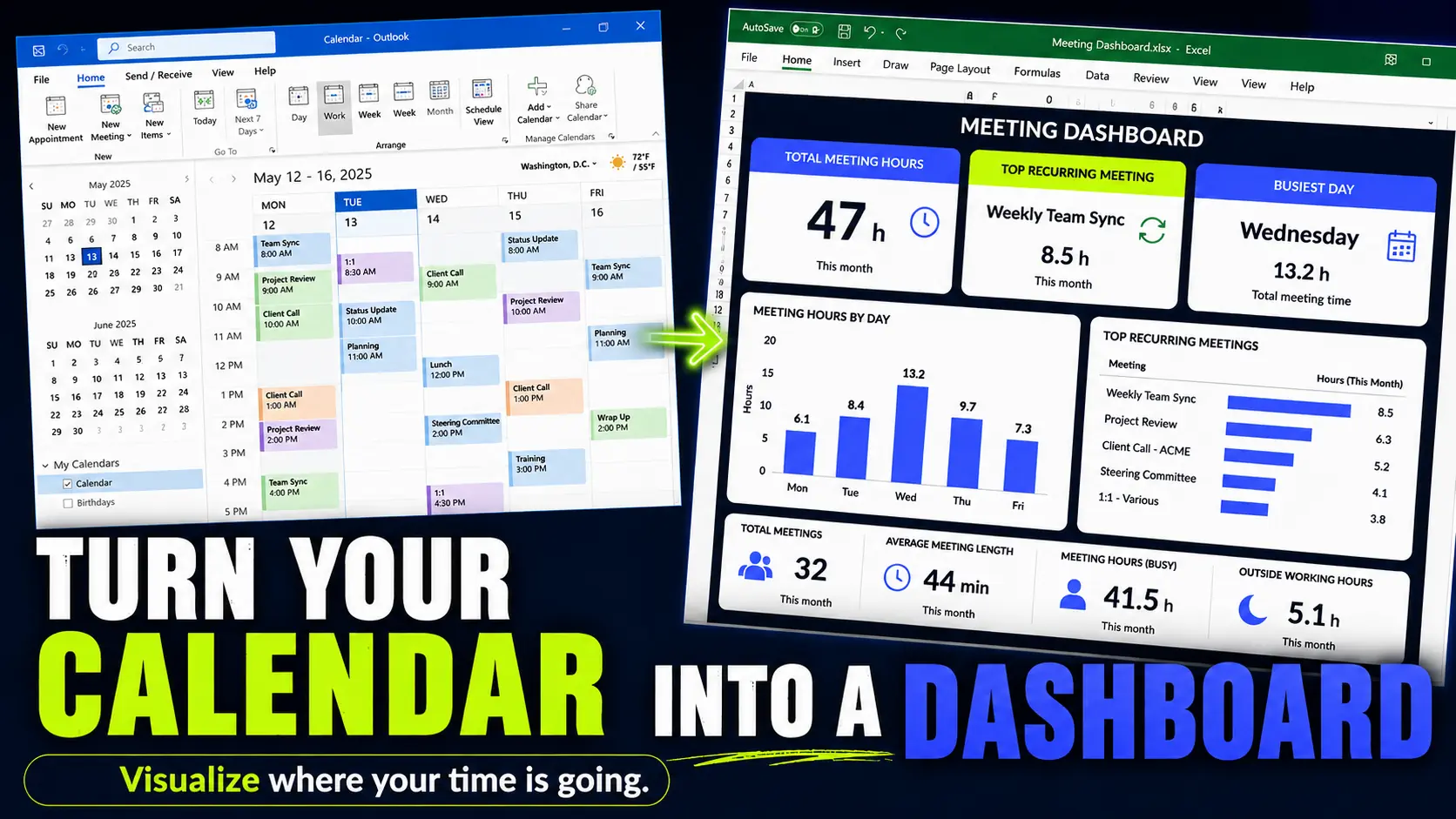
How Many Hours Do You Spend in Meetings? Build an Outlook Meeting Report in Excel
Your calendar already knows where your time goes. Export Outlook to Excel and turn meeting overload into something visible.
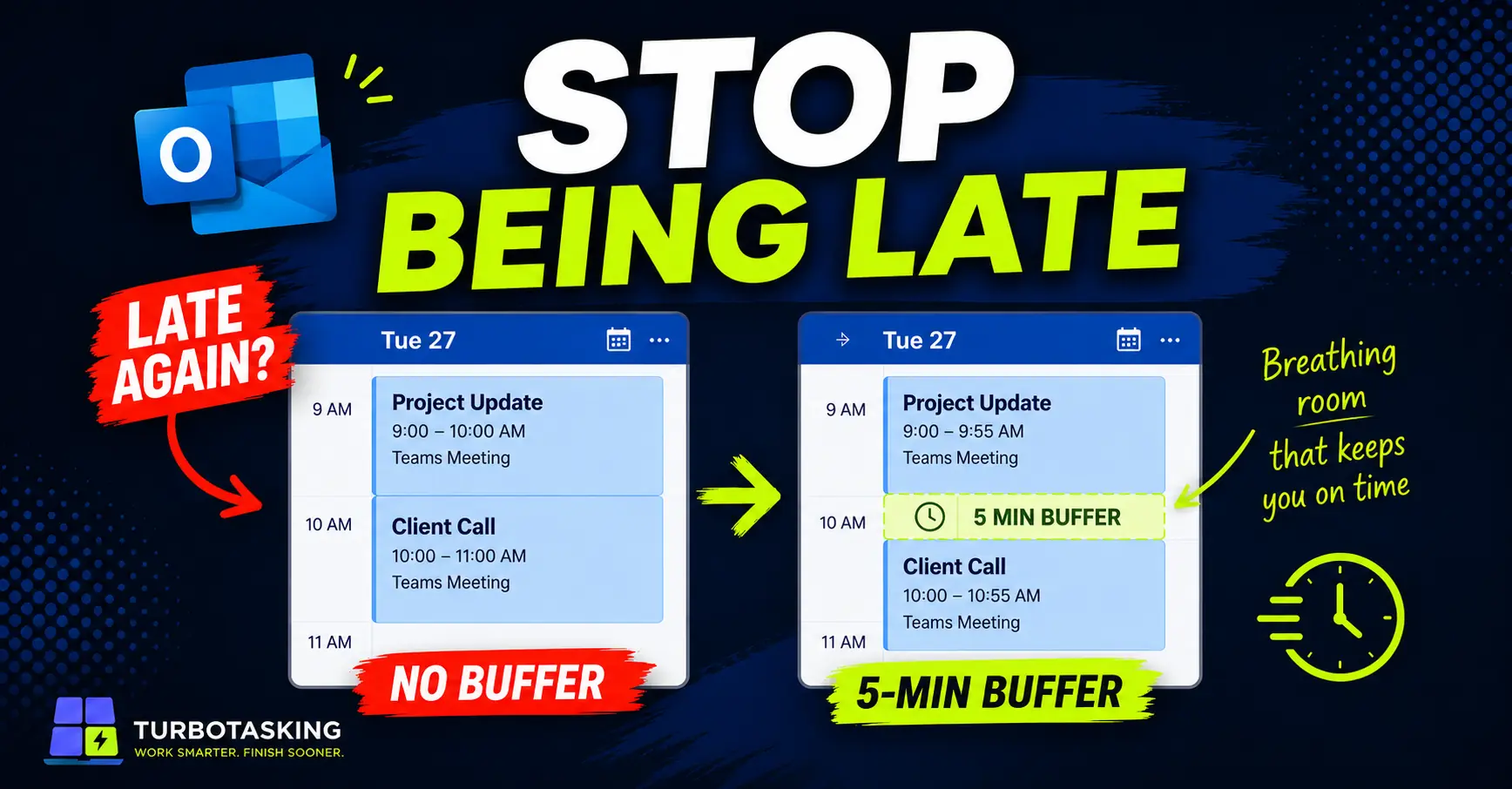
Stop Back-to-Back Outlook Meetings From Making You Late
Learn how to shorten Outlook meetings automatically, add small buffers, and stop jumping late from one meeting to the next.
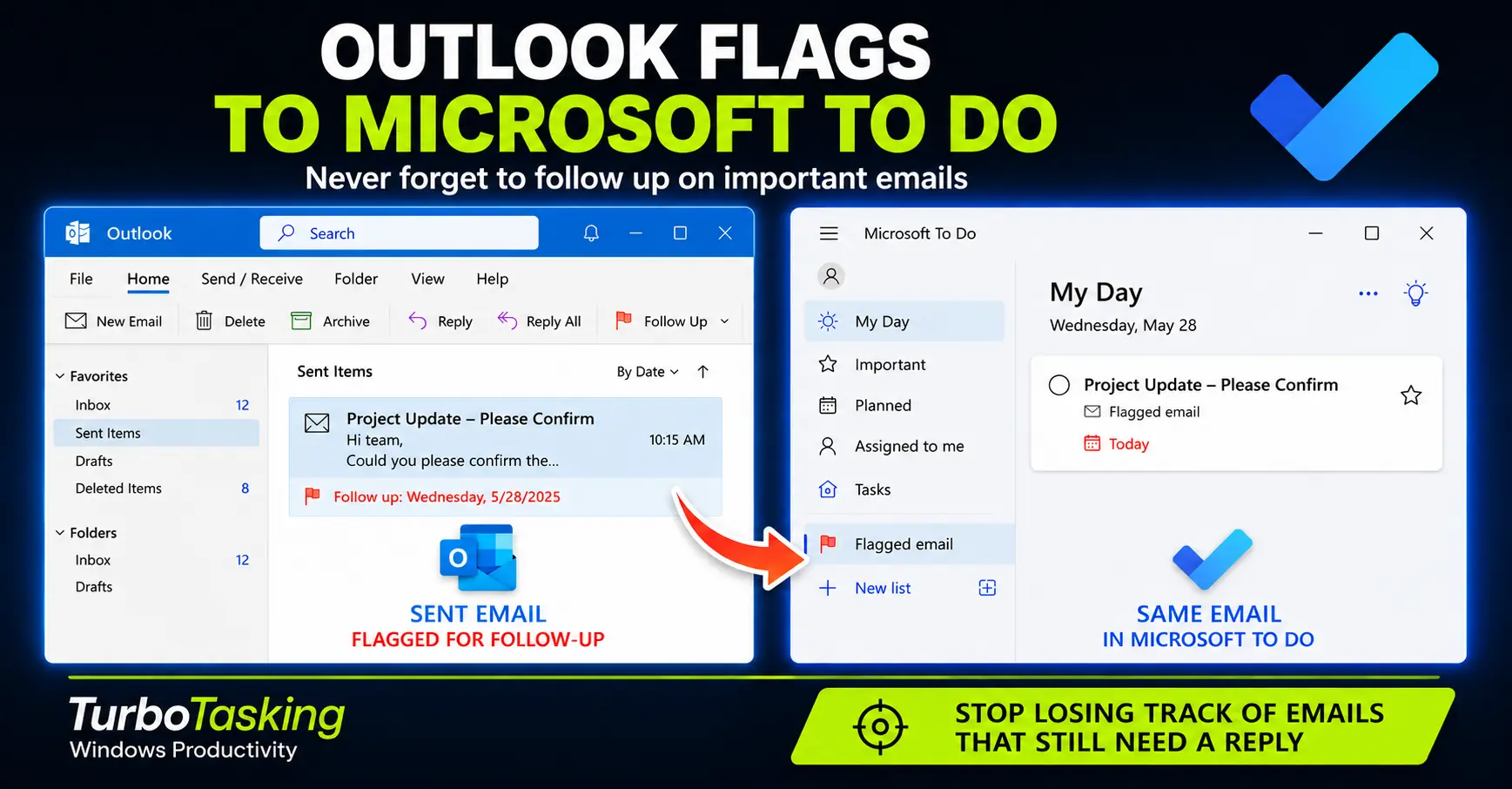
How to Follow Up on Emails You Send with Outlook Flags and Microsoft To Do
A practical workflow for tracking sent emails, setting follow-up dates, and using Microsoft To Do as a safer reminder system.
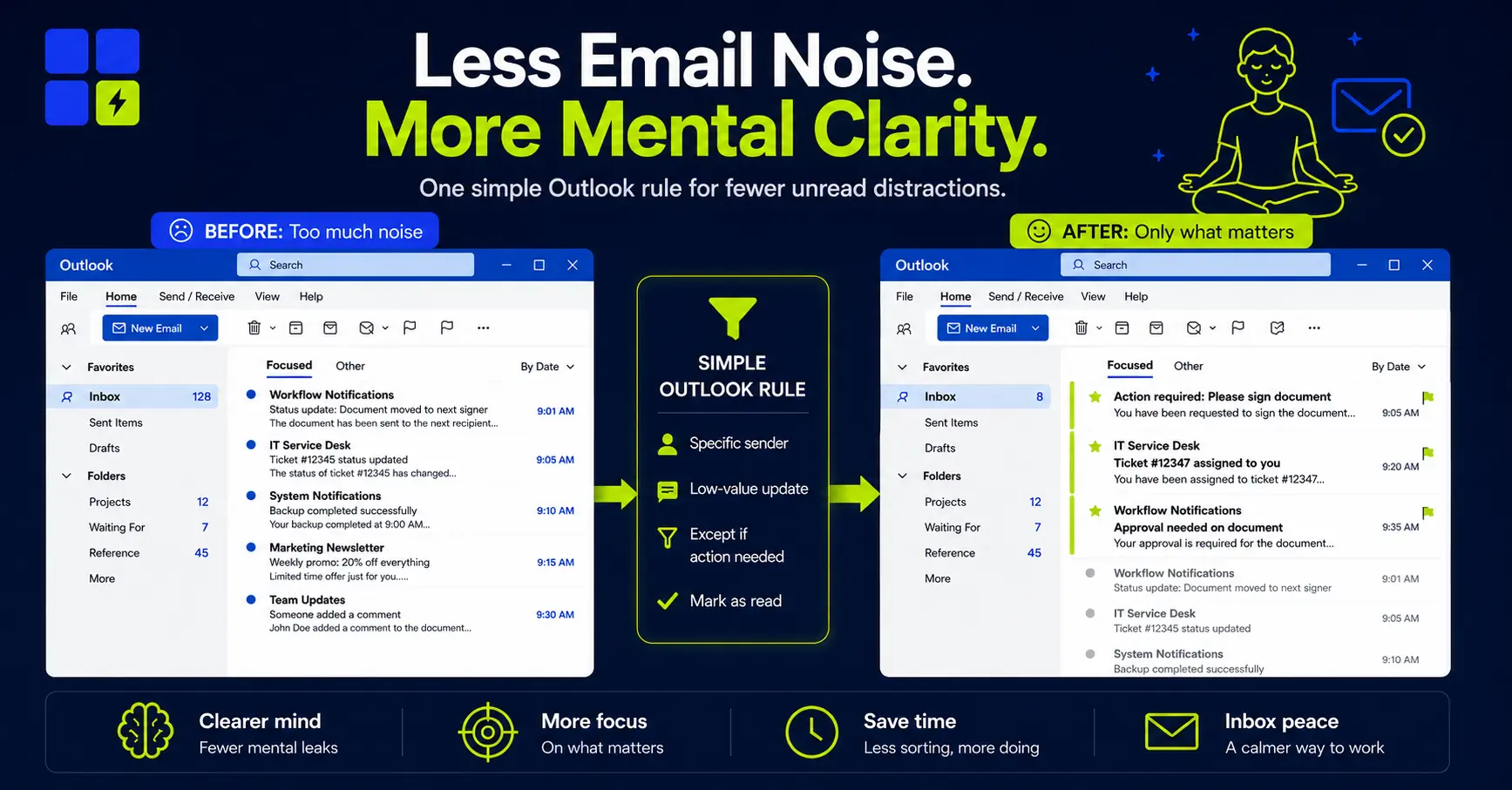
How I Use Outlook Rules to Automatically Mark Low-Value Emails as Read
Learn how to automatically mark low-value emails as read in Outlook, while keeping truly important messages visible and actionable.
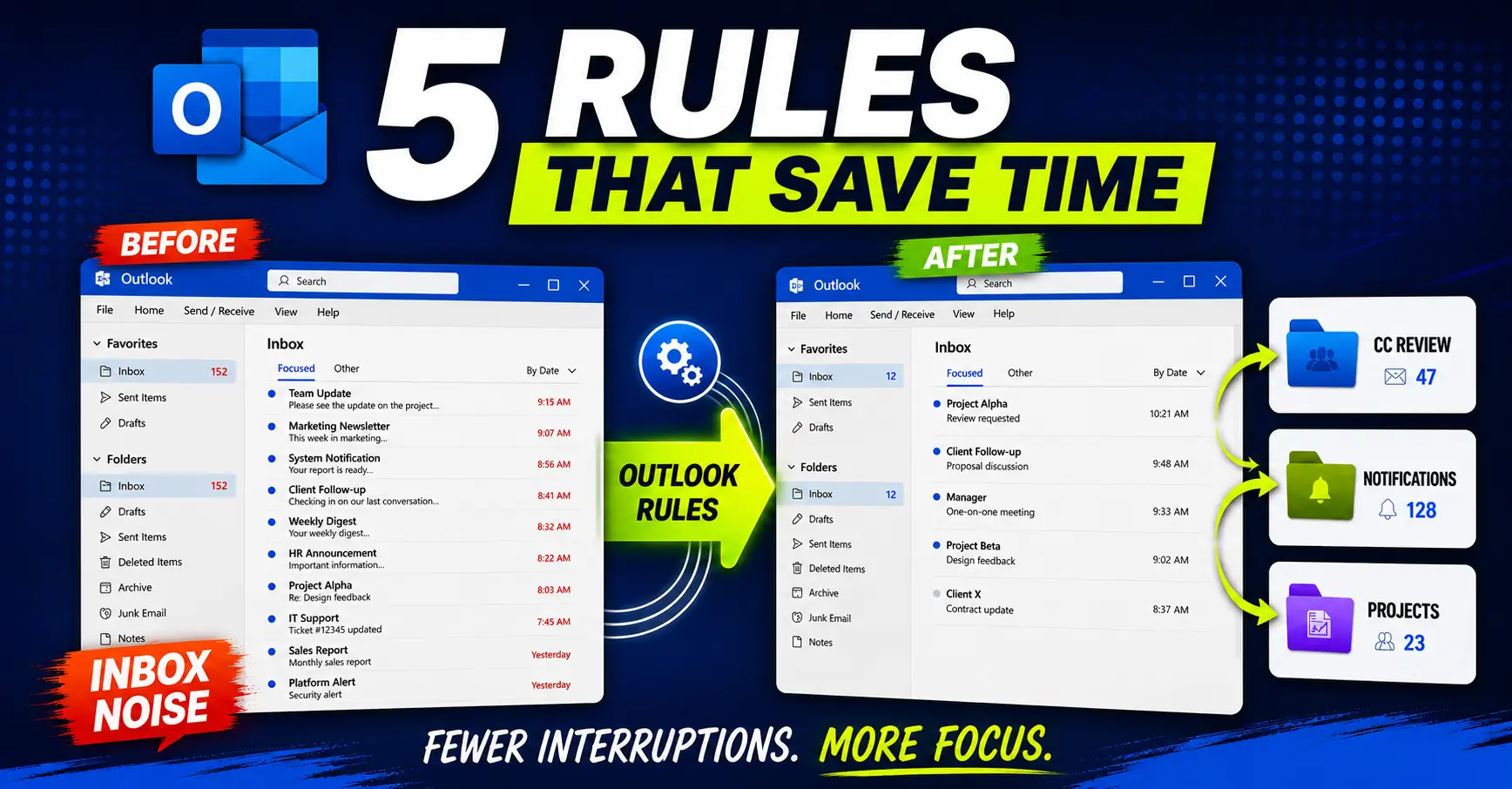
Outlook Rules for Work: 5 Examples Worth Copying
Five practical Outlook rules for work that actually reduce noise and protect attention.
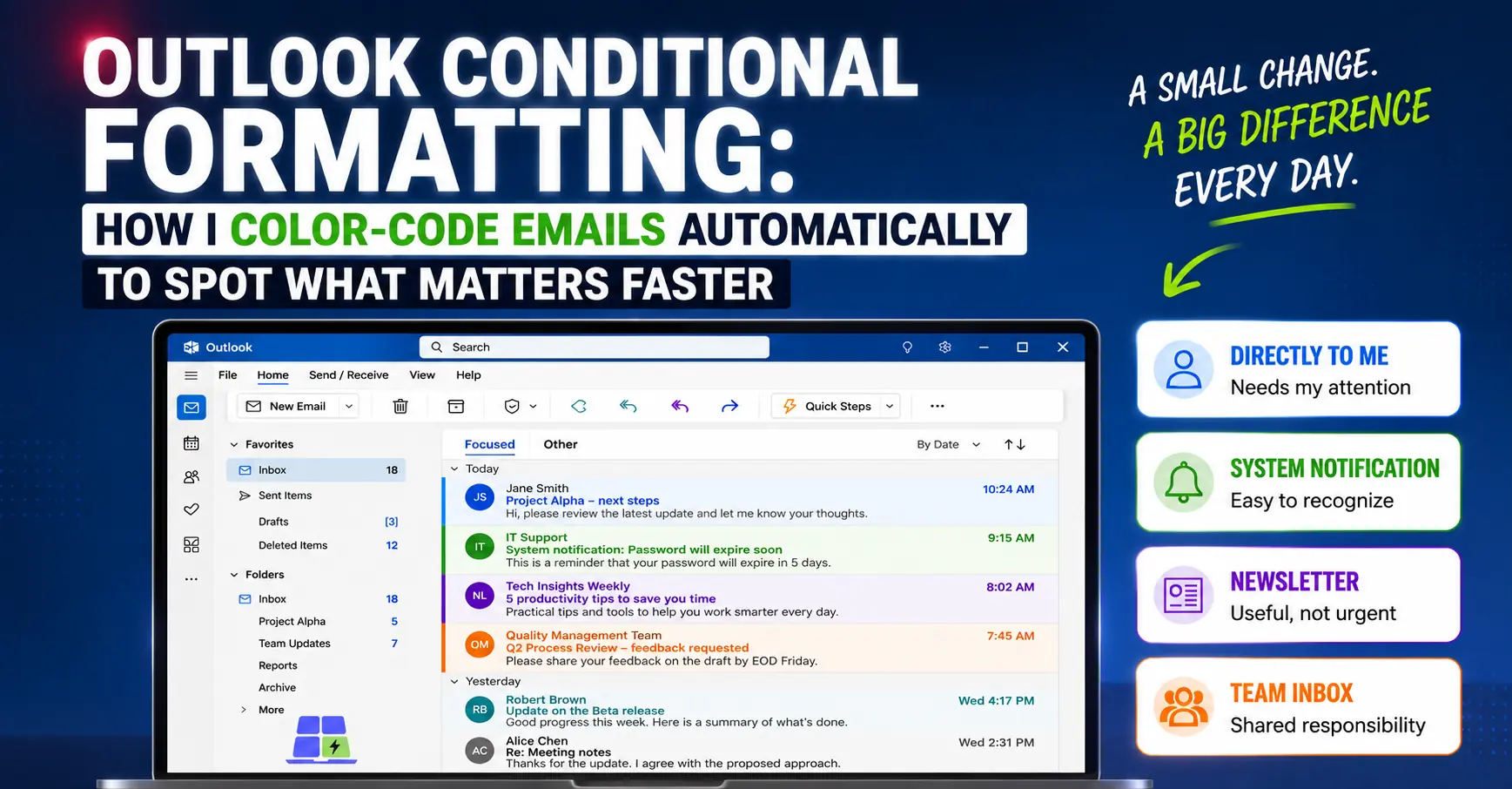
Outlook Conditional Formatting: How I Automatically Color-Code Emails to Spot What Matters Faster
Use Outlook conditional formatting to color-code emails automatically, so direct messages, notifications, and team inbox items are easier to scan.
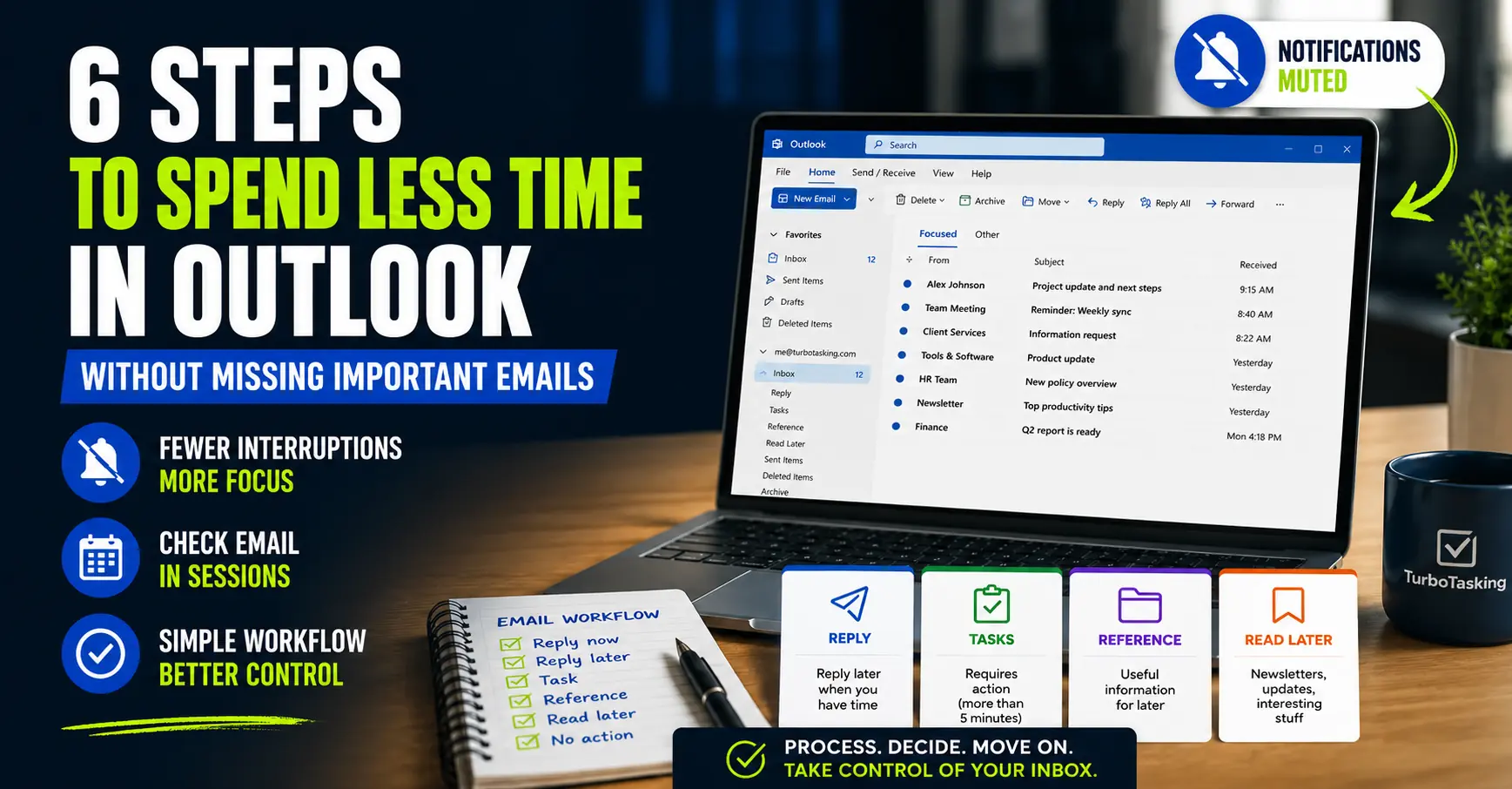
6 Steps to Spend Less Time in Outlook Without Missing Important Emails
Outlook can eat your day in tiny interruptions. These practical changes help you check email less without losing control.