
All Articles
Here you’ll find practical guides, quick wins, and workflow ideas for office workers who want to save time on Windows, without installing complex tools or needing admin rights.
-
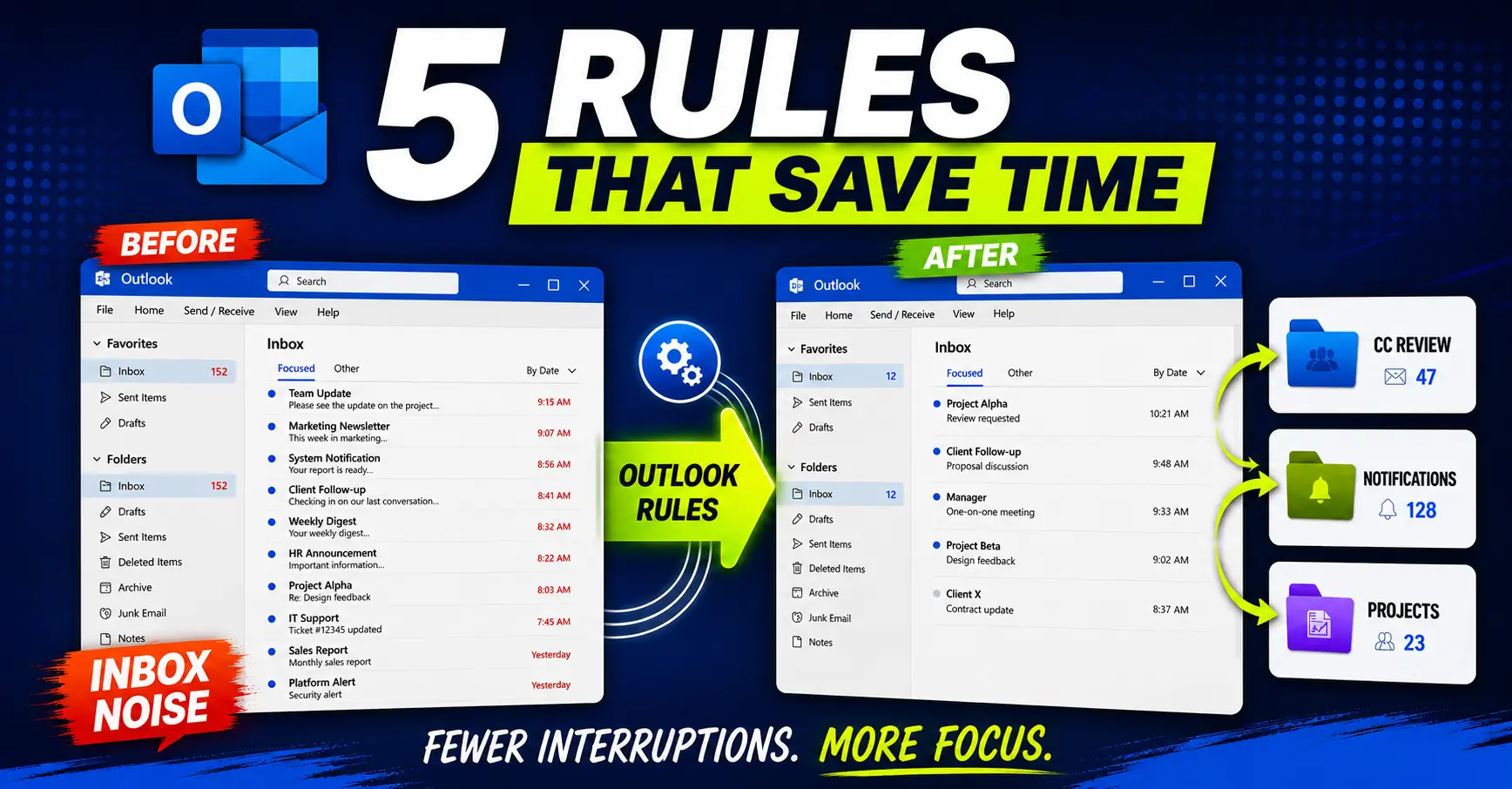
Outlook Rules for Work: 5 Examples Worth Copying
Five practical Outlook rules for work that actually reduce noise and protect attention.
-
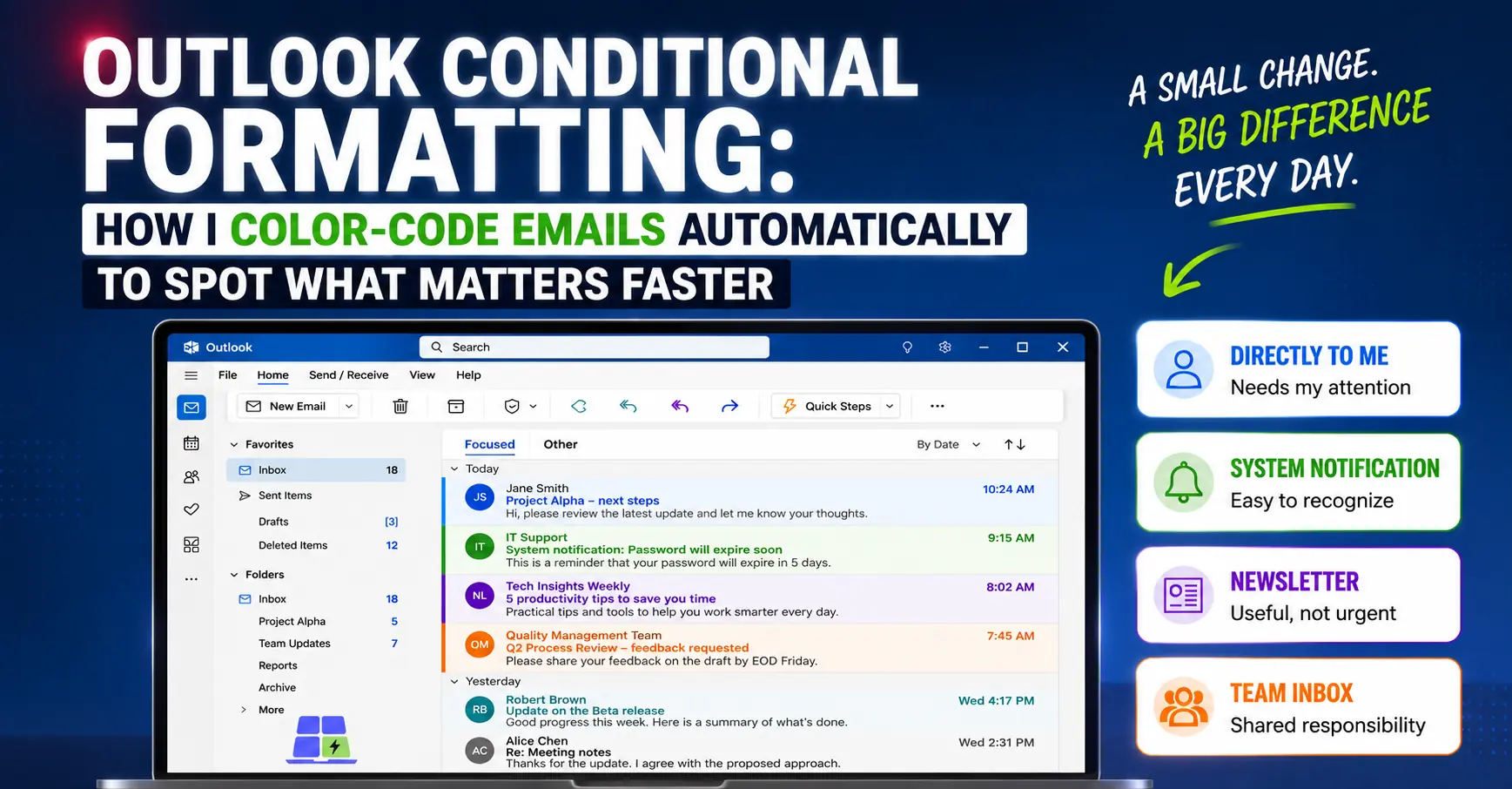
Outlook Conditional Formatting: How I Automatically Color-Code Emails to Spot What Matters Faster
Use Outlook conditional formatting to color-code emails automatically, so direct messages, notifications, and team inbox items are easier to scan.
-
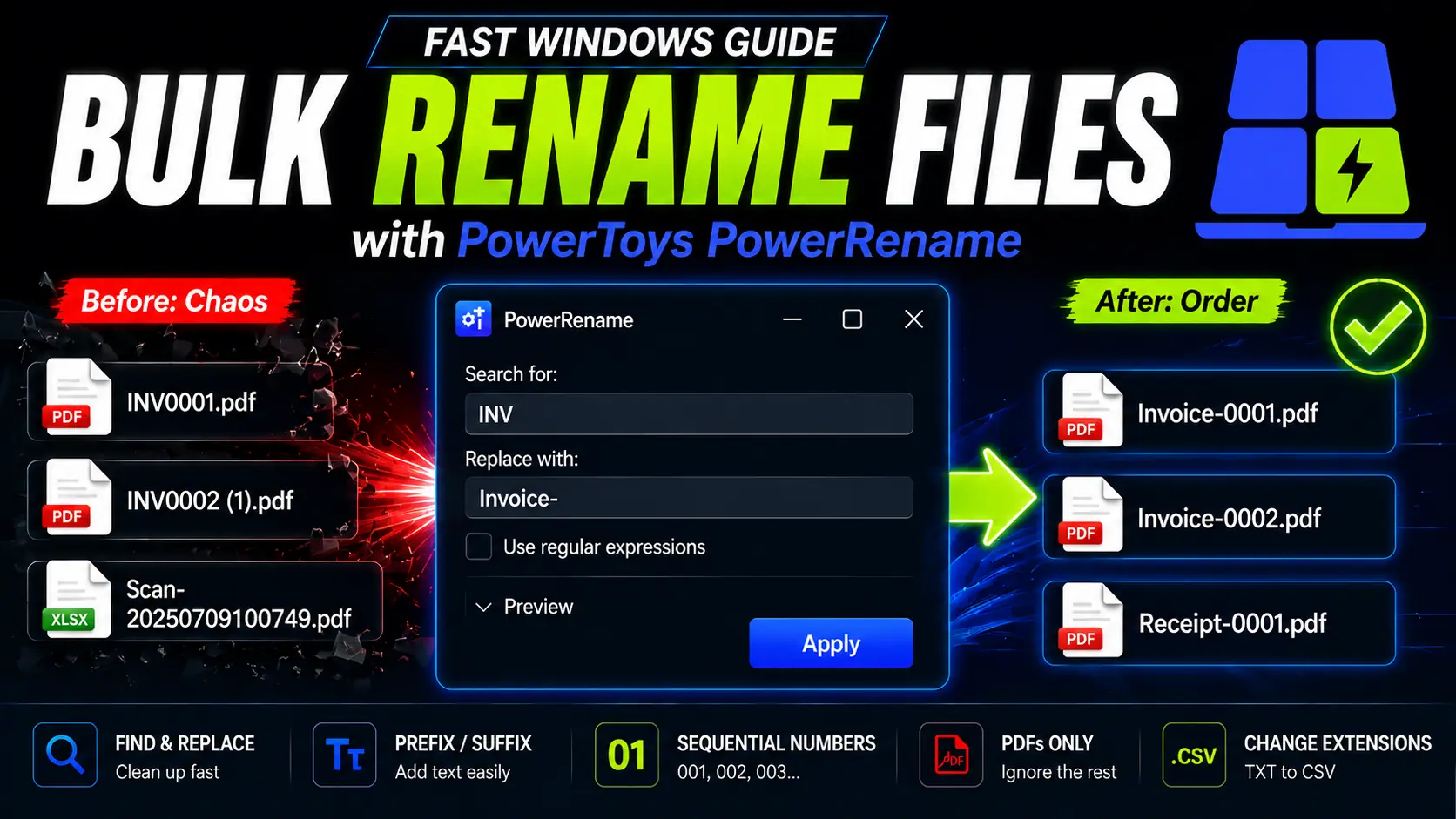
How to Rename Multiple Files at Once on Windows (Free): PowerToys PowerRename
Stop renaming files manually. Learn how PowerToys PowerRename can batch rename files on Windows with preview, Find and Replace, prefixes, optional regex, and sequential numbering.
-
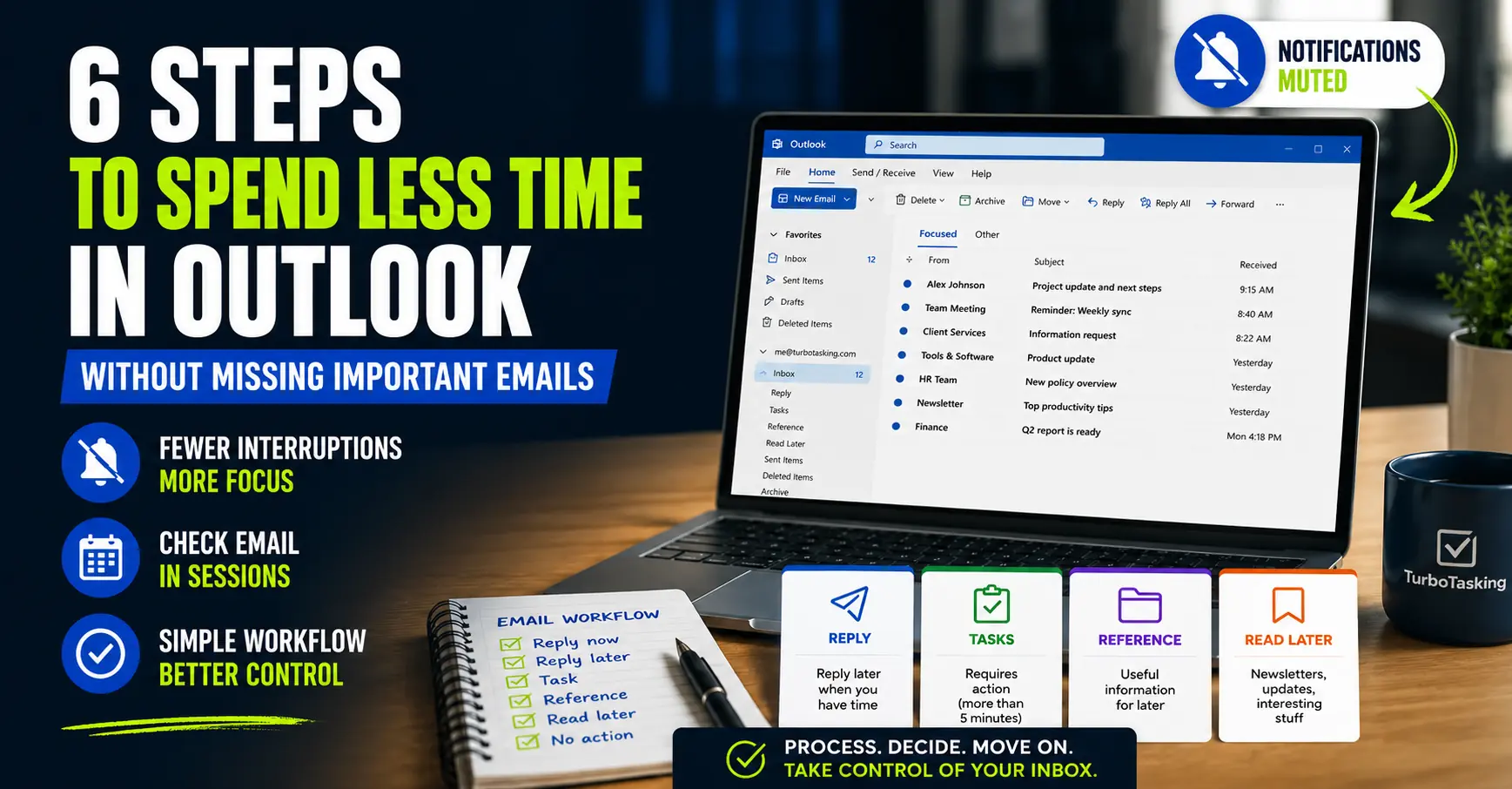
6 Steps to Spend Less Time in Outlook Without Missing Important Emails
Outlook can eat your day in tiny interruptions. These practical changes help you check email less without losing control.