
All Articles
Here you’ll find practical guides, quick wins, and workflow ideas for office workers who want to save time on Windows, without installing complex tools or needing admin rights.
-
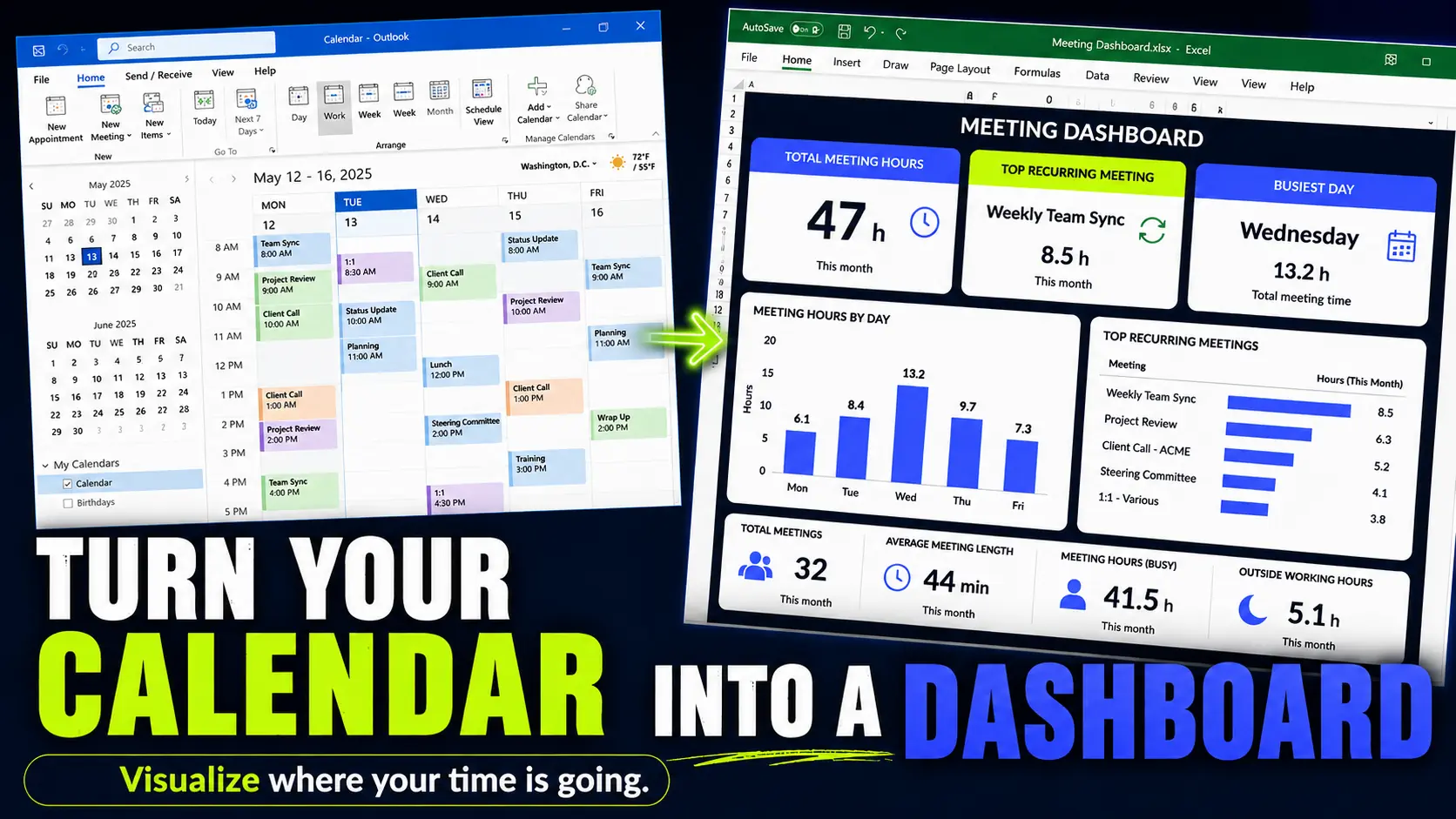
How Many Hours Do You Spend in Meetings? Build an Outlook Meeting Report in Excel
Your calendar already knows where your time goes. Export Outlook to Excel and turn meeting overload into something visible.
-
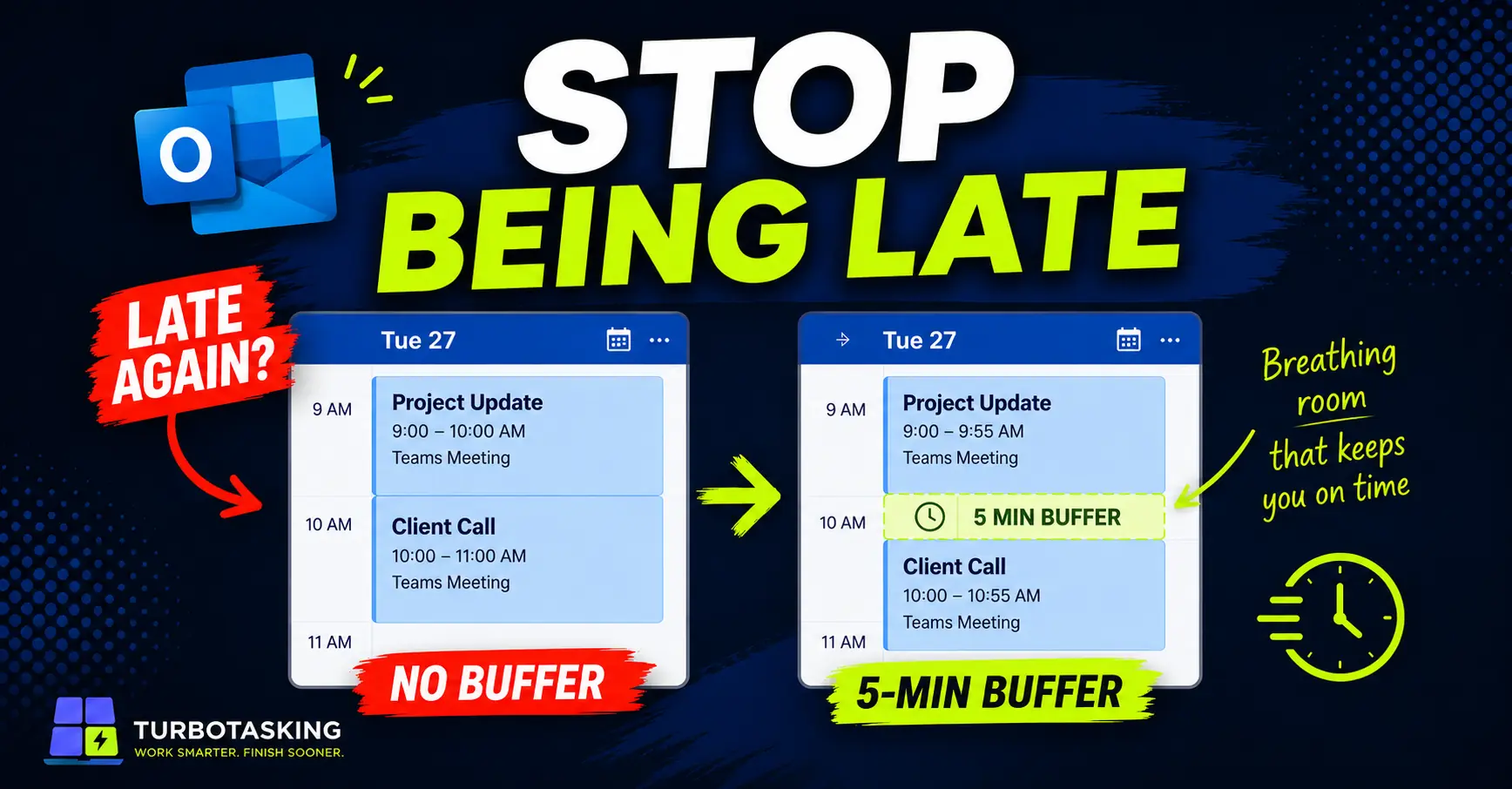
Stop Back-to-Back Outlook Meetings From Making You Late
Learn how to shorten Outlook meetings automatically, add small buffers, and stop jumping late from one meeting to the next.
-
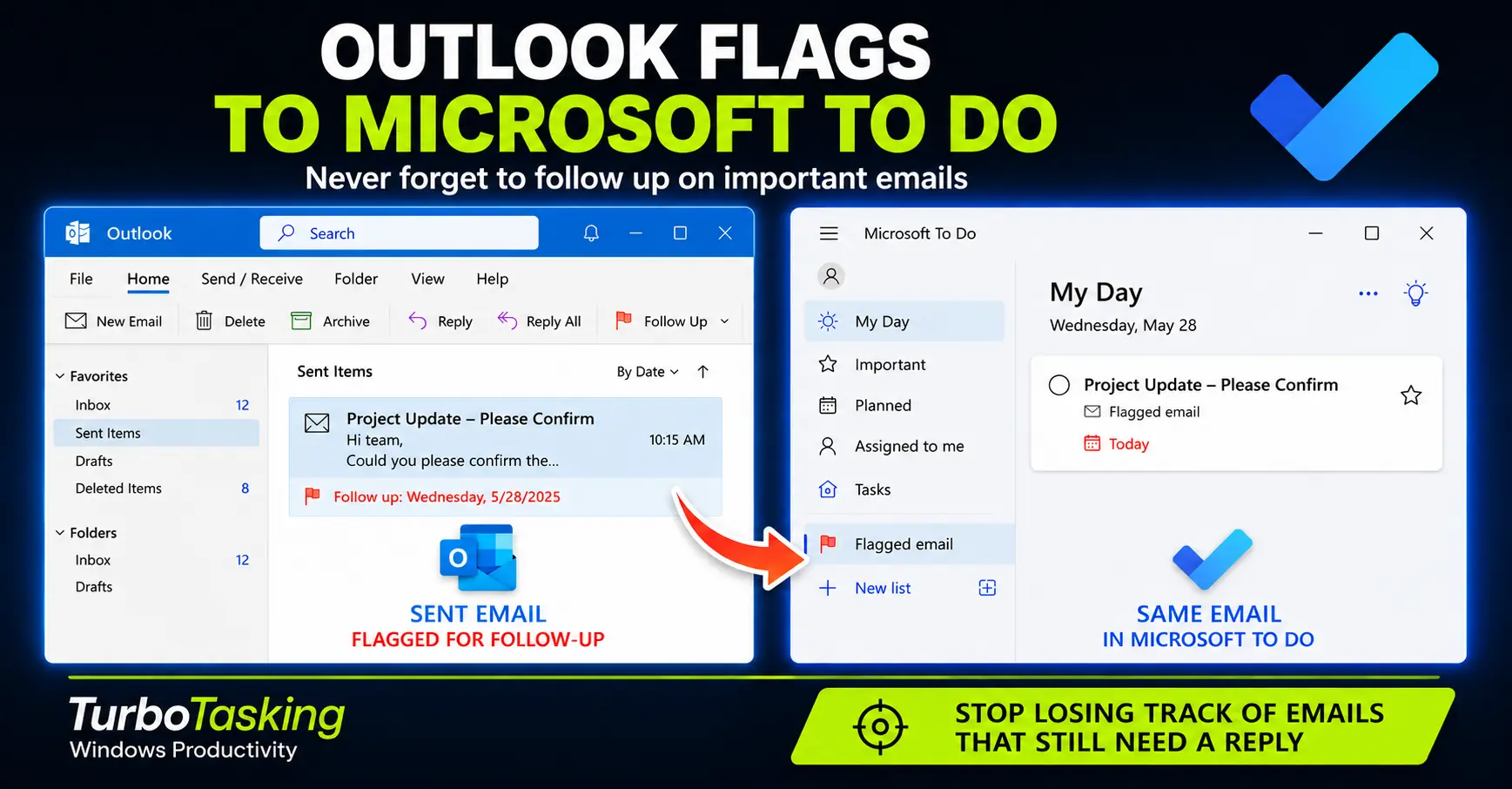
How to Follow Up on Emails You Send with Outlook Flags and Microsoft To Do
A practical workflow for tracking sent emails, setting follow-up dates, and using Microsoft To Do as a safer reminder system.
-
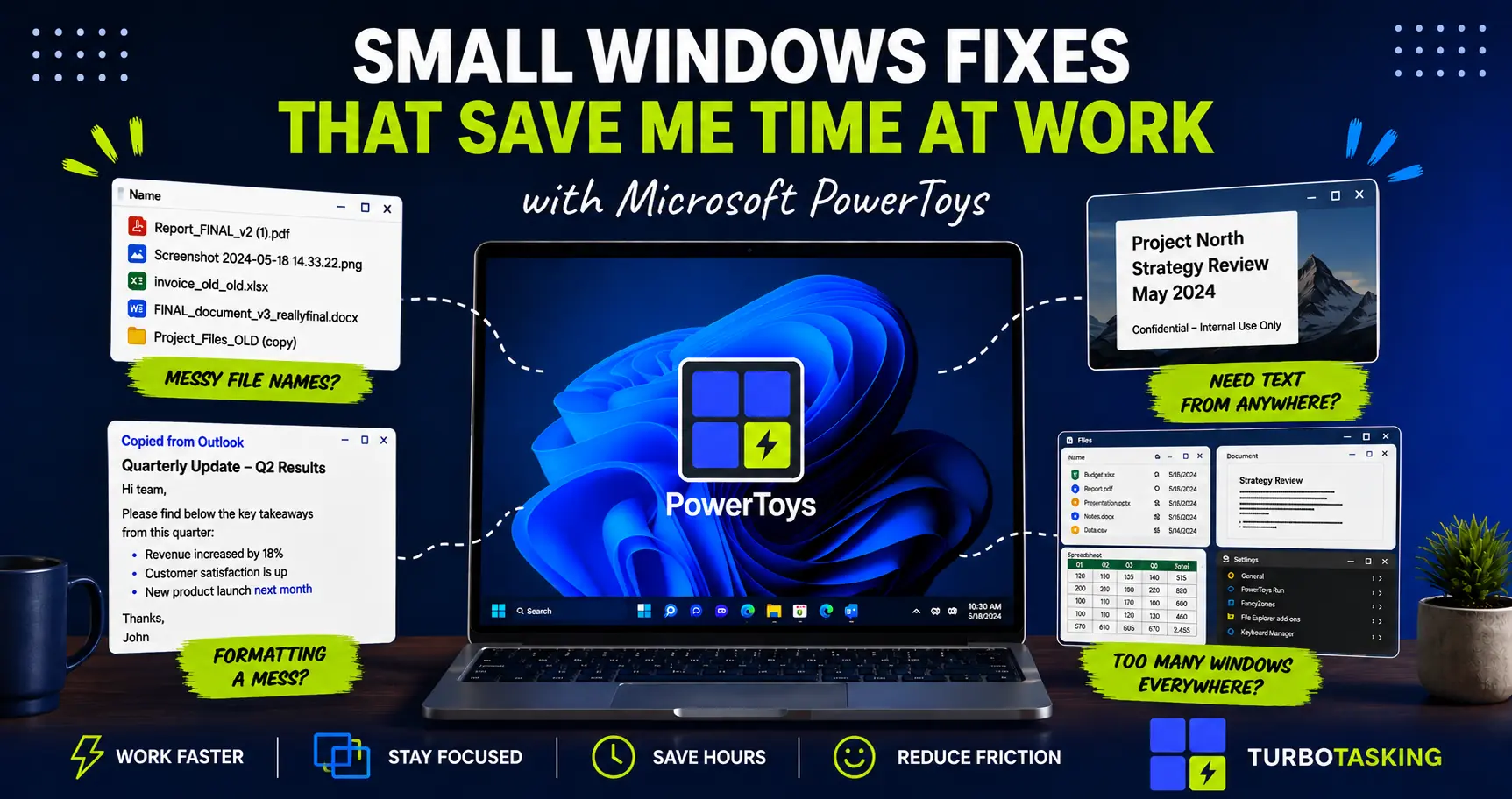
Microsoft PowerToys: Small Windows Fixes That Quietly Save Me Hours
A practical introduction to Microsoft PowerToys for office workers who want small, corporate-safe Windows upgrades that save time every day.
-
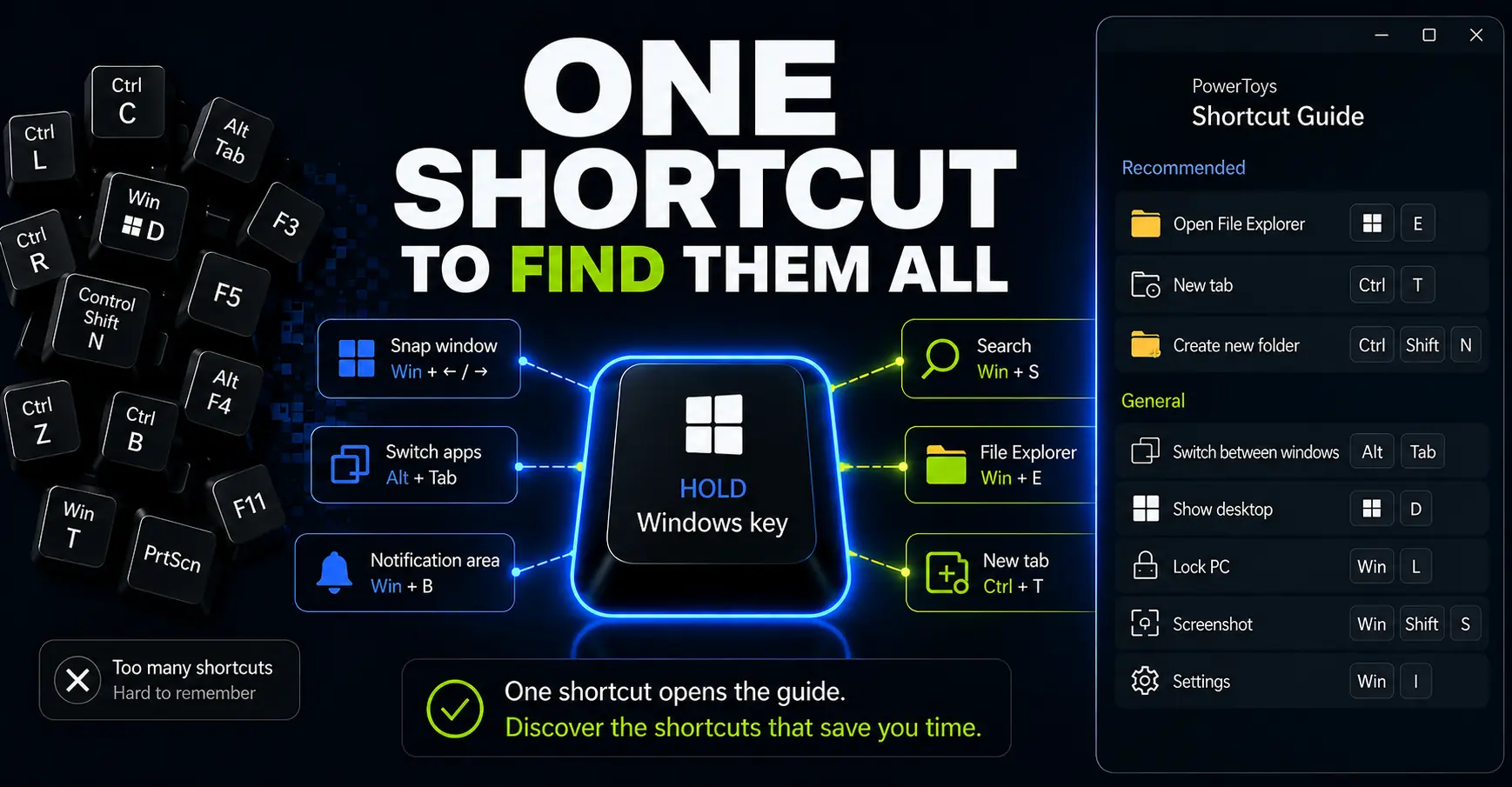
How to Use PowerToys Shortcut Guide to Work Faster on Windows
Shortcut Guide turns Windows shortcuts into an on-demand reminder you can open while you work. Here’s how to use it to discover, pin, and practice shortcuts without memorizing a huge list.
-
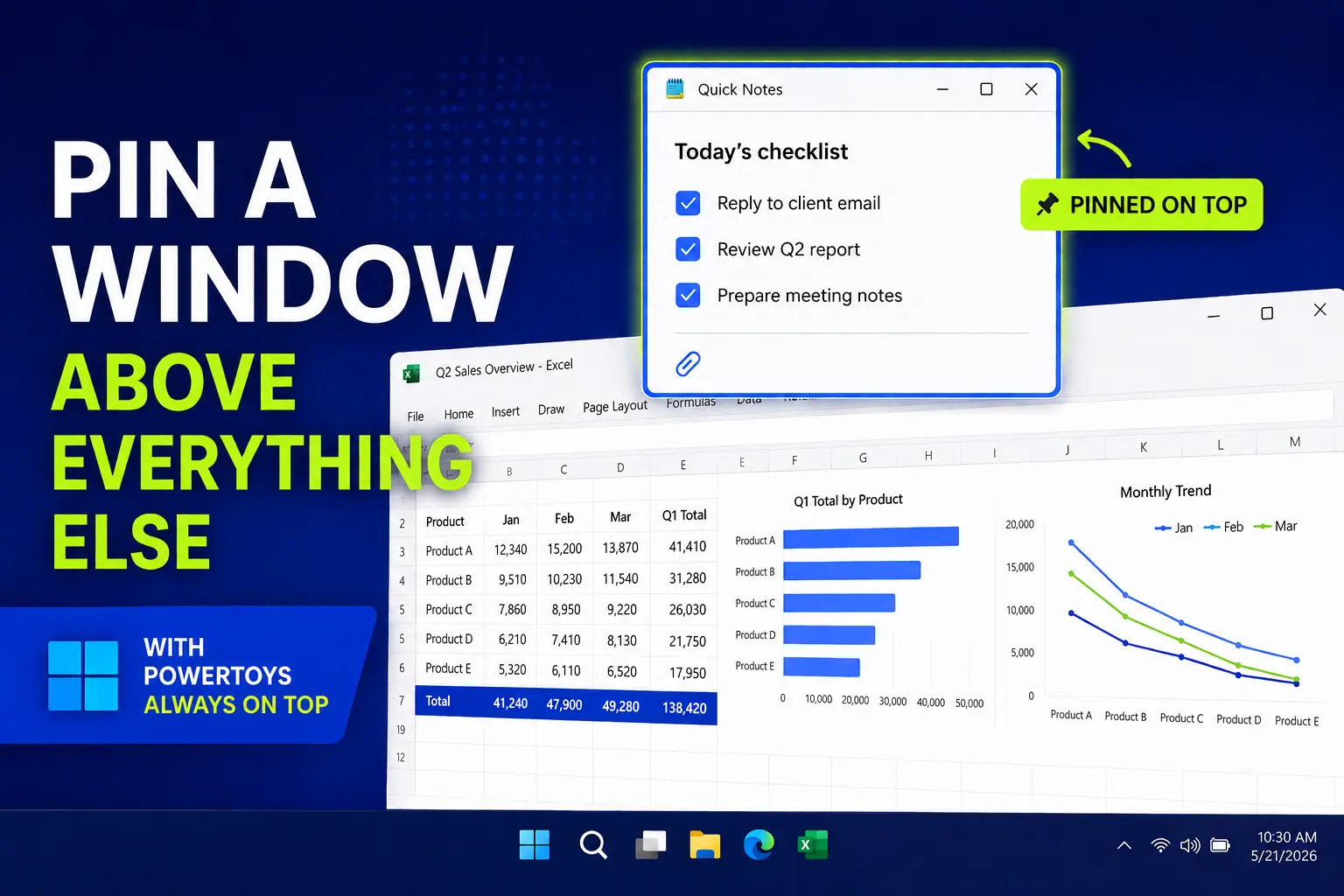
PowerToys Always On Top: Pin a Window Above Everything Else
A simple PowerToys trick for pinning a reference window above everything else, useful for notes, calculators, chats, checklists, and forms.
-
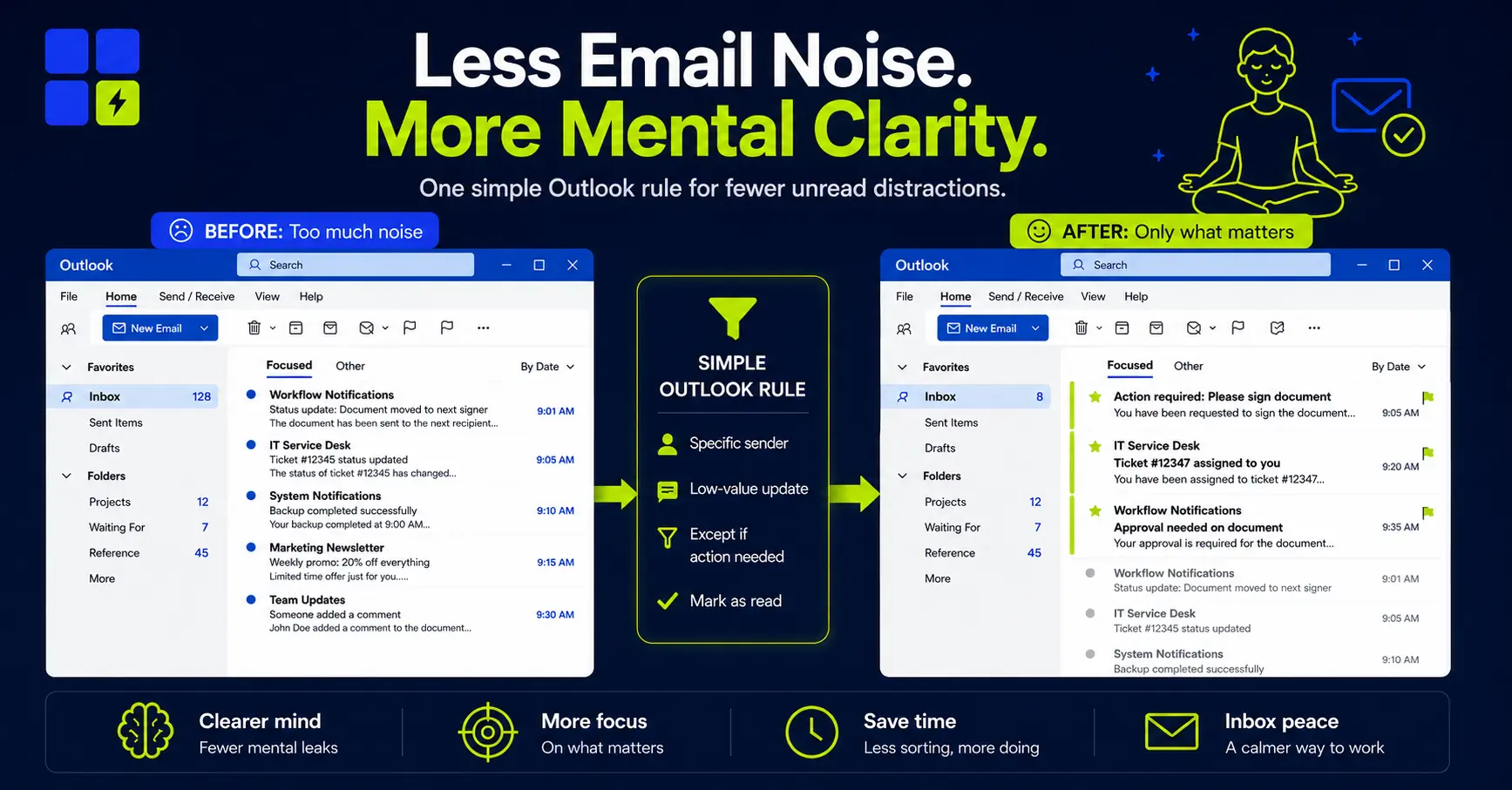
How I Use Outlook Rules to Automatically Mark Low-Value Emails as Read
Learn how to automatically mark low-value emails as read in Outlook, while keeping truly important messages visible and actionable.
-
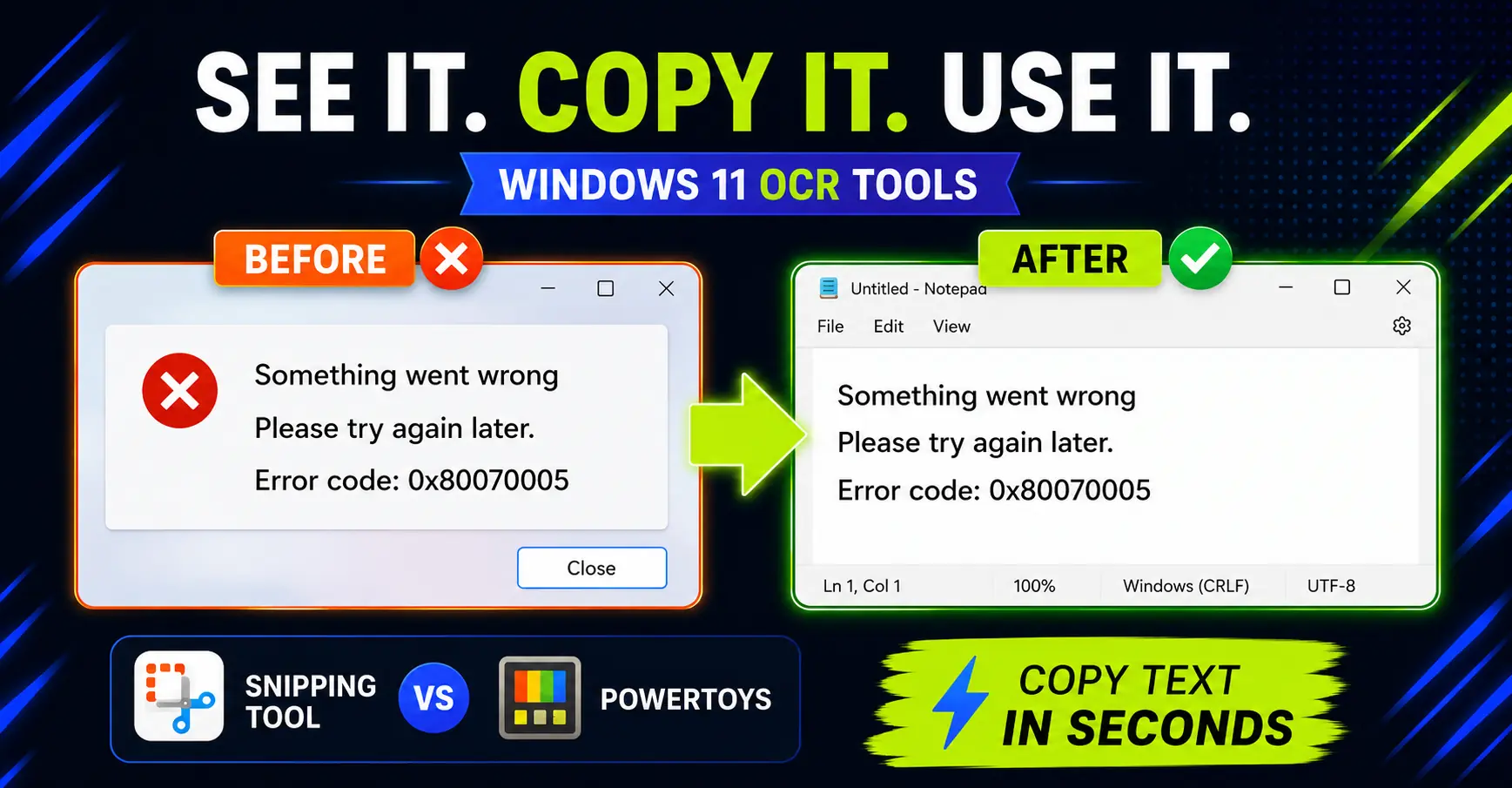
How to Copy Text from Images on Windows: Snipping Tool vs PowerToys
Need text from a screenshot or image? Compare the fastest built-in Windows options and avoid retyping what is already on screen.
-
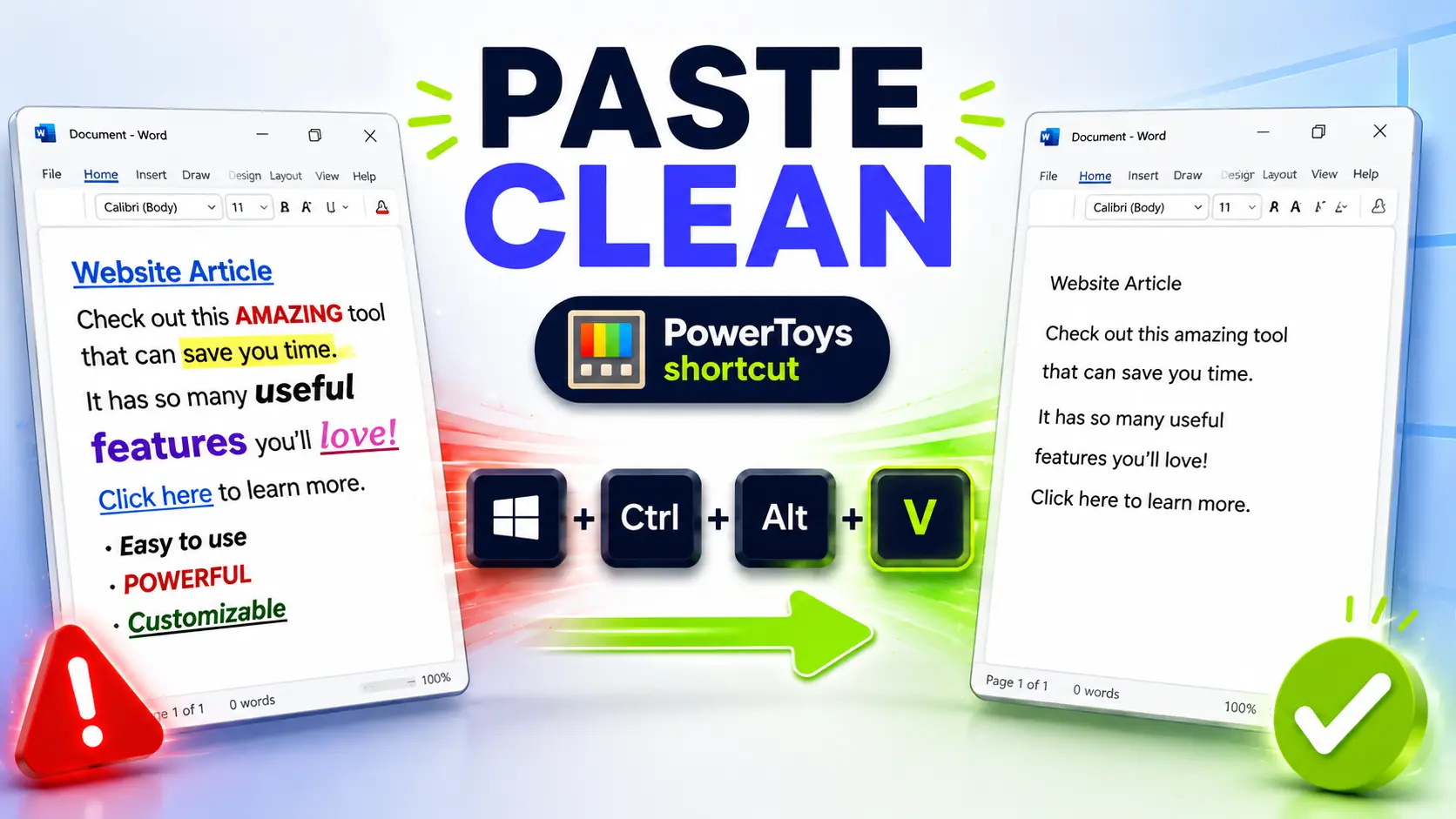
Paste as Plain Text on Windows: The PowerToys Shortcut I Use Every Day
Copied text ruining your documents? Set up this PowerToys shortcut to paste clean text anywhere on Windows.