Receive a practical tip once a week.

Windows
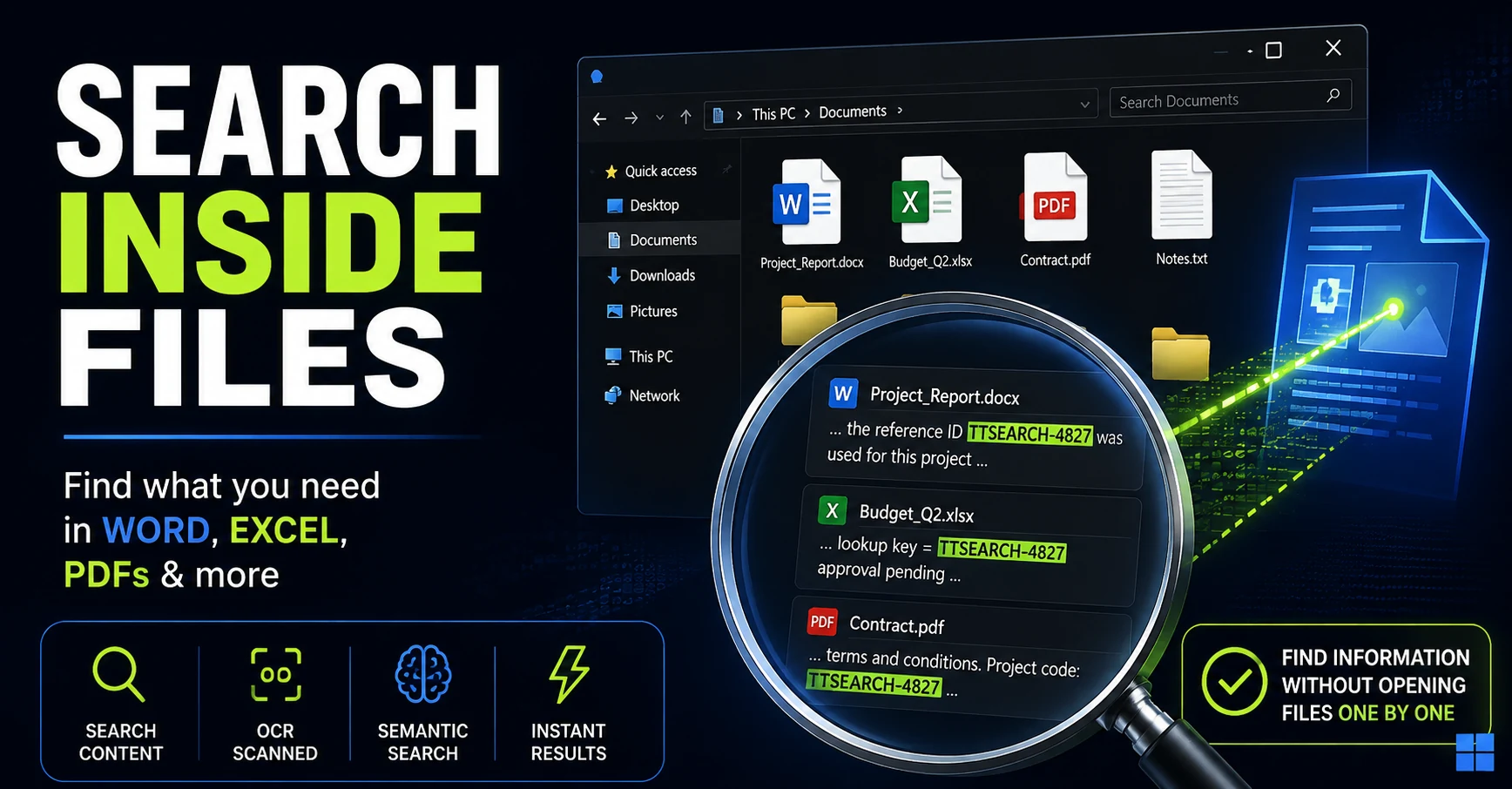
How to Search Inside Files on Windows Without Opening Them One by One
Remember the text but not the filename? Here are the Windows search methods I tested for finding words, numbers, and even ideas buried inside Office documents and PDFs.
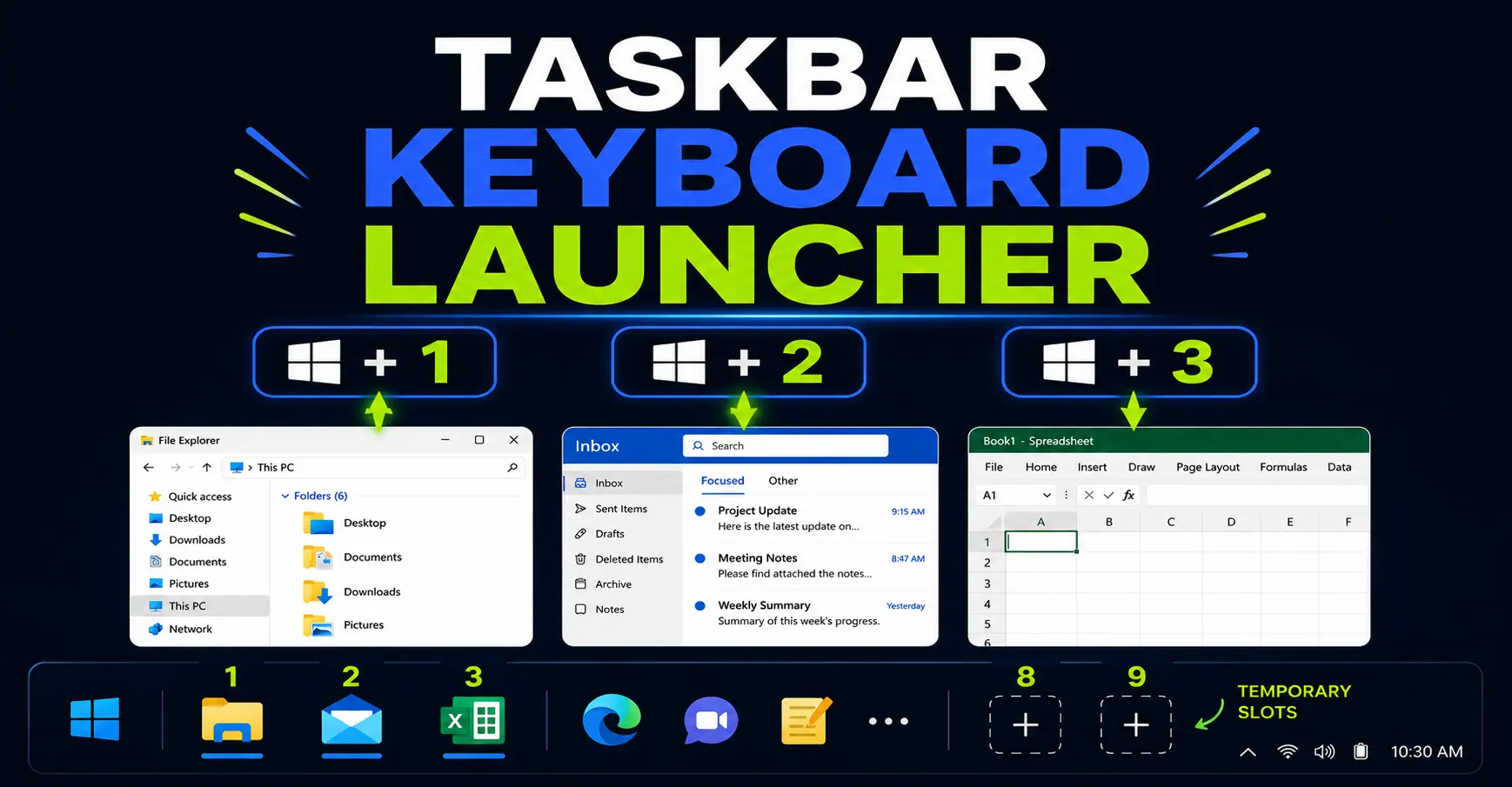
Turn Your Windows Taskbar Into a Keyboard Launcher
Your Windows taskbar can work like a keyboard launcher. Learn how Win+1, Win+2, Win+Shift+number, Win+Alt+number and Win+T help you open and switch between office apps faster.
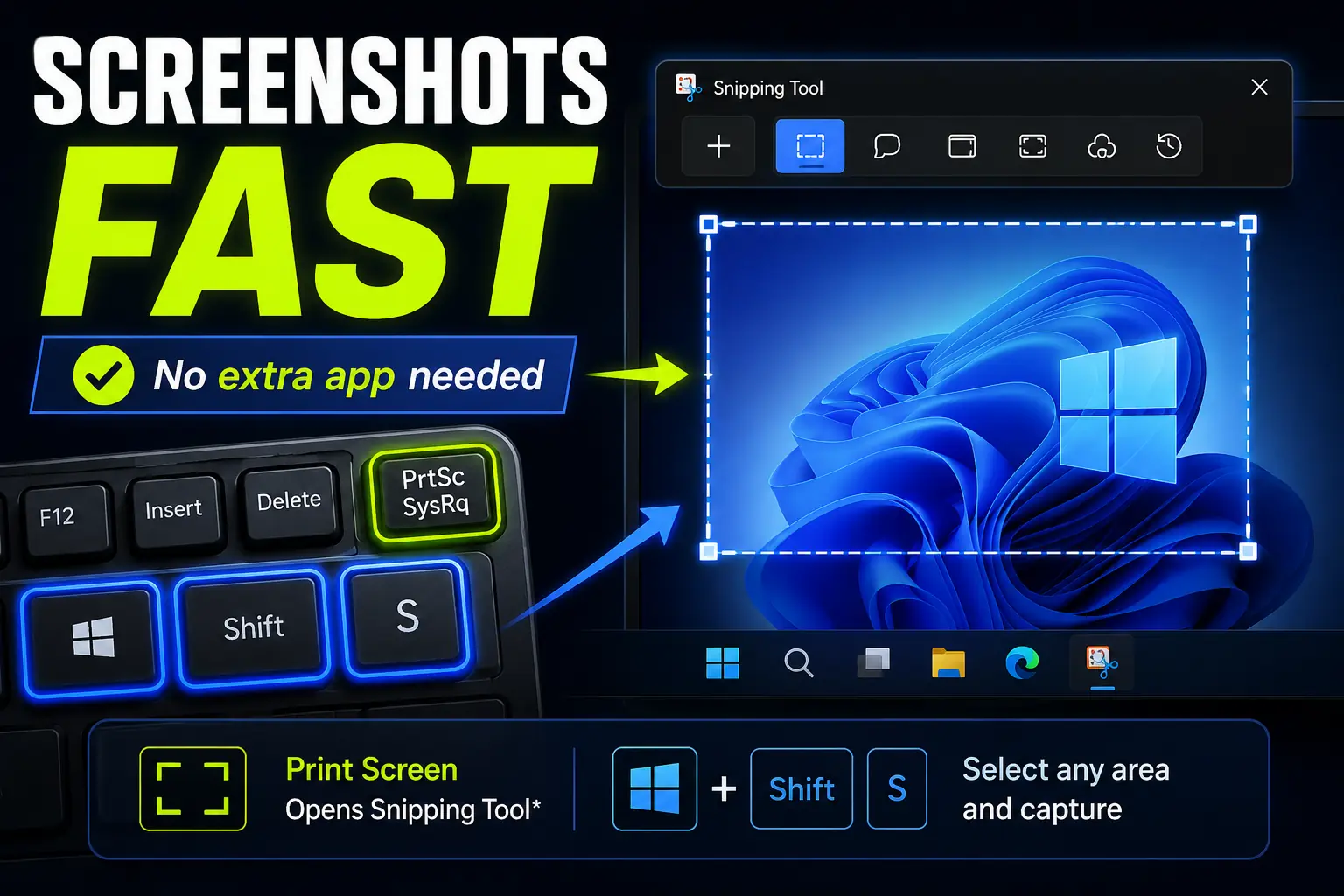
How to Take Screenshots Faster in Windows Without Installing Anything
Windows already includes fast screenshot shortcuts, so you may not need to install another capture app. Here’s how Print Screen, Win+Shift+S, and Snipping Tool can help you capture exactly what you need.
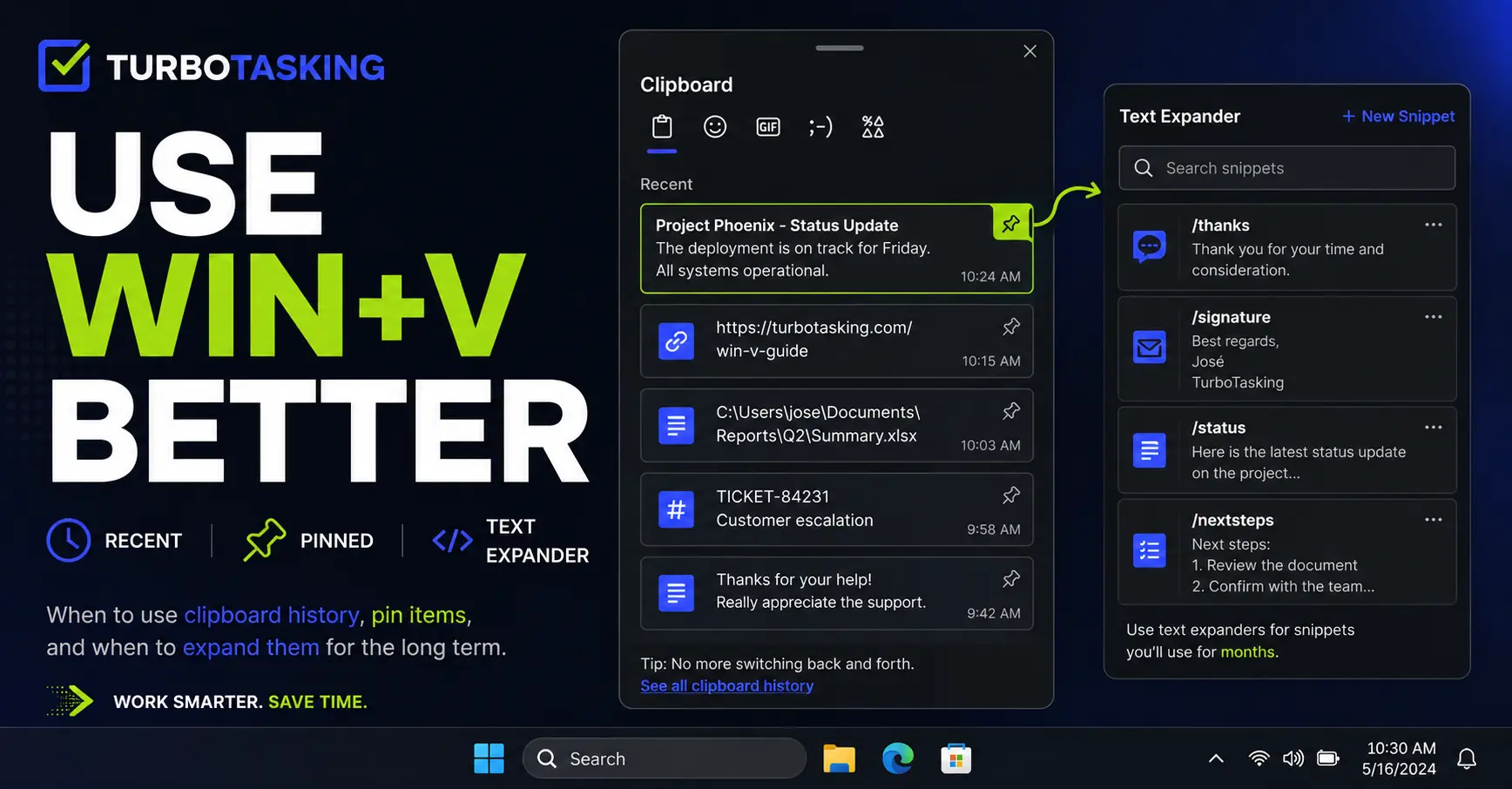
You Know Win+V. Here’s How to Actually Use It Well
Win+V is more useful than most people think. Learn a simple workflow for clipboard history, pinned items, screenshots, and text expanders.