Receive a practical tip once a week.

PowerToys
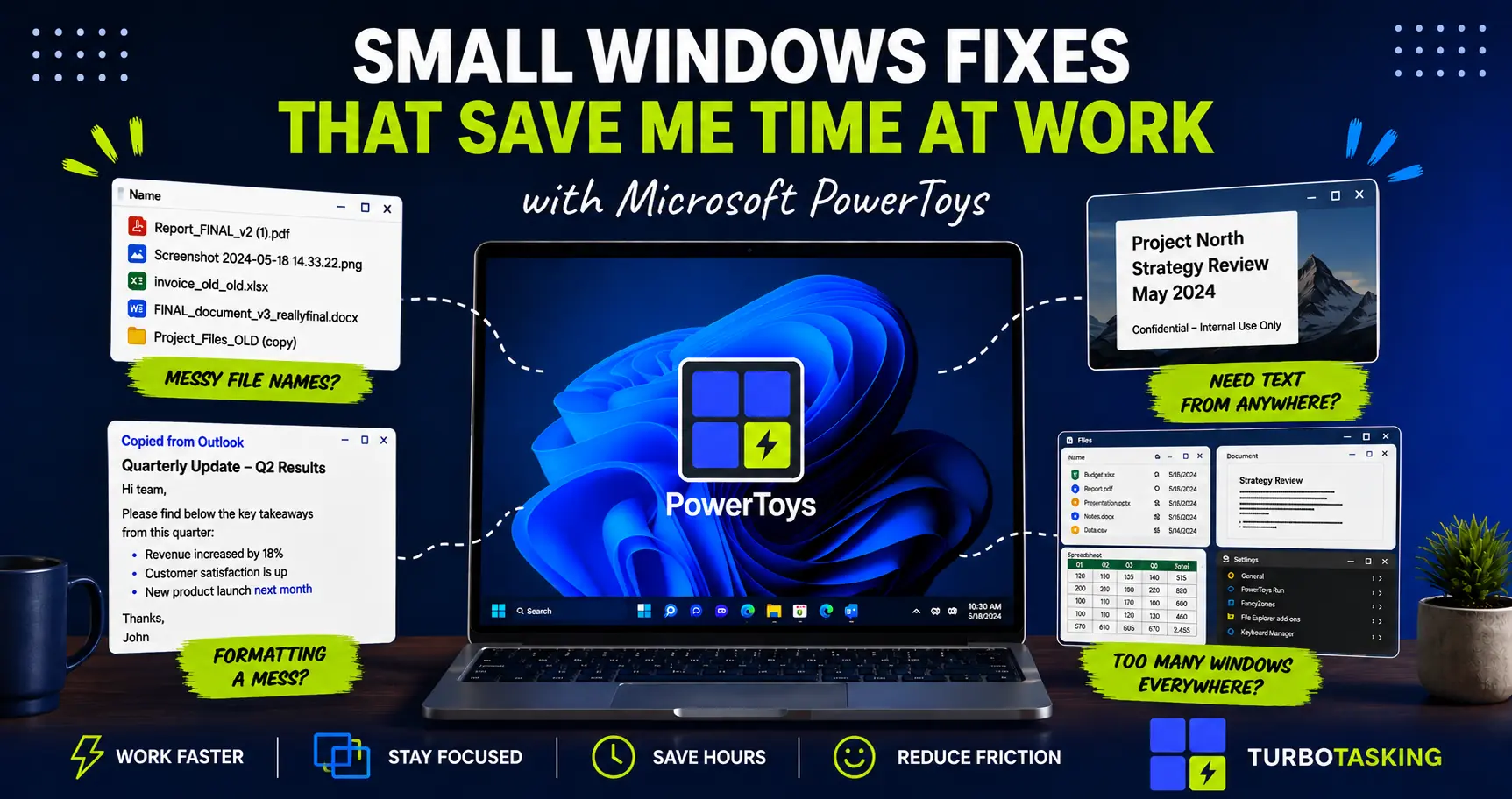
Microsoft PowerToys: Small Windows Fixes That Quietly Save Me Hours
A practical introduction to Microsoft PowerToys for office workers who want small, corporate-safe Windows upgrades that save time every day.
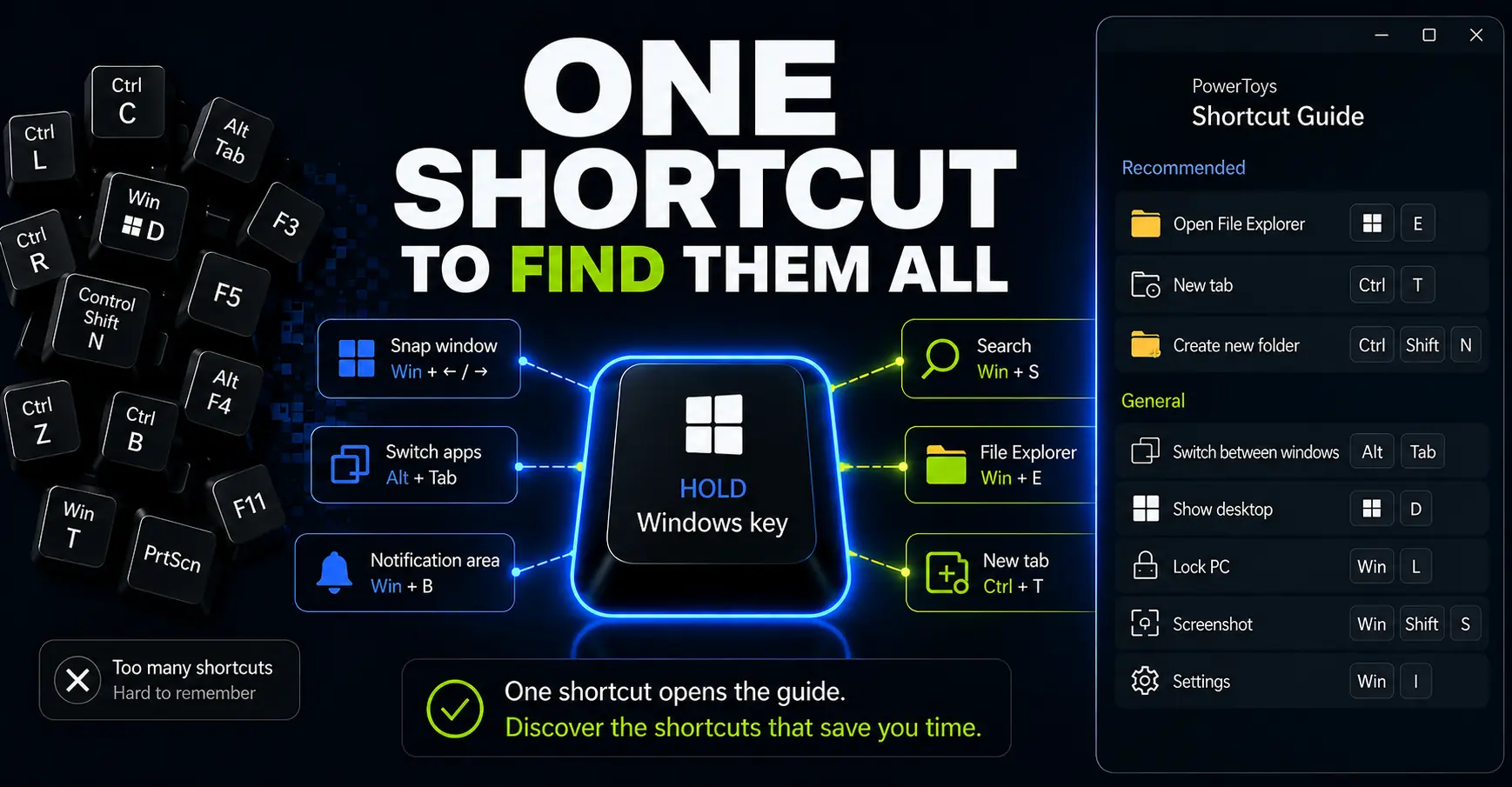
How to Use PowerToys Shortcut Guide to Work Faster on Windows
Shortcut Guide turns Windows shortcuts into an on-demand reminder you can open while you work. Here’s how to use it to discover, pin, and practice shortcuts without memorizing a huge list.
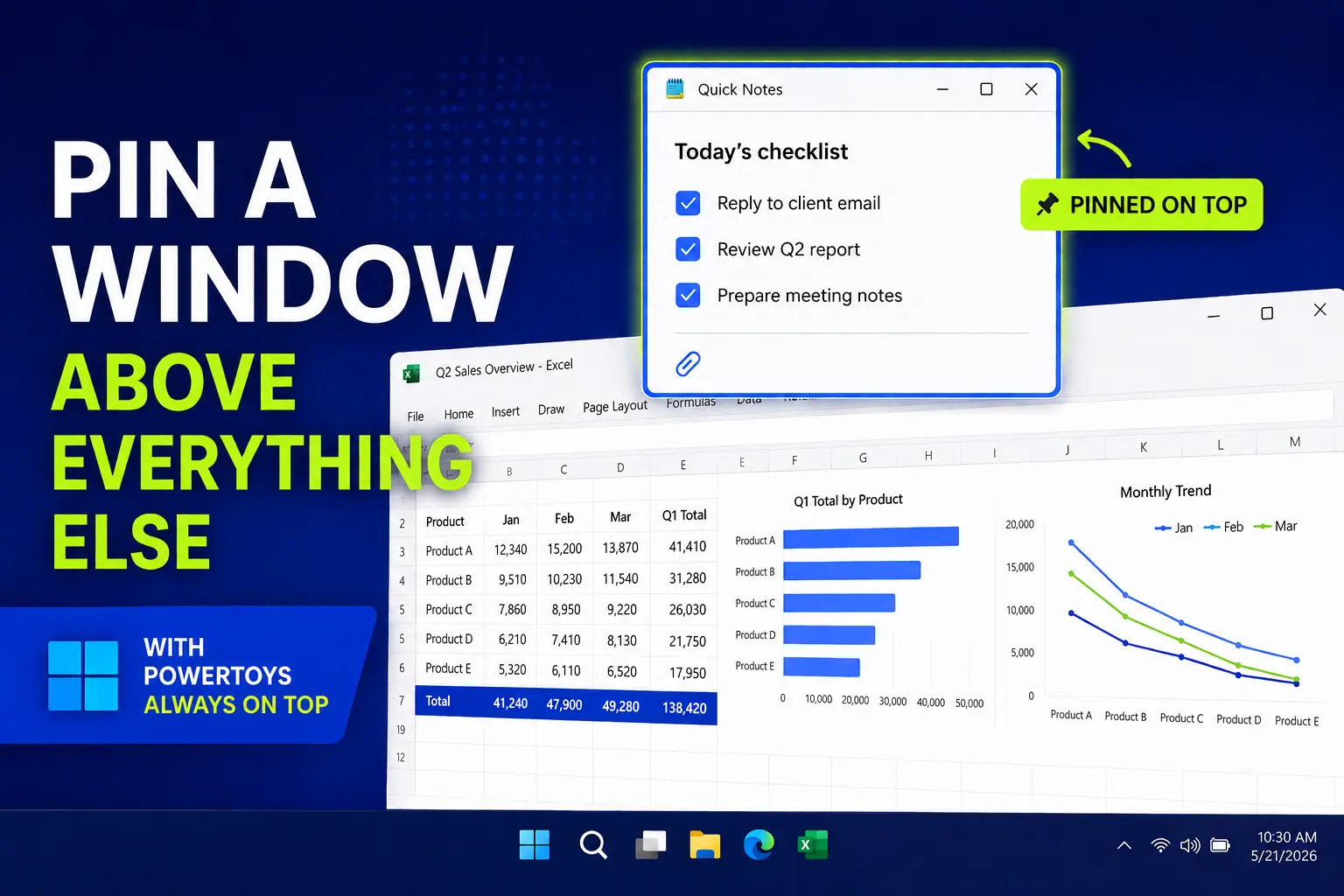
PowerToys Always On Top: Pin a Window Above Everything Else
A simple PowerToys trick for pinning a reference window above everything else, useful for notes, calculators, chats, checklists, and forms.
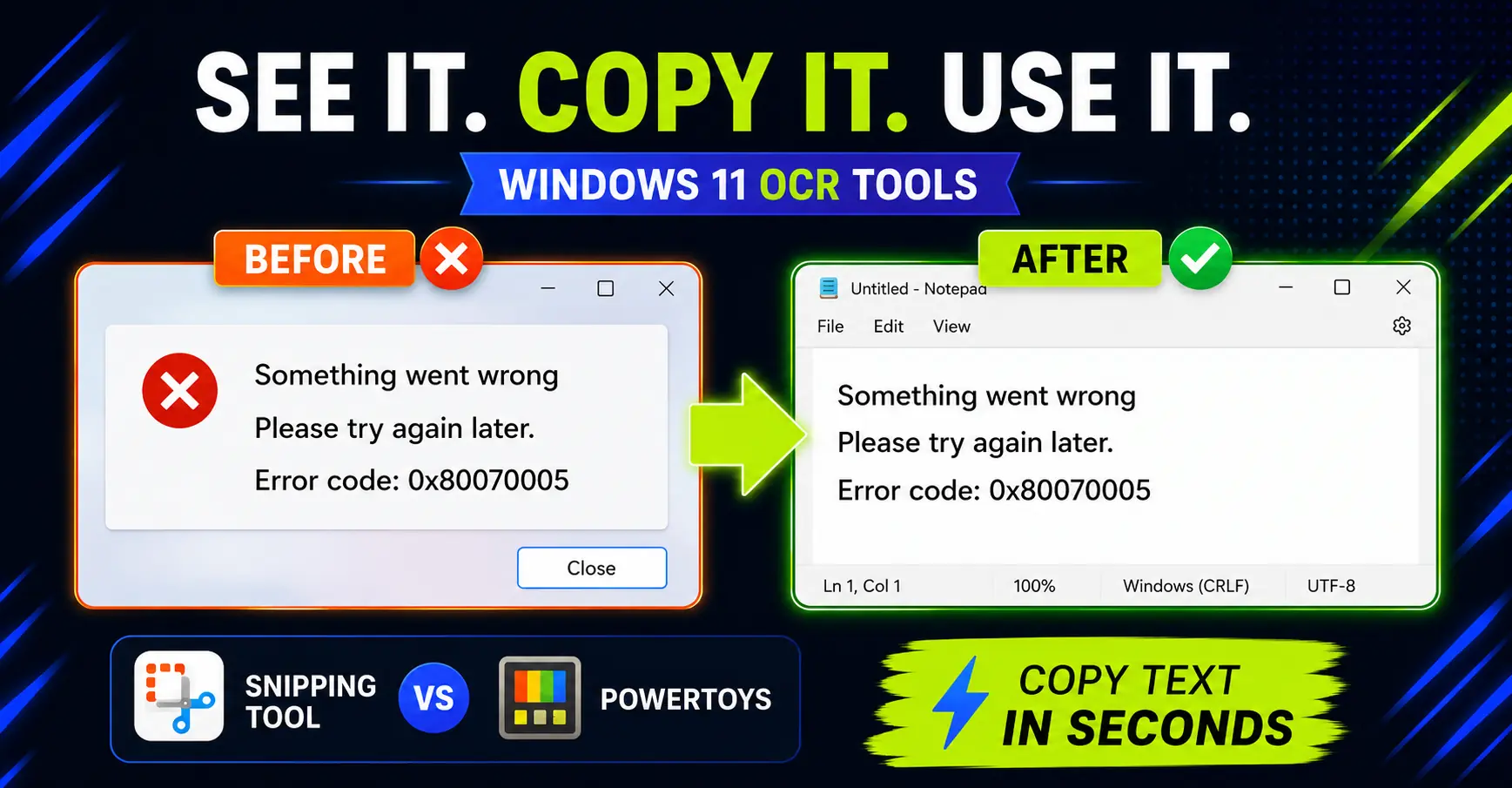
How to Copy Text from Images on Windows: Snipping Tool vs PowerToys
Need text from a screenshot or image? Compare the fastest built-in Windows options and avoid retyping what is already on screen.
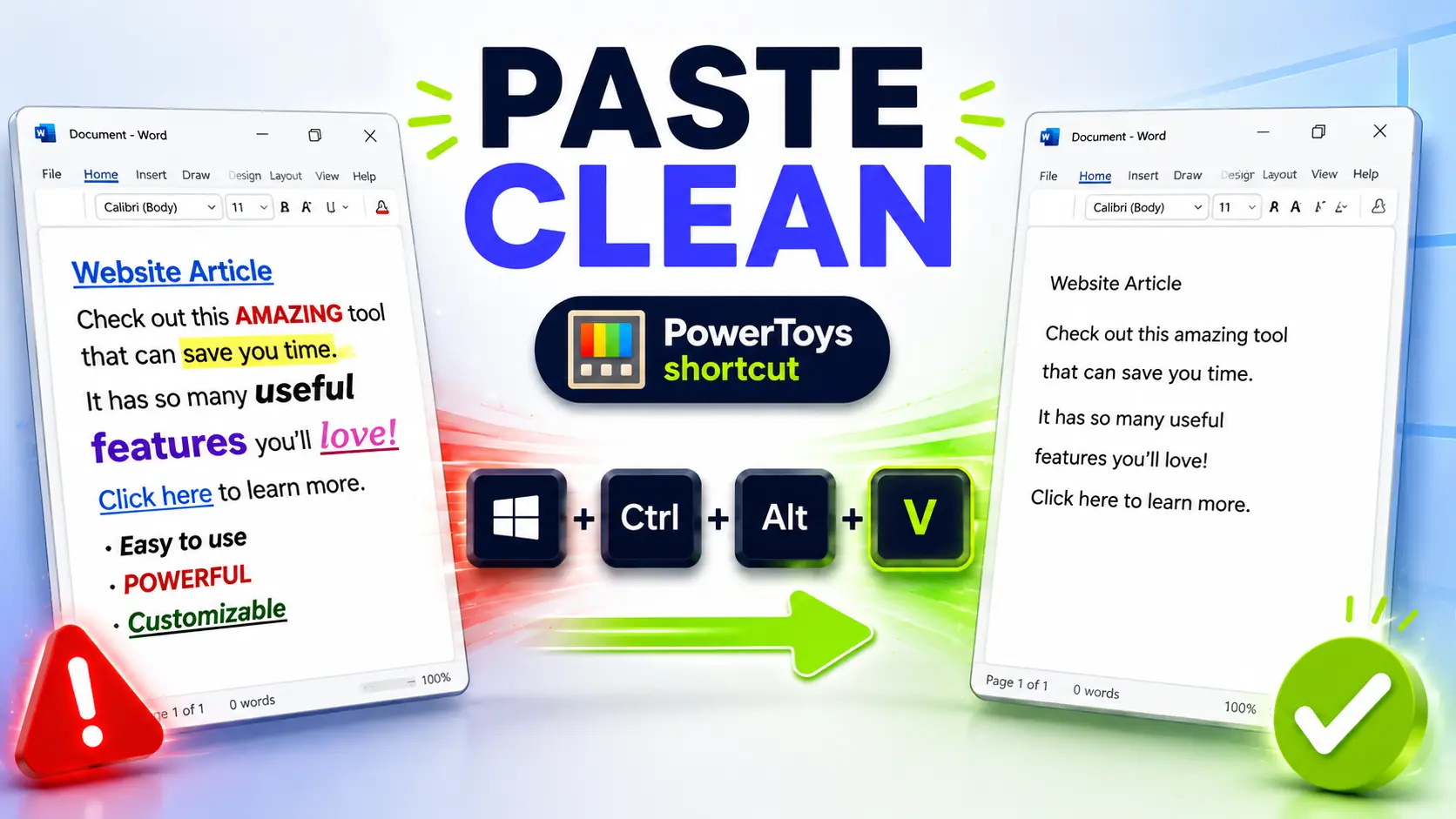
Paste as Plain Text on Windows: The PowerToys Shortcut I Use Every Day
Copied text ruining your documents? Set up this PowerToys shortcut to paste clean text anywhere on Windows.
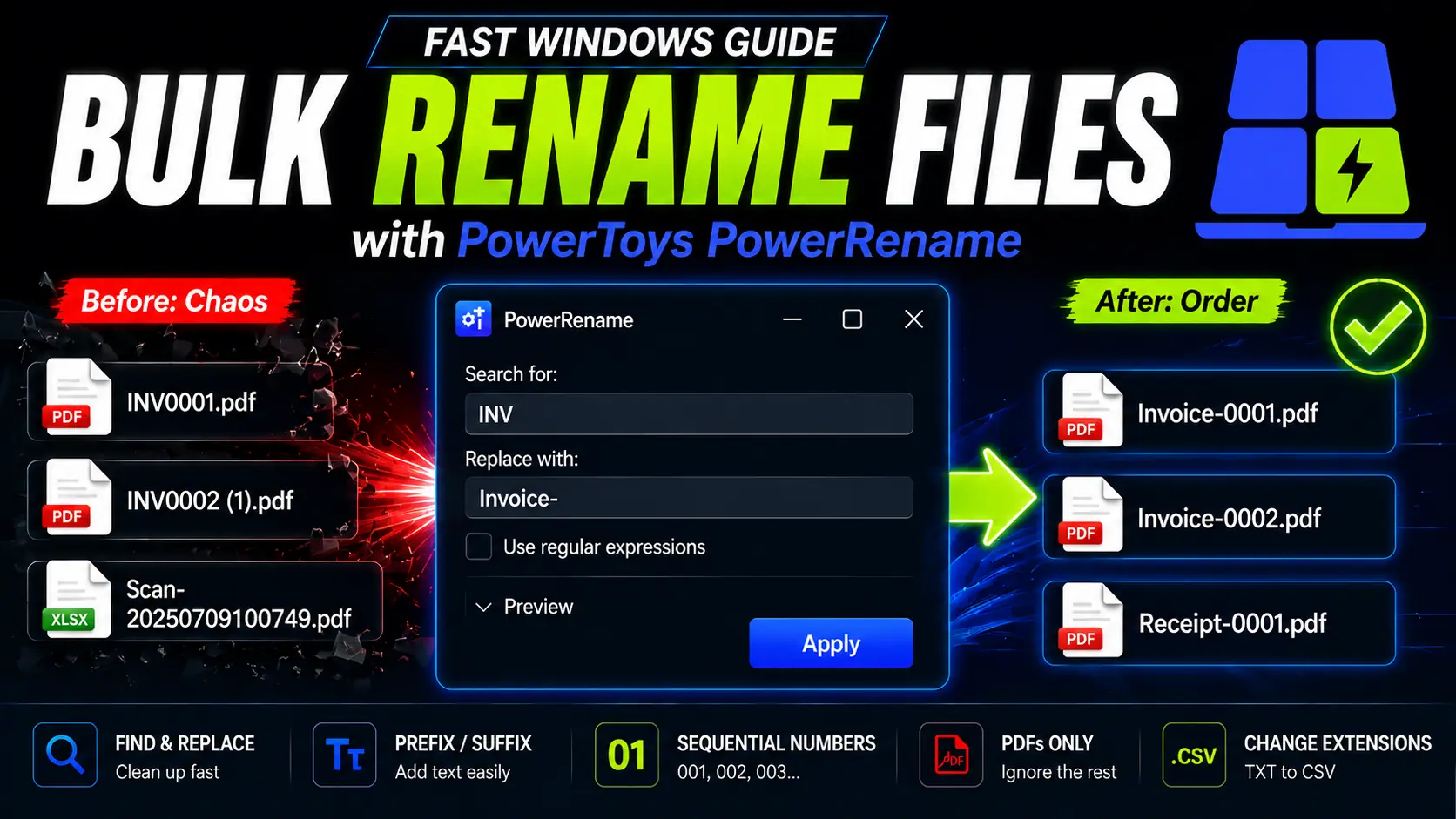
How to Rename Multiple Files at Once on Windows (Free): PowerToys PowerRename
Stop renaming files manually. Learn how PowerToys PowerRename can batch rename files on Windows with preview, Find and Replace, prefixes, optional regex, and sequential numbering.