
Noise makes focusing harder than it should be.
Not because you lack discipline, but because your brain keeps reacting to what it hears.
And in a noisy office or at home, that reaction can destroy your momentum all day.
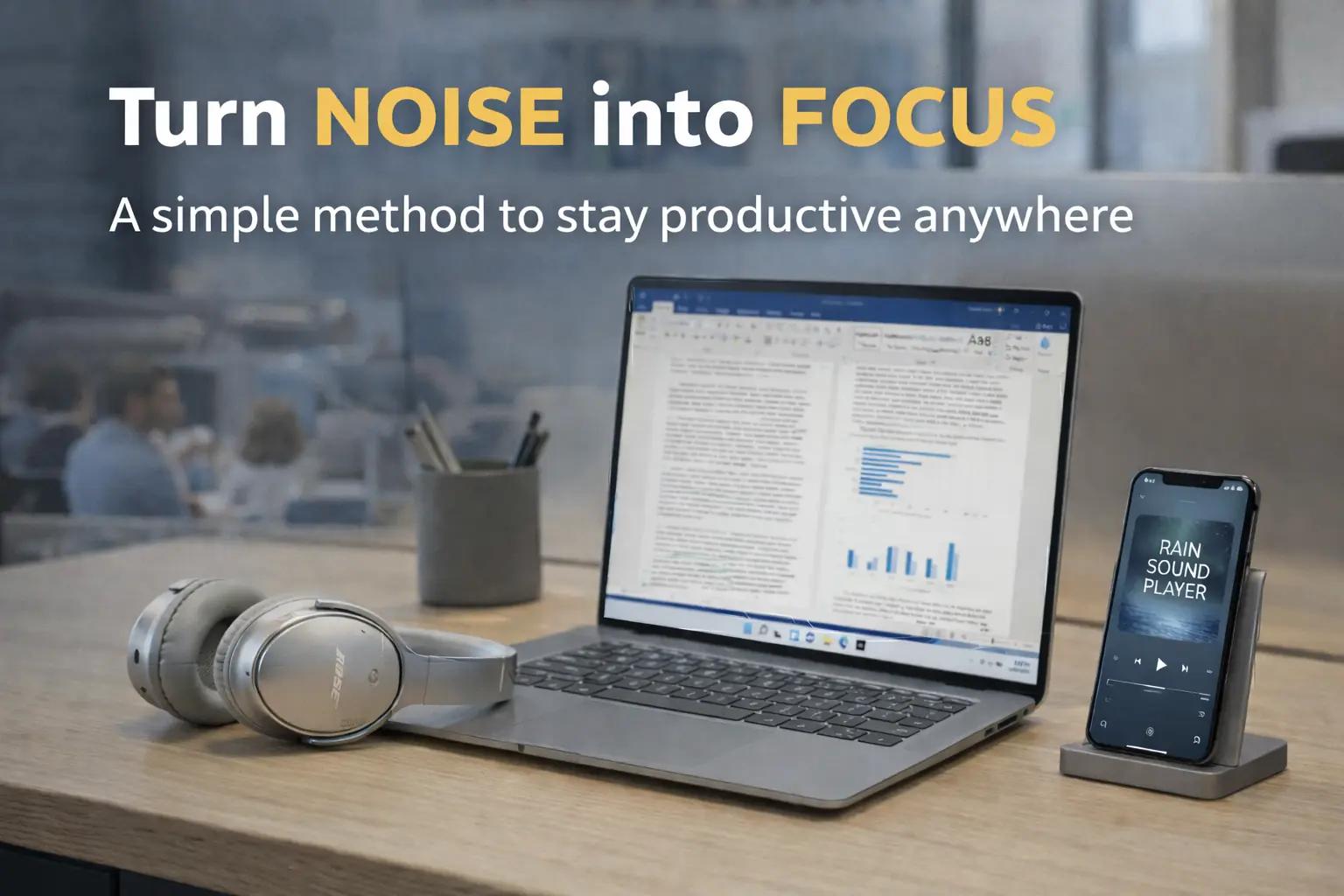
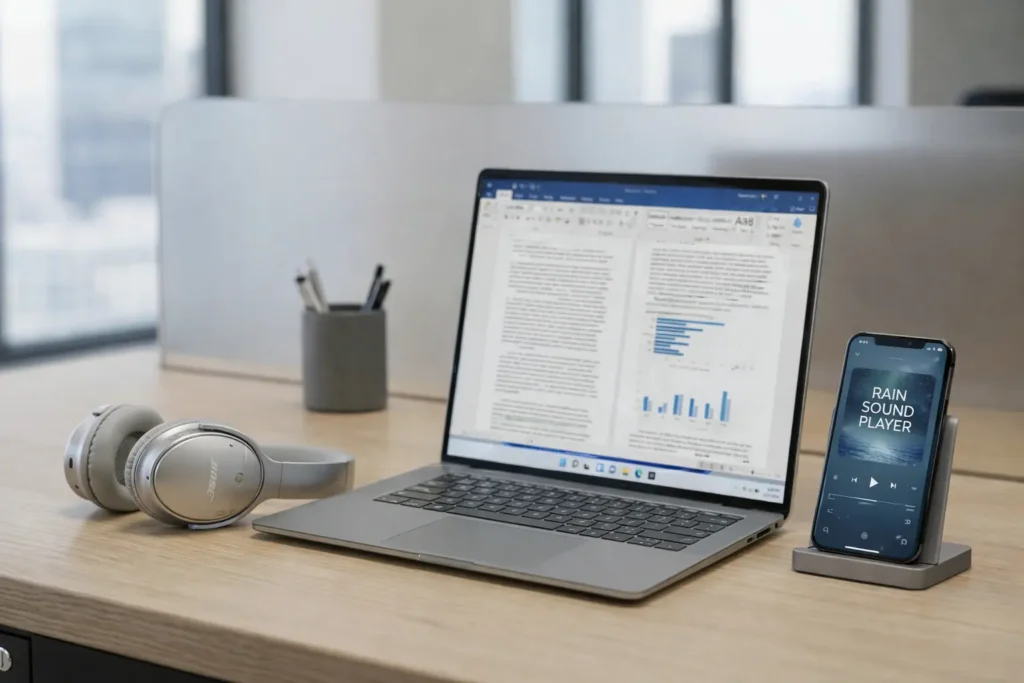
What changed everything for me was a simple setup: over ear noise cancelling headphones plus steady background sound, usually rain.
Together they turn unpredictable distractions into a stable audio environment, so you can finally stay with one task long enough to make real progress.
In this article I will show you exactly how to replicate it, which sounds work best, and how to try it today in two minutes, even if you are surrounded by voices, neighbors, or street noise.
In this article
Why noise at work makes it so hard to focus
Not all noise is equally distracting.
The worst kind is unpredictable noise. Voices that change volume. Sudden laughs. A phone ringing. Footsteps behind you.
Your brain treats these as signals that might matter, so it keeps checking them. That checking breaks concentration, even if you are trying your best.
At home it can be the same. A neighbor turns up music. A renovation starts. A machine cuts trees outside. You cannot always control it, and you cannot always move.
You do not need perfect silence.
You need fewer attention spikes.
My breaking point, and the small discovery that solved it
I tried to push through.
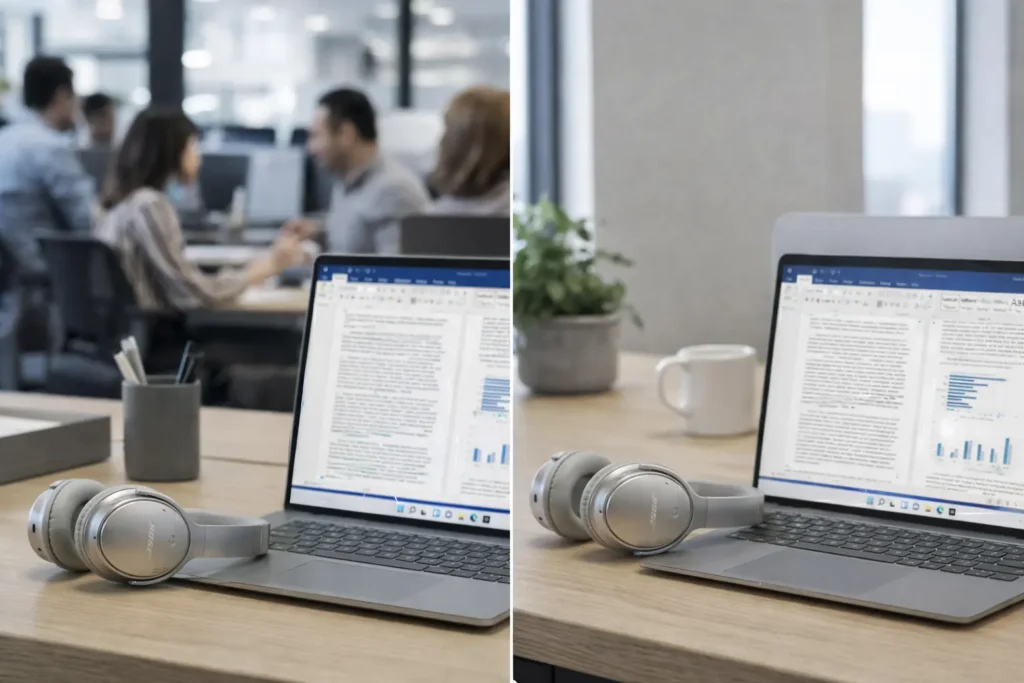
Some days the office was too loud. I kept rereading the same lines and making silly mistakes. Then my company bought me over ear noise cancelling headphones.
And I tested something simple.
I opened YouTube and played a rain video quietly through the headphones. No lyrics. No rhythm. No hook. Just a steady layer that made the office feel less sharp.
Later I found dedicated sites that do this better than YouTube because they are built for focus and give you control. I often use MyNoise and noise.online, but the exact tool matters less than the principle.
The principle is this.
Combine noise reduction with a steady sound layer, so random spikes stop stealing your attention.
The simple setup that changed everything
It is two parts.
- Over ear noise cancelling headphones to reduce external noise.
- Background sound for focus to mask what remains and make the audio environment stable.
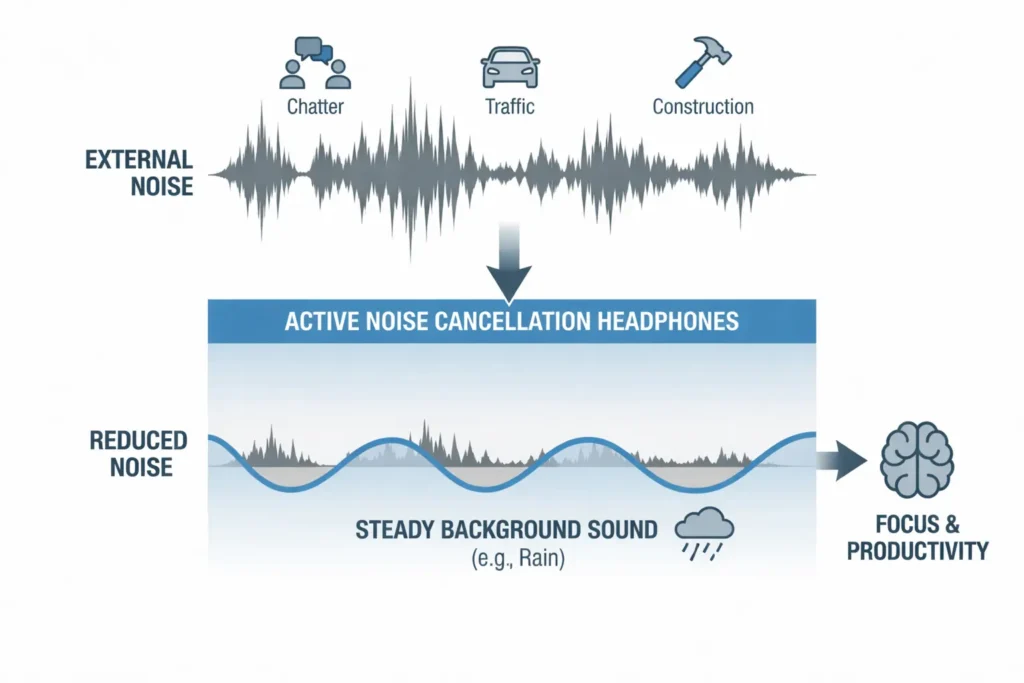
Each part helps. Together they are much better. Noise cancelling reduces low frequencies like traffic rumble and air conditioning, but voices and sudden sounds can still leak through. A steady sound layer fills the gaps and makes the remaining noise less noticeable.
You are not trying to blast sound.
You are trying to create a stable audio bubble.
Part 1, noise cancelling headphones for work, what matters and what does not
Most people overcomplicate this.
You do not need the most expensive model. You need something you can wear for hours. If the headphones hurt after sixty minutes, you will stop using them, and the method fails.
What matters most:
- Comfort for long sessions, headband and ear pads.
- Over ear design, usually better isolation than on ear.
- Decent ANC, reliable enough to lower the baseline noise.
What matters less for this purpose:
- Chasing perfect ANC performance.
- Ultra premium audio quality.
- Extra features you never use.
The headphones are the foundation.
The sound layer is the multiplier.
Part 2, background noise for focus, why it works
Boring is a feature.
A good focus sound is something you notice for thirty seconds, then forget. It gives your brain a predictable background so it stops reacting to every tiny spike in your environment.
This is why music often fails. Music is designed to be interesting. Lyrics pull attention. Rhythms pull attention. Even calm music can become another thing your brain tracks.
Focus sounds are different.
They are designed to be steady and non demanding.
The sounds I use, and when to choose each one
Start simple.
I recommend beginning with rain sounds for focus, then experimenting with white noise or brown noise if needed. Your preference matters more than theory. The only rule is that it should help you work.
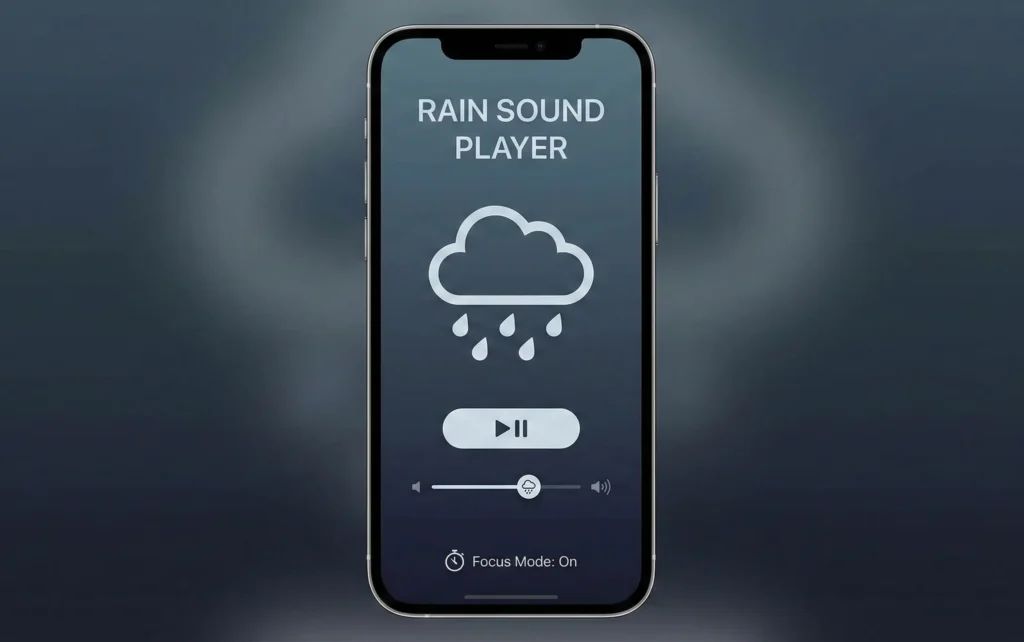
Rain sounds for focus
Rain is my default.
It feels natural and non intrusive. It has enough texture to mask external noise, but it usually does not contain distinct events that grab attention.
Rain works especially well for:
- Writing, reading, coding, analysis.
- Deep work sessions.
- Noisy offices where voices cut through.
One detail matters a lot. Choose rain that is consistent. Some tracks include thunder, birds, or dramatic changes. Those can pull you out of focus.
White noise for focus
Sometimes you need stronger masking.
White noise is a steady hiss that covers a wide range of frequencies. Many people like it because it masks voices well. If speech is your main distraction, white noise can be very effective.
White noise can be a good choice when:
- You are in an open office with lots of talking.
- You want maximum masking with minimal variation.
- You do not mind the synthetic feel.
If it feels harsh, lower the volume or try brown noise.
Brown noise for focus
Deeper. Softer.
Brown noise is less sharp than white noise. Many people find it more comfortable for long sessions. It can feel like a low rumble or a heavy waterfall depending on the generator.
Brown noise may work better if:
- White noise gives you fatigue.
- You want a warmer sound that still masks distractions.
- You work in long blocks and prefer something gentler.
Try both for a day or two. Pick the one you forget about fastest while working. That is usually the right choice.
The tools I actually use, and why I prefer them over YouTube
You can start with YouTube. It is quick, familiar, and it works. But it also has two common problems: it can distract you visually, and it can interrupt your flow with suggestions, comments, or other temptations to click away.
Dedicated tools are often better for focus because they are built for this exact job. They keep the experience simple, stable, and easy to repeat day after day.
What I look for in a tool:
- No visual distractions, no endless feed, no tempting thumbnails.
- Stable sound, without dramatic events or sudden jumps.
- Fast start, so you can begin working in seconds.
Three practical options:
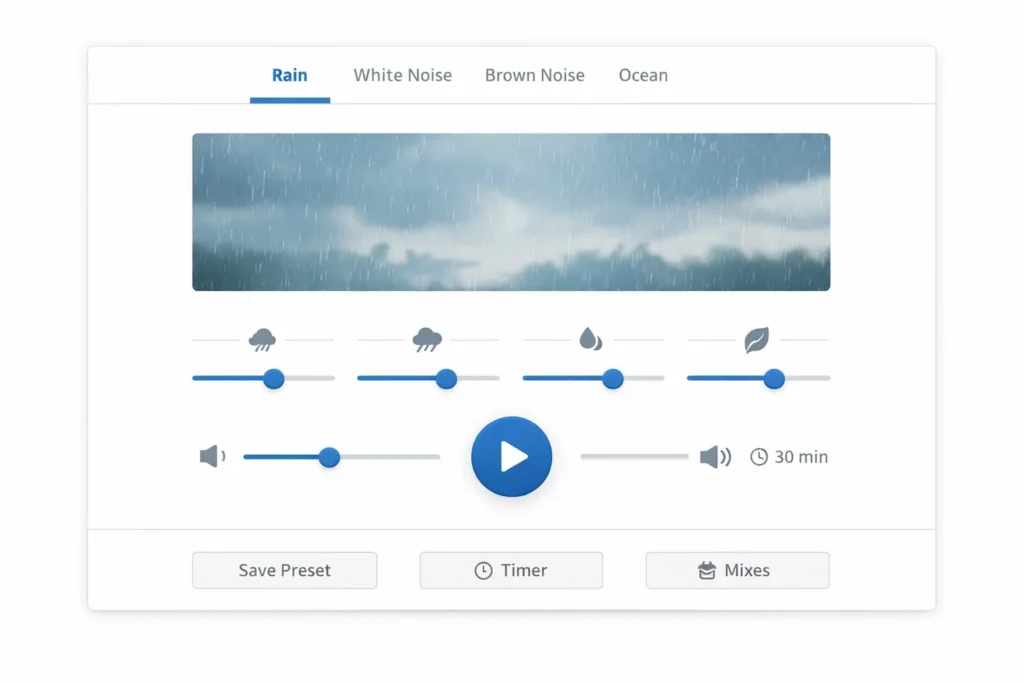
- MyNoise: great if you like fine control. You can shape the sound to match your environment and your taste.
- noise.online: simple and fast, ideal when you just want something that works with minimal setup.
- Any distraction free noise or rain generator: an app or website is fine as long as it is stable and quick to launch.
If a tool makes you browse options for five minutes, it defeats the purpose. Pick one or two favorites and stick with them.
Why I do not rely on miracle focus audio claims
Online you will find a lot of claims about sounds that supposedly boost your brain, unlock hidden performance, or rewire your mind. The most common example is binaural beats.
Some people love them. My experience is that they often create expectations and lead to constant switching. You try one track, then another, then you wonder if you picked the wrong one. That mindset is the opposite of focus.
If a sound helps you work for thirty minutes with fewer interruptions, it is useful. If it makes you curious, restless, or constantly tweaking, it is not.
Keep it simple. Your goal is to work, not to optimize the soundtrack of your life.
When this works best, and when it does not
This setup shines when you need sustained attention. It helps you enter deep focus and stay there, even if your environment is not ideal.
It works very well for:
- Writing, coding, studying, reading, analysis, planning.
- Problem solving that requires mental continuity.
- Any work where voices and sudden sounds break your train of thought.
It works less well for:
- Meetings and collaboration, for obvious reasons.
- Tasks that require frequent communication.
- Situations where you must hear important cues, alarms, or people.
It also will not fix everything. If you are sleep deprived, overloaded, or constantly context switching, no sound can fully compensate. But it can remove a major source of friction: noise at work and noise at home.
Using this even when there is no noise
This surprised me.
After a while I started using the setup even when the environment was already quiet.
The sound became a cue. When I put on the headphones and start the rain or noise, my brain understands that it is time to focus.
It creates a consistent work bubble regardless of where you are. This can be especially useful if you are trying to focus while working from home, because home is full of subtle distractions and shifting context.
How to try this today in two minutes
Do not overthink it. Here is the simplest way to test it right now.
- Put on your over ear noise cancelling headphones (if you do not have ANC yet, start with any headphones you already own, even basic wired earbuds).
- Open a rain or noise generator, MyNoise, noises.online, or any stable option you like.
- Set the volume low to medium. It should feel like a soft layer, not like music.
- Pick one task and work on it for twenty five minutes without switching.
- If voices still cut through, increase the background sound slightly, not to the point of discomfort.
After the first session, change only one thing at a time.
- If speech still distracts you, try white noise for focus.
- If white noise feels tiring, try brown noise for focus.
Small tweaks can make a big difference, but constant tweaking can become a distraction. Keep it stable.
Common mistakes that make people think it does not work
If you try this and it fails, it is usually because one of these issues is present.
- The sound is too interesting. Thunder, birds, dramatic changes, or cinematic tracks pull attention.
- The volume is too high. If the sound becomes the focus, it defeats the purpose.
- You keep switching tracks. Constant choice creates restlessness.
- You expect instant magic. The benefit is fewer interruptions, not a superhero brain.
- Your headphones are uncomfortable. If you want to take them off, you will not stick with the method.
Fix those, and the setup becomes almost effortless.
Final thoughts
If you struggle with noise at work or at home, you do not need perfect conditions. You can build focus with a simple, repeatable setup: noise cancelling headphones for work plus background noise for focus.
Start with rain sounds for focus. If needed, test white noise for focus or brown noise for focus. Keep it steady, keep it simple, and use it consistently.
The goal is not silence. The goal is a predictable environment where your attention can stay on your work long enough to make real progress.
Want more practical Windows productivity tips? If you like simple ways to make everyday work faster, I share more practical Windows productivity tricks in the TurboTasking newsletter.