Receive a practical tip once a week.
Browser Productivity
Browser Productivity covers the tools, shortcuts, and habits that make web-based work faster. If a large part of your day happens inside Chrome, Edge, or another browser, this category is for you.
You’ll find practical ideas for tab management, search, browser extensions, bookmarks, reading workflows, research, and repetitive actions that happen online. The goal is simple: reduce friction inside the browser and make common tasks feel lighter.
This category is especially relevant for modern office work, where email, research, documentation, internal tools, and even AI assistants often live in the browser. If your browser feels like both your office and your biggest source of distraction, start here.
-
The Best Microsoft Edge Shortcuts for Office Work
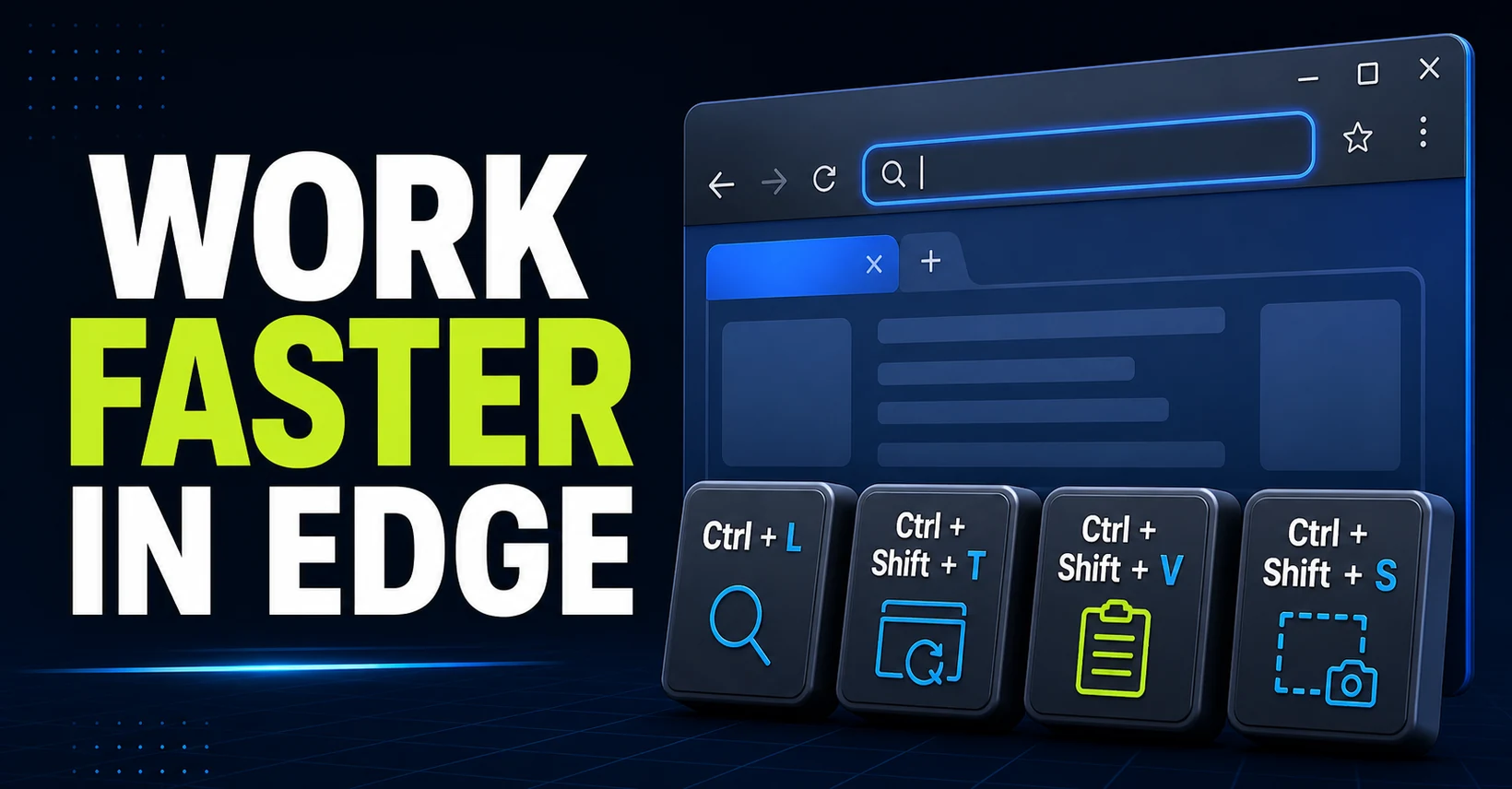
Learn the Microsoft Edge shortcuts that save time at work, from searching and tab management to clean pasting, screenshots, downloads, and history.
-
How to Print a Web Page Without Ads with PrintFriendly
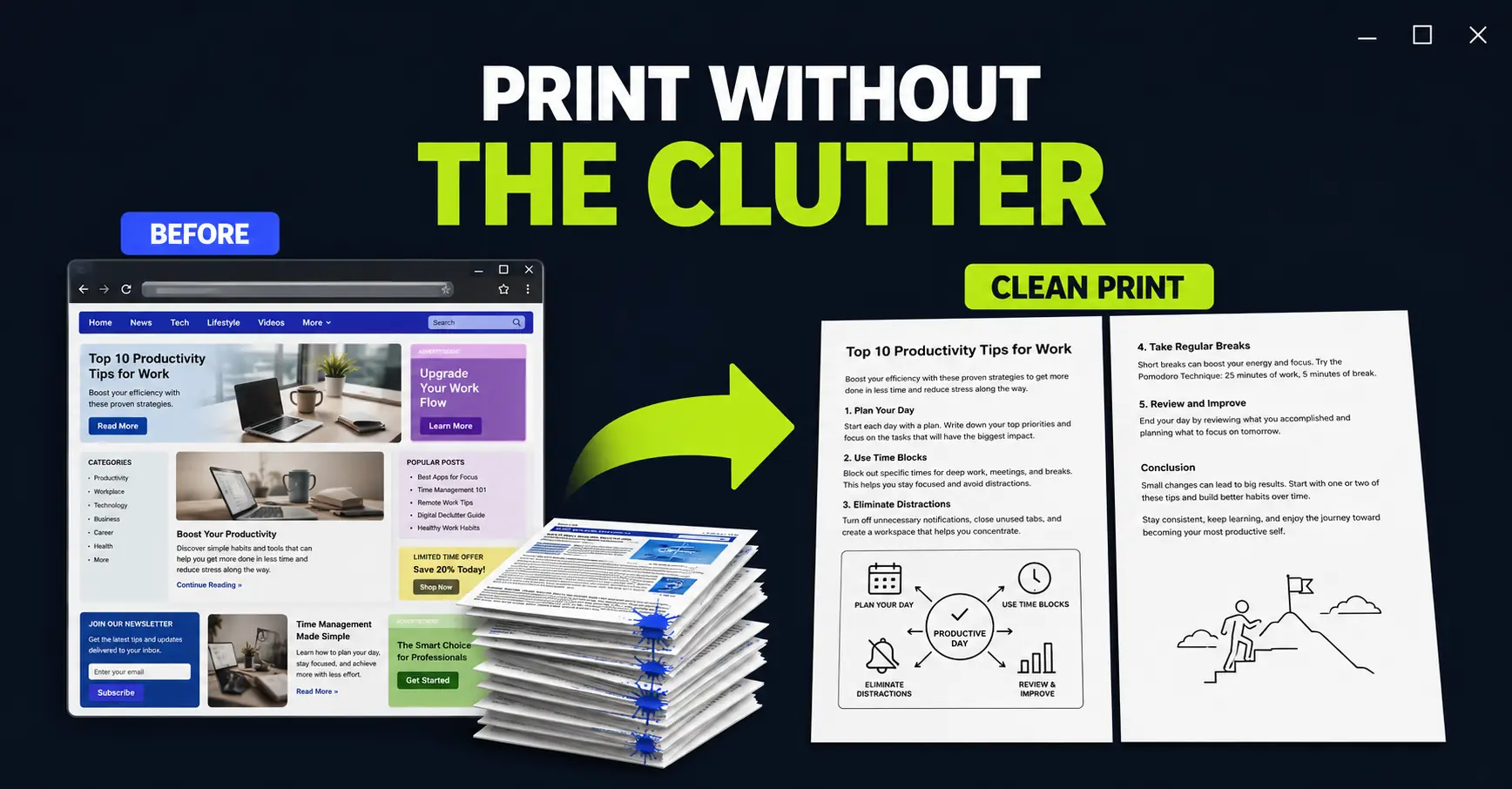
Turn a messy web page into a clean, compact printout. PrintFriendly lets you remove unwanted sections and images before they consume paper and ink.
-
Make Microsoft Edge Read Any Web Page Aloud
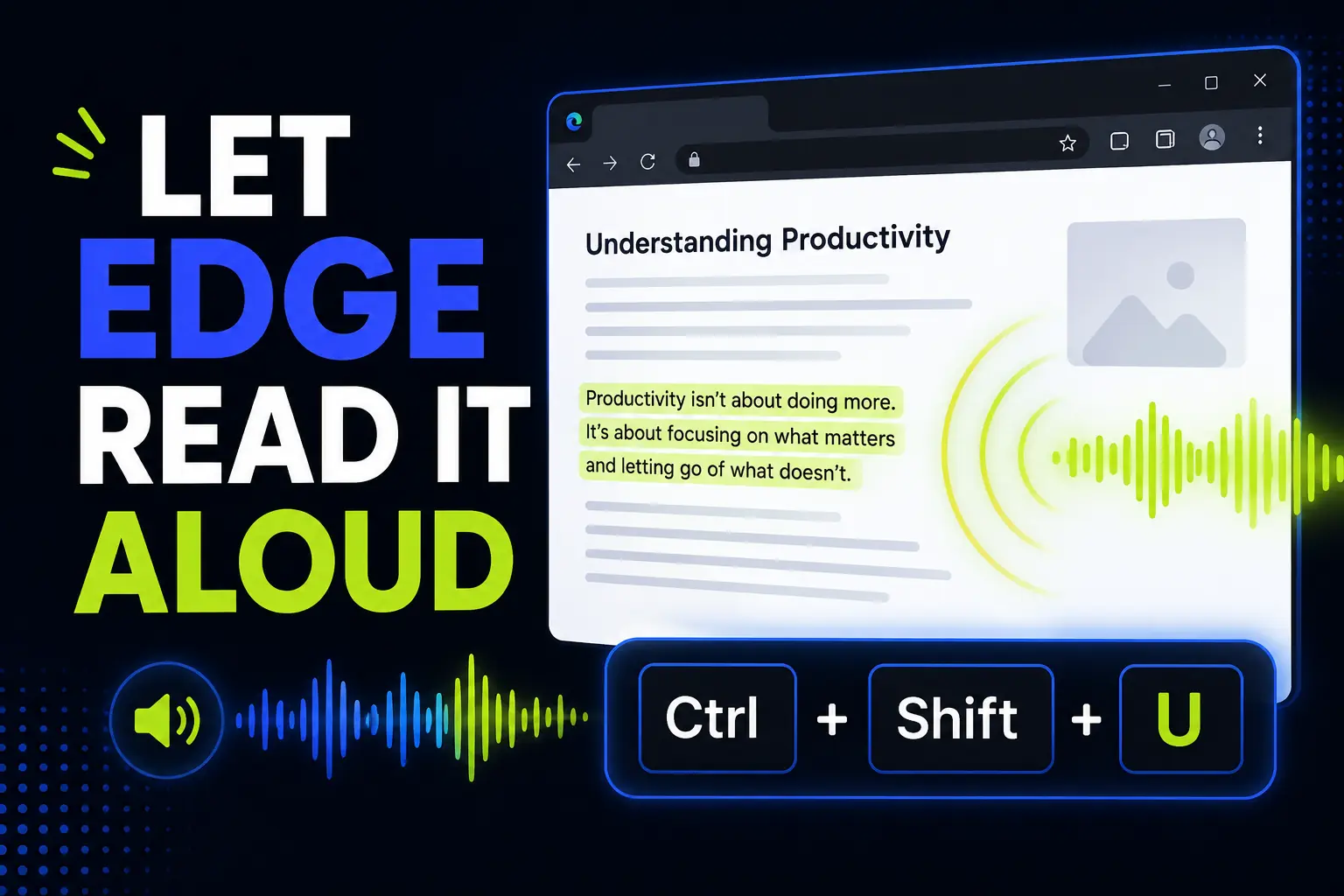
Microsoft Edge can read web pages and PDFs out loud. Here’s how to start Read Aloud, use the shortcut, clean up pages with Reading Mode, and turn it into a practical office workflow.